

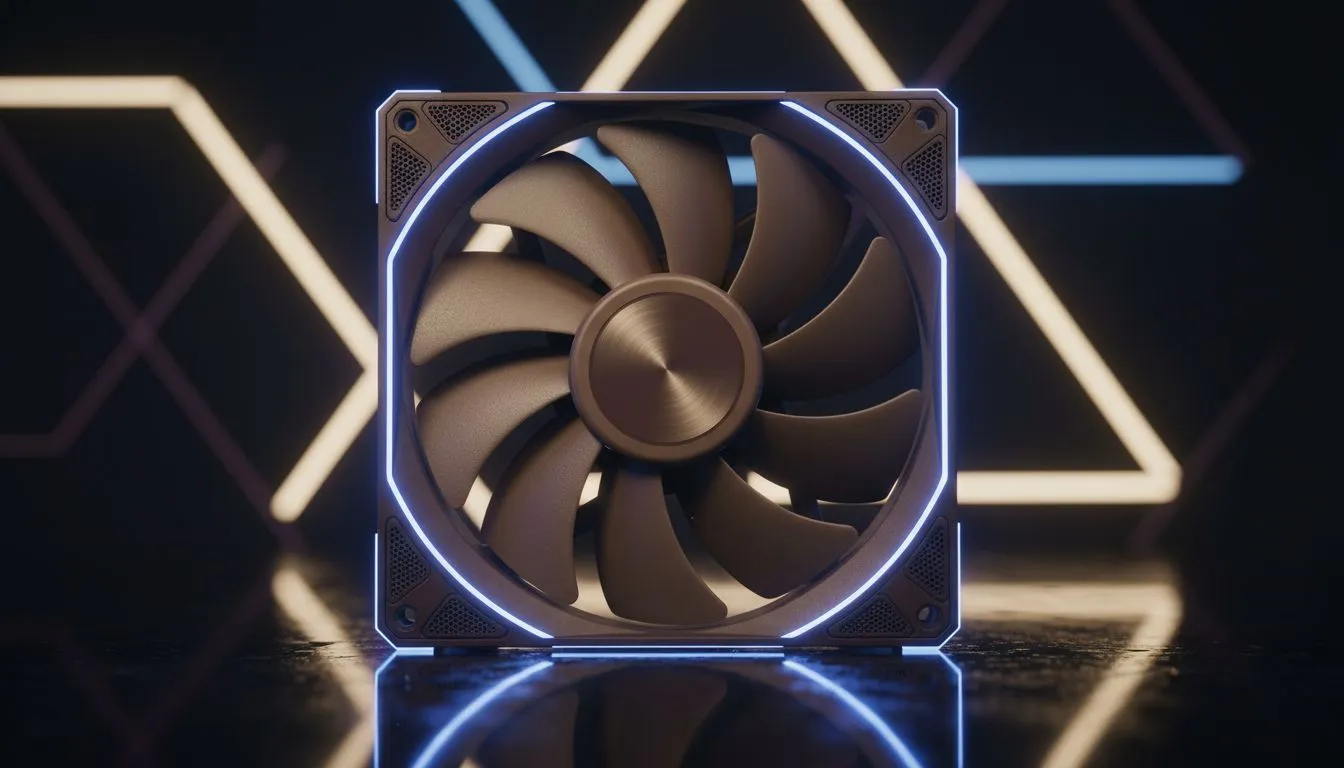
How Many Case Fans Do I Need for a Gaming PC?
Looking to stop your rig from sounding like a kettle on full boil? How many case fans do I need for a gaming PC is the first question every builder asks when planning airflow and temps. Here’s a practical, South African-focused guide that helps you pick the right number and layout — without wasting cash or noise. 🔧⚡
Basic rules for fan count and airflow
A simple rule: start with three fans — two intakes at the front and one exhaust at the rear. That setup gives positive airflow, helps keep GPU temps down and is easy to expand later. For more fan options and configurations, browse Evetech’s full case fan range to compare specs and pricing. https://www.evetech.co.za/PC-Components/case-fans-97.aspx
If you run high-TDP CPUs or multiple GPUs, add a top exhaust or more front intakes. More fans only help when they improve directed airflow; random extra fans can add noise without lower temps.
Fan Fit Tip 🔧
Align fans so cool air comes in low at the front and hot air exits high at the rear top. Use one PWM fan for the CPU radiator and match other fan speeds with a fan hub or motherboard headers to avoid counterproductive airflow.
Fan sizes and when to choose 120mm vs 140mm
Bigger fans move more air at lower RPMs, so 140mm fans are quieter than equivalent 120mm models for the same airflow. If your case supports 140mm, prefer them for front intakes and top exhausts. See Evetech’s 140mm selection for models and specs. https://www.evetech.co.za/PC-Components/case-fans-97.aspx?attributes-size=140mm
If your case only supports 120mm, you can still get excellent airflow by using multiple 120mm intakes and a higher-quality fan blade design. Compare the 120mm options on Evetech before buying. https://www.evetech.co.za/PC-Components/case-fans-97.aspx?attributes-size=120mm
Intake vs exhaust: placement matters
Front = intake, rear = exhaust, top = exhaust (or intake if you need front-to-top flow). Balanced intake and exhaust reduces dust build-up. For controlled RGB aesthetics, check out our RGB fan range and match lighting to your build. https://www.evetech.co.za/PC-Components/case-fans-97.aspx?attributes-lightingeffects=RGB
Prefer a stealth look? There are solid, non-RGB options that prioritise airflow and silence. https://www.evetech.co.za/PC-Components/case-fans-97.aspx?attributes-lightingeffects=None
Brands, noise and rhythm of your build
Brands matter for bearing type, PWM control and longevity. Corsair fans often pair well with Corsair RGB controllers. Explore Corsair picks if you want ecosystem compatibility. https://www.evetech.co.za/PC-Components/case-fans-97.aspx?brands=CORSAIR
Deepcool offers solid value and good silent-running models for budget-conscious builders. Take a look at Deepcool models for quieter airflow options. https://www.evetech.co.za/PC-Components/case-fans-97.aspx?brands=Deepcool
Quick checklist before you checkout
- Check case fan mount sizes and available headers.
- Start with front intake(s) + rear exhaust; add top exhaust for high-heat builds.
- Match fan speed using PWM or a hub to cut noise.
- Consider dust filters for front intakes if you game in dusty areas.
Ready to Find Your Perfect Match? The Mac vs Windows debate is complex, but for maximum power, choice, and value in South Africa, Windows is hard to beat. Explore our massive range of laptop specials and find the perfect machine to conquer your world.











