

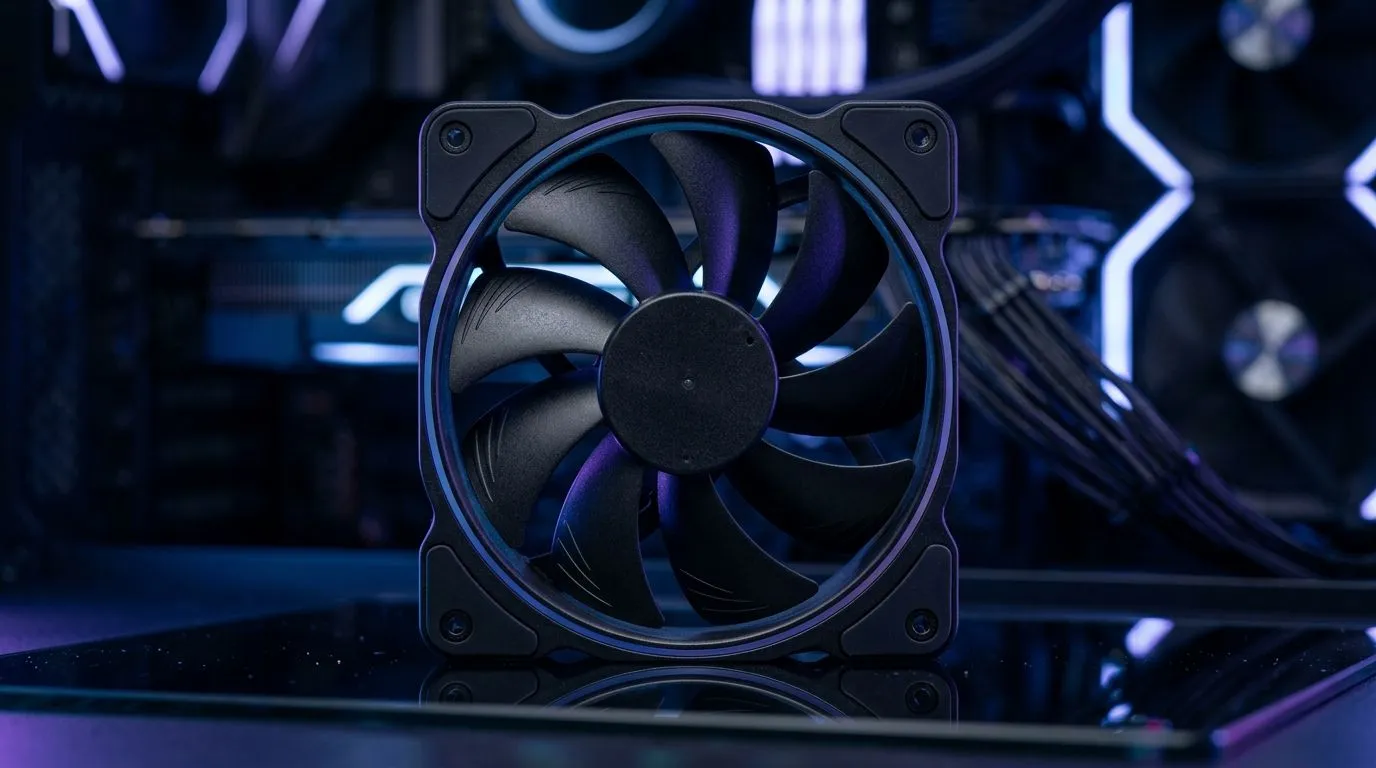
How Many Case Fans Do You Need for a Gaming PC? Start with the right airflow plan
If your FPS drops after a long match, the culprit is often heat… not your aim. In South Africa, dust is a constant, power cuts can leave PCs running hotter, and summer gaming sessions are brutal. 🔥 So, how many case fans do you actually need for a gaming PC? The honest answer depends on your case size, GPU length, and whether your fans are doing more intake than exhaust.
In this Build Lab guide, we’ll map out a practical fan count, explain what matters most, and help you choose fans that fit your setup. ✨
How Many Case Fans Do You Need for a Gaming PC? A simple rule that works
Most gaming builds land in the sweet spot of 2 to 4 case fans total. That typically means:
- 2 intake (front/bottom) to bring in cool air
- 1 to 2 exhaust (rear/top) to push hot air out
If you’re running a high-end GPU and a demanding CPU (think newer multi-core chips), aiming for 3 to 4 fans is safer. Why? Warm air needs a clear path out, especially when the GPU dumps heat into the case.
The direction matters more than the number
Two fans can beat four if they’re installed incorrectly. Aim for a gentle pressure balance:
- Slightly more intake than exhaust helps reduce dust being pulled in through cracks.
- Exhaust fans near the top often help because hot air rises.
Case airflow: what to check before buying fans
Before you order, measure these:
- Max fan sizes supported (120mm vs 140mm)
- Clearance for GPU and radiator placement (if you’re using AIO cooling)
- Whether your case already includes fans
If you’re unsure, Evetech’s case fan range makes it easy to filter by size and features.
How Many Case Fans Do You Need for a Gaming PC? Match fans to your case and your style
Here’s how to choose without overthinking it.
Intake setup: front and/or bottom
For most mid-tower cases, the front is a natural intake location. Bottom intake can also help, but only if there’s enough clearance and your PSU shroud design supports airflow.
If you’re after specific brands and consistent performance, check:
- Corsair fans for a curated lineup: CORSAIR case fans
- Deepcool options if you want strong value: Deepcool case fans
Exhaust setup: rear and top
Rear exhaust is almost always a must. Top exhaust depends on your CPU cooler style and whether hot air is getting trapped.
Want options across sizes?
And if you’re choosing fans for aesthetics, remember: RGB doesn’t cool your PC, but it can fit your build.
- RGB lighting case fans
- Prefer a clean, no-light look? Non-RGB / no lighting case fans
For browsing everything in one place:
Fan count by scenario (quick cheat sheet) ✅
- Budget gaming PC (single-tower airflow, lower power GPUs): 2 to 3 fans
- Balanced mid-range build: 3 fans (2 intake, 1 exhaust)
- High-end GPU or hotter climates: 4 fans (2 intake, 2 exhaust)
- Top-mounted AIO / heavy cooling: add fans to match your radiator plan
Productivity Pro Tip 🔧
How Many Case Fans Do You Need for a Gaming PC? Test, then tune like a pro
Once your fans are installed, you want to confirm the airflow is doing its job.
Try this practical routine:
- Play a GPU-heavy game for 15 to 20 minutes.
- Check temperatures during the session (use your monitoring software).
- If GPU temps are fine but CPU is high, add or reposition exhaust near the top.
- If both run hot, you likely need more intake airflow or better fan placement.
Heat management is a small change that can make your whole build feel steadier. In other words… it’s worth getting right. 🚀
Ready to Find Your Perfect Match? The Mac vs Windows debate is complex, but for maximum power, choice, and value in South Africa, Windows is hard to beat. Explore our massive range of laptop specials and find the perfect machine to conquer your world.











