

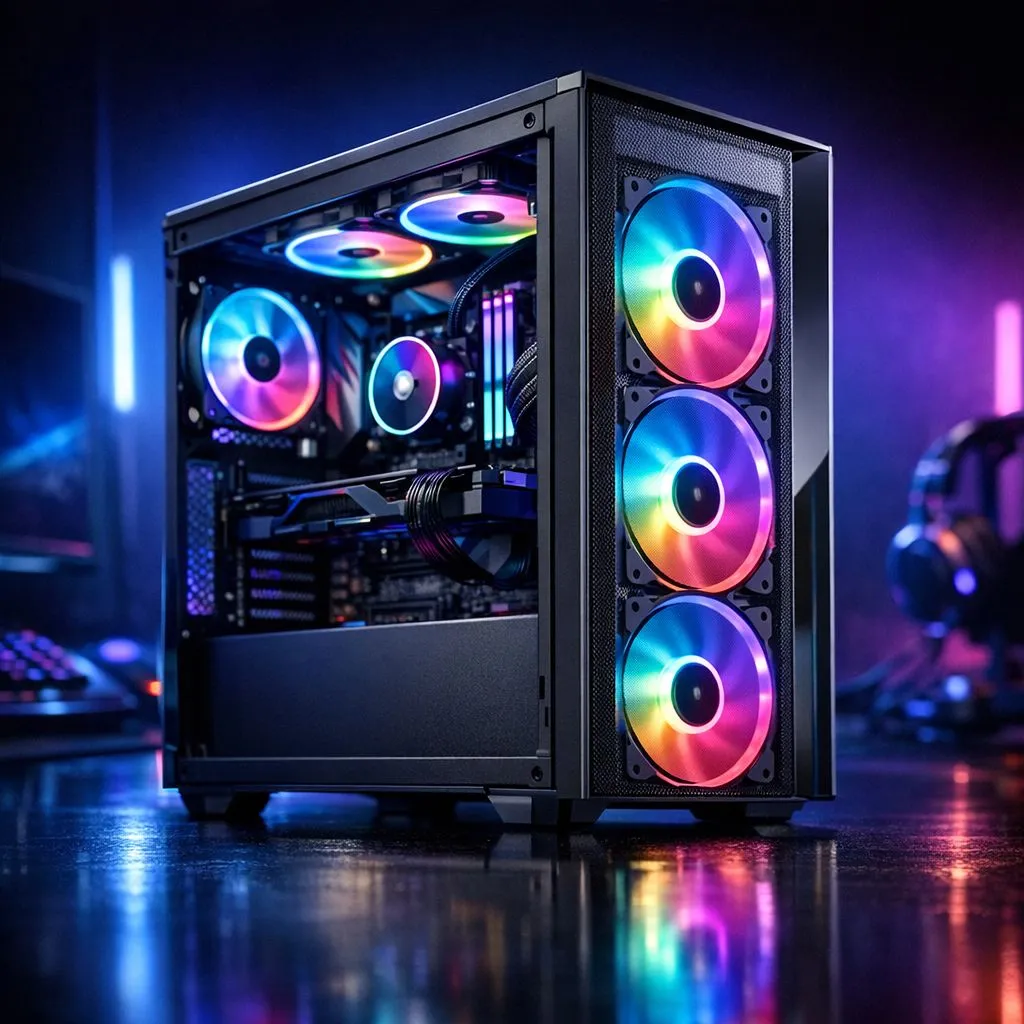
Is your gaming PC sounding more like a jet engine during a heated Warzone match, especially in the middle of a South African summer? You're not alone. Many gamers think slapping more fans inside will solve overheating, but the real answer is a bit smarter. Figuring out how many fans a gaming PC needs isn't just about numbers; it's about smart, efficient airflow. Let's get your rig running cool and quiet. 🌬️
Why Airflow Matters More Than Fan Count
Before we talk numbers, let's get one thing straight: a dozen fans pointing in random directions won't help. The goal is to create a steady, predictable path for air. Cool air comes in, flows over your hot components like the CPU and GPU, and then hot air is pushed out. This process is called airflow.
The key is balancing intake (pulling cool air in) and exhaust (pushing hot air out). A good setup ensures your components are constantly bathed in fresh, cool air, preventing them from throttling (slowing down) under pressure. Knowing how many fans your gaming PC needs starts with understanding this fundamental principle.
How Many Fans Does Your Gaming PC Actually Need?
The ideal number of fans for a gaming PC depends entirely on your build's components and your performance goals. There's no single magic number, but we can break it down into common setups.
The Budget Build (1080p Gaming)
For an entry-level rig, you can absolutely get by with just two or three fans.
- Setup: One intake fan at the front, pulling cool air in, and one exhaust fan at the back, pushing hot air out.
- Why it works: This creates a simple, direct airflow path over your core components. If your case allows, adding a second intake fan at the front can significantly improve GPU temperatures. This is a great starting point, and many affordable Gamdias gaming cases under R1500 are designed for this kind of efficient setup.
The Mid-Range Performer (1440p Gaming) ✨
This is the sweet spot for most South African gamers. Here, three to five fans are ideal.
- Setup: Two or three intake fans at the front and one or two exhaust fans (one at the back, and optionally one at the top-rear).
- Why it works: With a more powerful GPU and CPU, you're generating more heat. The extra intake ensures a high volume of cool air, while the top exhaust helps remove heat that naturally rises. Many modern Gamdias gaming cases offer excellent mounting options for this balanced configuration.
The High-End Beast (4K & Overclocking) 🚀
If you're running a top-tier CPU and a beast like an RTX 40-series card, you need serious cooling. Aim for five or more fans.
- Setup: Three intake fans at the front/bottom and two to three exhaust fans at the back and top.
- Why it works: Maximum performance generates maximum heat. This setup creates a high-airflow environment, flooding the case with cool air and aggressively expelling hot air from multiple points. For these builds, investing in premium Fractal Design PC cases known for their exceptional airflow is a wise choice.
Pro Tip for a Dust-Free PC 🔧
Aim for 'positive pressure' by having slightly more intake fan power than exhaust. For example, use three intake fans and two exhaust fans. This means air is gently pushed out of the case's cracks and vents, which helps prevent dust from being sucked in through unfiltered openings. Your PC's lungs will thank you!
The Art of Fan Placement for Optimal Cooling
Remember, the right number of fans for your PC is useless without proper placement. The most effective and common strategy is a front-to-back, bottom-to-top airflow path.
Cool air is pulled in from the front of the case, washes over your motherboard, RAM, and storage drives, then hits your GPU and CPU cooler. The heated air is then expelled out the back and top of the case. This simple path works with physics, as hot air naturally rises.
Ultimately, your choice of computer cases will dictate your fan placement options, so choose one that matches your cooling ambitions.
So, What's the Final Verdict?
Deciding how many fans your gaming PC needs is a balancing act. Start with a minimum of two (one intake, one exhaust) for a basic build and scale up with your components' heat output. For most gamers, 3-4 fans provide a fantastic balance of cooling performance and noise levels. Focus on creating a clear airflow path, and your PC will stay cool under pressure, even when the load shedding schedule isn't.
Ready to Master Your Airflow? The right fan setup starts with the right chassis. From budget brawlers to high-airflow titans, we've got the perfect foundation for your build. Explore our massive range of PC components and find everything you need to build a cooler, faster rig.











