

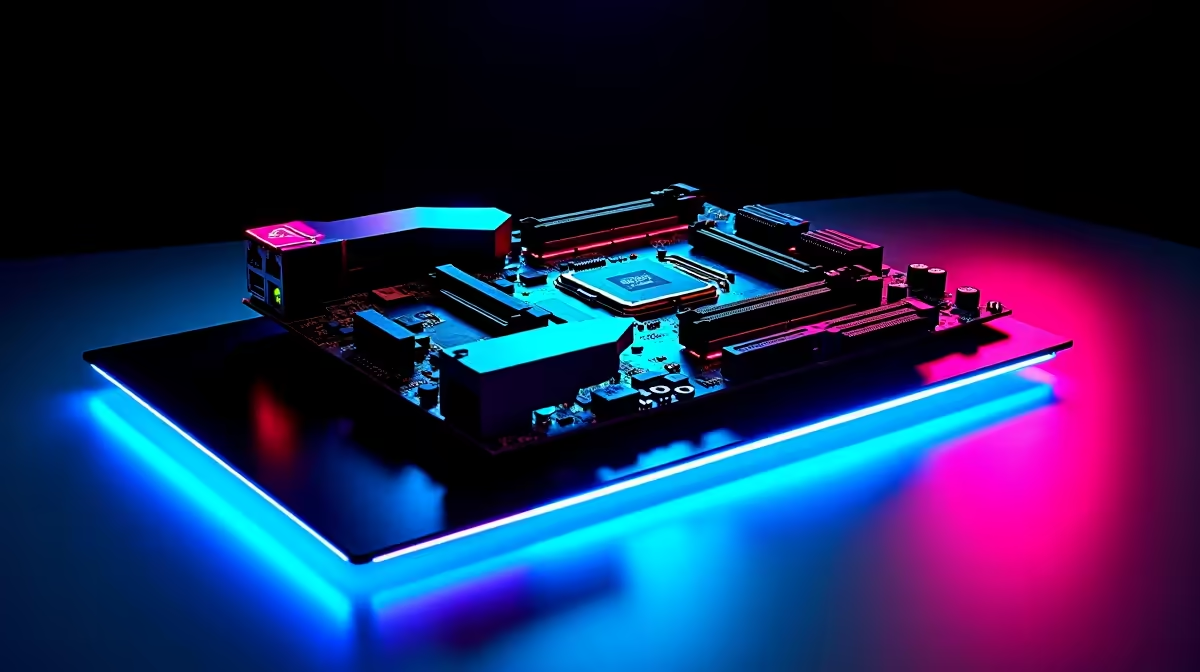
Building a gaming PC in South Africa is a serious investment. Every ZAR counts. You want a rig that survives load-shedding and stays relevant for years. The secret? It all starts with the mainboard. If you want to know how to choose an Intel gaming motherboard for future-proof connectivity, fast memory and expandability, you are in the right place. Let us dive into building a system that lasts... and dominates.
Securing Future-Proof Connectivity ⚡
When you pick a board, think about tomorrow. Modern gaming demands massive bandwidth. You need PCIe 5.0 slots for next-gen graphics cards. You also want Wi-Fi 6E or Wi-Fi 7 for lag-free wireless gaming. Fast USB Type-C ports are vital for modern peripherals. Do not settle for outdated tech. You can easily browse a massive selection of motherboards online to find the exact specs you need. A solid foundation means you will not need to rip your PC apart in two years. High-speed networking ensures your downloads finish before the power goes out.
Unlocking Fast Memory Performance 🚀
DDR5 is the new standard for serious gamers. If you want maximum frame rates, you need a board that supports high-speed RAM. Fast memory reduces stuttering in demanding titles. It also makes multitasking a breeze when streaming. When you pair a top-tier CPU with premium RAM upgrades, your system will absolutely fly. Always check the QVL (Qualified Vendor List) before buying to ensure perfect compatibility.
RAM Optimisation Tip 🔧
Always enable XMP in your BIOS after installing new RAM. Without this quick tweak, your expensive DDR5 sticks will run at standard base speeds instead of their advertised maximum performance.
Maximising Expandability and Storage
Games are huge these days. A single major title can easily eat up 150GB of space. You need a board with multiple M.2 NVMe slots for future storage upgrades. Expandability is absolutely crucial. Whether you look at premium ASUS Intel motherboards for raw core performance, or perhaps you are comparing them against robust ASUS AMD motherboards, always count the M.2 slots. Extra PCIe slots are also handy for capture cards or dedicated sound cards. A good board grows with your needs over time.
Getting the Best Value for Your ZAR ✨
We know the local economy is tough right now. Upgrading your PC should not empty your bank account. Balancing your budget between the CPU, GPU, and motherboard takes careful planning. Sometimes, grabbing a pre-configured setup saves you money and hassle. If you want to skip the build process entirely, check out our best gaming PC deals to find a balanced, ready-to-play system. Spending smart on your motherboard leaves more cash for a better graphics card.
Ready to Build Your Ultimate Core Rig? Finding the right foundation is the first step to gaming greatness. Whether you are upgrading an old faithful or starting fresh, Evetech has the hardware you need. Explore our massive range of PC components and start building your dream PC today.











