

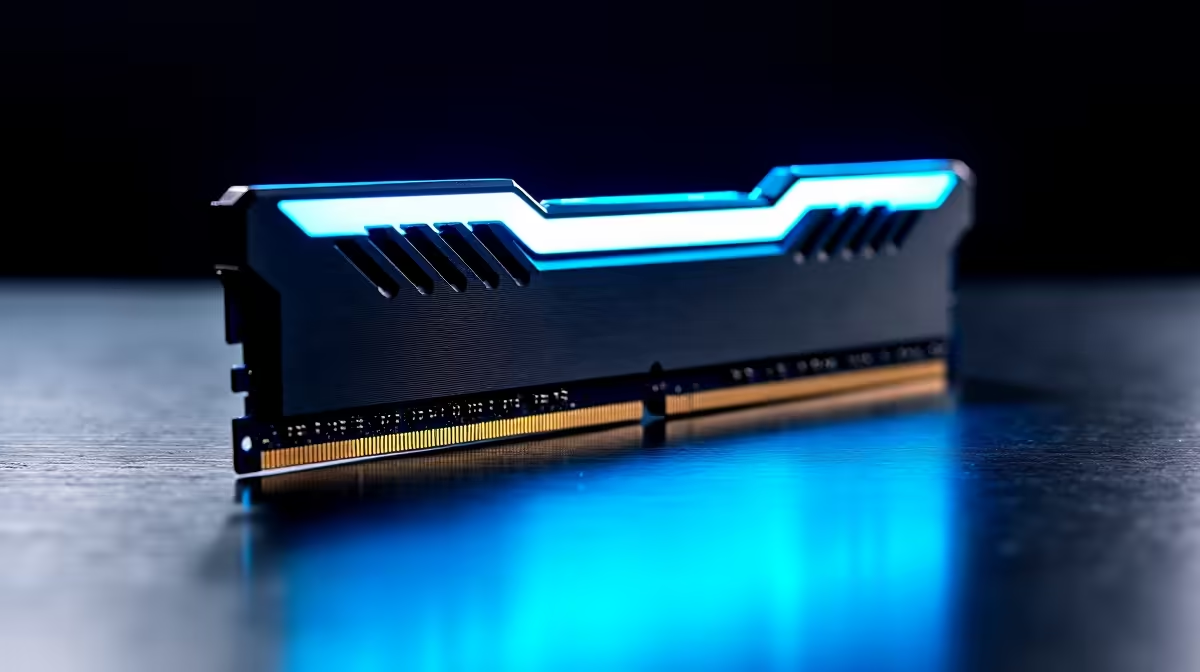
Building a next-gen rig in South Africa means navigating a sea of complex specs. If you have just dropped a chunk of your hard-earned ZAR on a new board, you are probably wondering how to choose DDR5 speeds and capacity for a PCIe 5.0 gaming motherboard. Getting this right prevents bottlenecks... and ensures your system flies through everything from heavy multitasking to the latest AAA titles. Let us break it down.
Matching Speed to Your System ⚡
When you look at the latest motherboards, you will notice PCIe 5.0 support is the new standard. This tech doubles the bandwidth of the previous generation. To keep up, your memory needs serious speed. But buying the absolute fastest RAM is rarely the smartest move for your wallet.
If you are eyeing premium ASUS Intel boards, aiming for 6000MT/s to 6400MT/s is generally the sweet spot. It offers incredible performance without the massive ZAR markup of ultra-high-speed experimental kits. Anything above 7200MT/s often requires manual tuning... which can be a headache for average users.
Figuring Out the Right Capacity 🚀
Speed is only half the battle. Capacity dictates how many tasks your PC can juggle at once without slowing down. For modern gaming, 32GB is the new baseline. It gives you enough headroom to run Discord, Chrome tabs, and demanding games simultaneously.
If you are browsing DDR5 memory kits, a 2x16GB setup is ideal. It allows your system to run in dual-channel mode... which significantly boosts overall responsiveness. While 64GB sounds impressive, it is mostly overkill unless you are doing heavy 4K video editing or 3D rendering.
Compatibility Pro Tip 🔧
Always check your motherboard's QVL (Qualified Vendor List) before buying RAM. This ensures the memory kit has been officially tested to run at its advertised speeds on your specific board... saving you hours of frustrating troubleshooting.
AMD vs Intel Memory Scaling ✨
Your processor brand also influences how to choose DDR5 speeds and capacity for a PCIe 5.0 gaming motherboard. Team Red operates a bit differently compared to Intel.
If you are building with ASUS AMD motherboards, the internal architecture heavily favours 6000MT/s. Pushing past that can sometimes cause instability unless you love tweaking BIOS settings manually. Staying at 6000MT/s with a low CAS latency ensures optimal performance and a buttery smooth experience.
Prefer to skip the tweaking entirely? You can always grab one of our highly optimised pre-built gaming PCs where we have already done the hard work and stress-testing for you.
The Role of Latency
You cannot talk about memory speed without mentioning latency. CAS latency measures how quickly the RAM responds to a CPU request. Lower is always better here. A 6000MT/s kit with CL30 will feel noticeably snappier than a CL40 kit.
Spending a little extra ZAR for lower latency is worth every cent. High latency can cause micro-stutters in CPU-bound games like competitive shooters. When you want the absolute best frame rates, pairing tight timings with the right frequency makes all the difference.
Ready to Complete Your Next-Gen Build? Finding the perfect balance of speed and capacity does not have to be stressful. Explore our massive range of PC components and find the exact DDR5 memory to make your PCIe 5.0 rig truly unstoppable.











