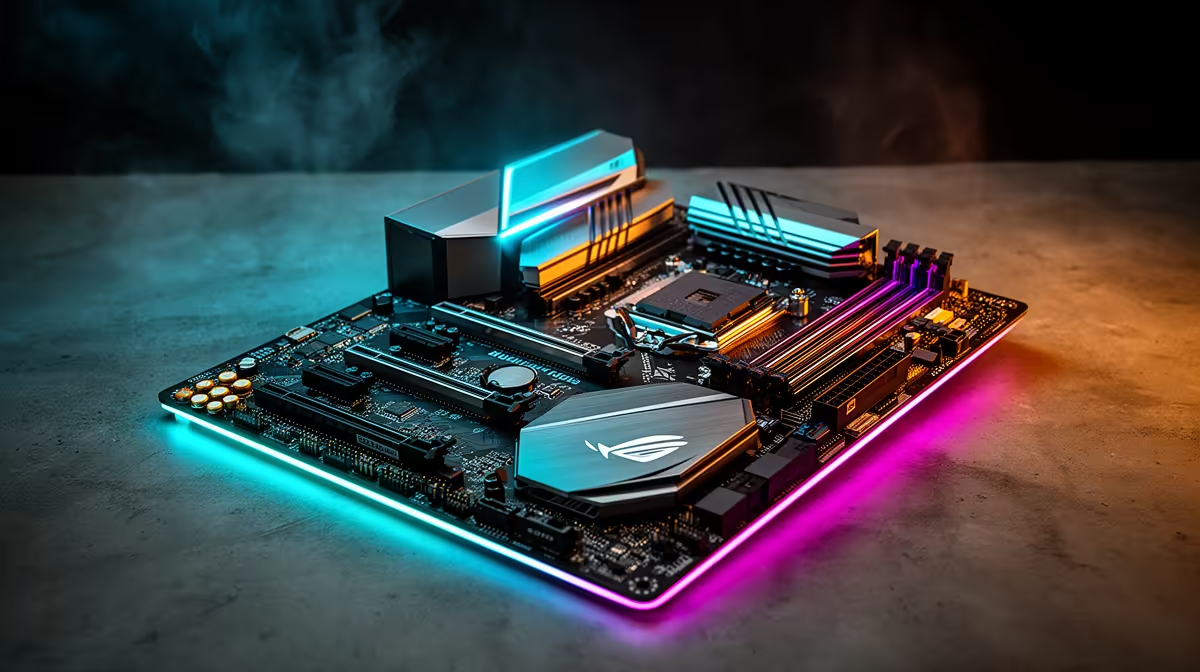
Building a new gaming rig in SA? It’s easy to get hyped about the GPU and CPU, but the motherboard is the unsung hero. Choosing the right gaming motherboard is the difference between a high-performance machine and a bottlenecked mess. It’s the central nervous system of your PC, connecting every component. Let's make sure you get this crucial choice right, so you can dominate your lobby without a hitch. 🚀
Start with the Brains: CPU Socket & Chipset
Before you even look at flashy RGB or heatsinks, your first decision is locked in by your processor. You can't put an Intel CPU in an AMD motherboard, or vice-versa. This is the most fundamental step in how to choose a gaming motherboard.
- For Team Blue (Intel): If you've got your eye on a new Core i5 or i9, you'll need a motherboard with a compatible socket, like the LGA 1700 for 12th, 13th, and 14th Gen CPUs. You'll then pair it with a chipset like the Z790 for overclocking or the B760 for great value. It's essential to browse a range of Intel motherboards to see what fits your chosen processor.
- For Team Red (AMD): Rocking a new Ryzen 7 or 9? You'll be looking for an AM5 socket motherboard. Chipsets like the X670E offer maximum features and PCIe 5.0 support, while the B650 series provides a fantastic sweet spot for most gamers. Take a look at the latest AMD motherboards to match your Ryzen CPU perfectly.
Size Matters: Motherboard Form Factors
The size of your motherboard dictates your case options and how much stuff you can plug into it.
- ATX: The standard, full-sized board. It offers the most PCIe slots, RAM slots, and connectivity. Ideal for big builds where expandability is key.
- Micro-ATX (mATX): A slightly shorter version of ATX. It's a brilliant middle-ground, often cheaper but still offering plenty of features for most gaming builds.
- Mini-ITX: The smallest of the bunch. Perfect for compact, portable builds. You'll sacrifice some slots and ports, but for a clean, minimalist setup, it's the champ.
Unlocking Performance: Key Features to Scrutinise 🔧
Beyond the basics, these features directly impact your gaming experience. Choosing a gaming motherboard with the right specs here is crucial for peak performance.
RAM Support (DDR4 vs. DDR5)
Your motherboard determines your RAM type. While DDR4 is still a viable budget option, DDR5 is the new standard for high-end Intel and all new AMD builds, offering much higher speeds. Look for boards with four RAM slots to allow for future upgrades.
PCIe Slots for Graphics
Your graphics card slots into a PCIe x16 slot. Modern boards feature PCIe 5.0, which offers double the bandwidth of 4.0. While today's GPUs don't max out PCIe 4.0 yet, choosing a board with 5.0 support is a smart move for future-proofing your rig.
Storage Speed: M.2 NVMe Slots
Forget slow hard drives. For gaming, you want at least one M.2 slot for a super-fast NVMe SSD. This drastically cuts down game loading times. Many modern motherboards come with two or even three M.2 slots, often with built-in heatsinks to keep them cool under pressure.
Don't Forget the VRMs! ⚡
VRMs (Voltage Regulator Modules) deliver clean power to your CPU. Better VRMs with good heatsinks mean more stable performance, especially if you plan to overclock. Even on a budget board, check reviews for VRM quality. A board with solid power delivery can outperform a more expensive one with weak VRMs.
Budgeting: How Much Should You Really Spend?
It's tempting to either cheap out or go for the most expensive option, but the sweet spot is usually in the middle. A high-end R12,000+ motherboard is overkill for most gamers. It offers features you might never use, like extreme overclocking support or ten USB ports.
Conversely, the cheapest board might have poor power delivery that could throttle a powerful CPU. For most builds featuring a Core i5/i7 or Ryzen 5/7, a mid-range board in the R3,000 to R6,000 bracket offers the best balance of features, performance, and reliability. You can find some incredible value among our wide selection of Intel and AMD-based motherboards that deliver without breaking the bank.
Choosing the right gaming motherboard for peak performance isn't about buying the most expensive one; it's about buying the smartest one for your specific CPU and needs.
Ready to Build Your Foundation?
Choosing the right gaming motherboard sets the stage for every component in your rig. Get it right, and you'll unlock peak performance for years to come. Explore our massive range of motherboards and find the perfect board to anchor your build.