

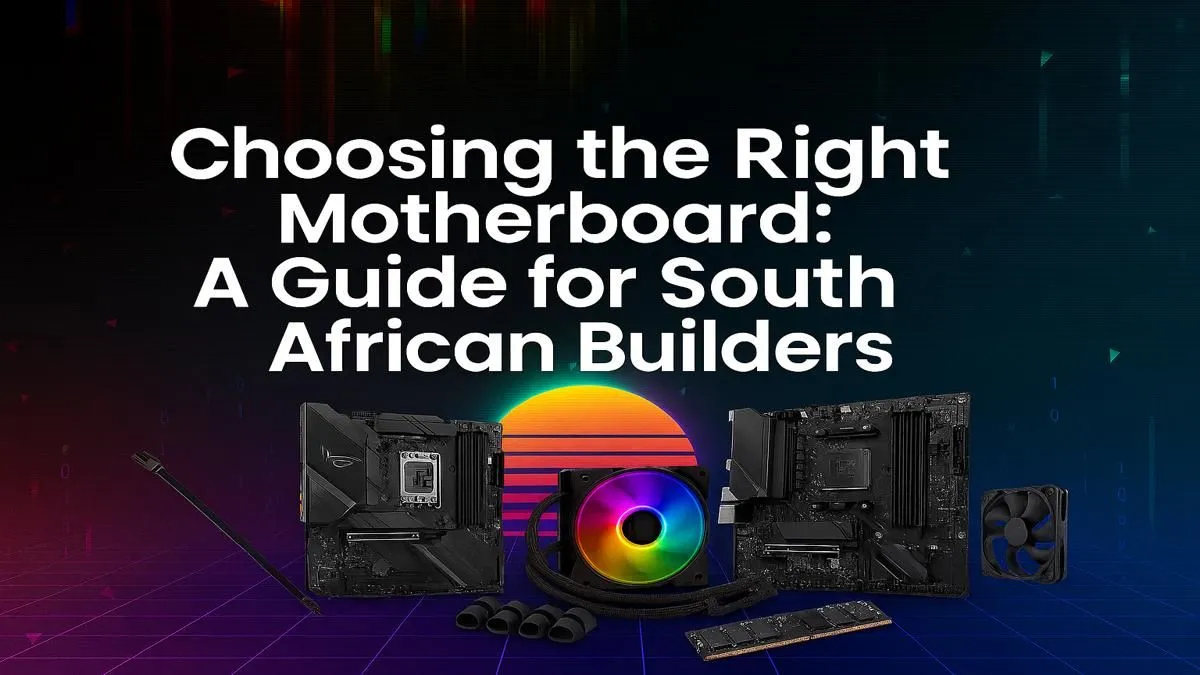
Building a new PC in South Africa? It’s an exciting journey, but one component can stop you in your tracks: the motherboard. It’s the complex, intimidating heart of your machine. But don't stress. This ultimate SA builder's guide will demystify everything, helping you understand how to choose a motherboard that unlocks your PC’s true potential without breaking your budget. Let's get you building with confidence. 🚀
Why Your Motherboard Choice Matters More Than You Think
Think of a motherboard as the central nervous system and skeleton of your PC, all in one. It’s not just a circuit board where you plug things in; it’s the communication hub that dictates which components you can use, how fast they can run, and what your future upgrade path looks like.
Choosing the wrong one can create performance bottlenecks, limit your connectivity, or force a complete rebuild sooner than you'd like. A good motherboard choice, however, ensures stability and gives you room to grow. This guide on how to choose a motherboard is designed to give you that power.
Step 1: Choosing Your CPU Socket (Team Red vs. Team Blue)
Before you even look at a motherboard, you must first decide on your processor (CPU). Your CPU choice—either Intel (Team Blue) or AMD (Team Red)—determines the "socket" you need. The CPU socket is the physical connector on the motherboard where the processor sits. They are not cross-compatible.
- Intel: Uses LGA (Land Grid Array) sockets, like the LGA 1700 for 12th, 13th, and 14th Gen Core processors.
- AMD: Primarily uses AM4 (for Ryzen 5000 series and older) and the newer AM5 socket (for Ryzen 7000 series and beyond).
This is the most critical decision. Get it wrong, and your parts simply won't fit. Your CPU choice sets the foundation for picking a motherboard.
Step 2: Selecting the Right Chipset
Once you know your socket, the next step is the chipset. The chipset is the motherboard's traffic controller, managing data flow between the CPU, RAM, storage drives, and other components. Different chipsets on the same socket offer different features and are priced accordingly.
For Intel CPUs (e.g., LGA 1700 Socket)
- Z-Series (e.g., Z790): The top tier. These are for enthusiasts who want to overclock their CPU and RAM for maximum performance. They offer the most PCIe lanes, USB ports, and features.
- B-Series (e.g., B760): The mainstream sweet spot. They offer a fantastic balance of features and price, but typically don't allow CPU overclocking (though RAM overclocking is often supported). This is the perfect choice for most gamers looking for great-value gaming rigs under R20k.
- H-Series (e.g., H610): The budget option. These are no-frills boards designed for basic computing and entry-level builds.
For AMD CPUs (e.g., AM5 Socket)
- X-Series (e.g., X670/E): The premium choice for enthusiasts. Like Intel's Z-series, they provide full overclocking support and the maximum number of connectivity features.
- B-Series (e.g., B650/E): The people's champion. B650 boards offer CPU and memory overclocking and more than enough features for the vast majority of gamers and creators, making them a cornerstone of many affordable budget gaming PCs.
- A-Series (e.g., A620): The entry-level option for AM5, focusing on core functionality without the bells and whistles.
Step 3: Understanding Motherboard Form Factors 🔧
The "form factor" is simply the motherboard's size and layout. This determines which PC case it will fit into and how many expansion slots you get.
- ATX: The standard, full-sized board. It offers the most expansion slots (for graphics cards, capture cards, etc.) and is the easiest to build with.
- Micro-ATX (mATX): A shorter version of ATX. It's a great compact option that still offers a decent number of slots and features, fitting into smaller cases.
- Mini-ITX: The smallest of the three. Perfect for building tiny, portable PCs. The trade-off is limited expansion (usually only one PCIe slot for the graphics card) and fewer ports.
Don't Skimp on the VRMs! ⚡
stands for Voltage Regulator Module. It's the collection of components that delivers clean, stable power to your CPU. A board with a weak VRM can overheat and throttle a powerful CPU, reducing performance. When looking at high-end processors, check reviews for the motherboard's VRM quality—it's a crucial factor for the stability of [premium PCs over R20k](https: www.evetech.co.za buy-pcs-above-r20k x 1566).
Step 4: Key Features and Connectivity to Check
Beyond the basics, a motherboard's spec sheet is full of important details. Here’s what to look for when finalising how to choose a motherboard for your build.
RAM Slots & Speed
Most ATX and mATX boards have four RAM slots, while Mini-ITX boards have two. The big decision today is DDR4 vs. DDR5. DDR5 is newer and faster, but DDR4 is more affordable. Your CPU and motherboard must both support your chosen RAM type. Also, check the maximum supported RAM speed (e.g., 6000MHz).
Expansion & Storage
- PCIe Slots: Your graphics card will use the top PCIe x16 slot. Look for boards with PCIe 5.0 for future-proofing, though PCIe 4.0 is still incredibly fast for today's top GPUs.
- M.2 Slots: These are for your super-fast NVMe SSDs. Aim for at least two M.2 slots if you can. A Gen4 or Gen5 M.2 slot will give you lightning-fast load times. ✨
Rear I/O and Networking
Check the rear Input/Output panel. Do you have enough USB ports? Do you need the high speed of USB 3.2 Gen 2x2 or a Type-C port? For networking, 1Gbps Ethernet is standard, but 2.5Gbps is becoming common. Wi-Fi 6E is a fantastic feature if you can't run a cable. If you're unsure how these parts synergise, looking at some powerful pre-built PC deals can provide a great blueprint.
Putting It All Together: Your Final Checklist
Feeling more confident? Let's recap. When choosing a motherboard, follow these steps:
- Choose your CPU first (Intel or AMD).
- Match the CPU socket (e.g., LGA 1700 or AM5).
- Select a chipset that fits your budget and needs (e.g., B760 for mainstream Intel, B650 for mainstream AMD).
- Pick a form factor that matches your desired case size (ATX, mATX, or Mini-ITX).
- Verify key features: Ensure you have enough RAM slots, M.2 slots, and the rear I/O ports you need.
By following this motherboard guide, you can ensure your new PC has a solid, reliable foundation. Seeing how components are paired in professionally built systems can also be a huge help; check out our best gaming PC deals to see how it's done.
Ready to Build Your Beast? Choosing the right motherboard is the first step to building a legendary PC. Armed with this knowledge, you're ready to pick the perfect foundation for your rig. Explore our massive range of motherboards and find the ideal match for your CPU, budget, and gaming ambitions in South Africa.











