


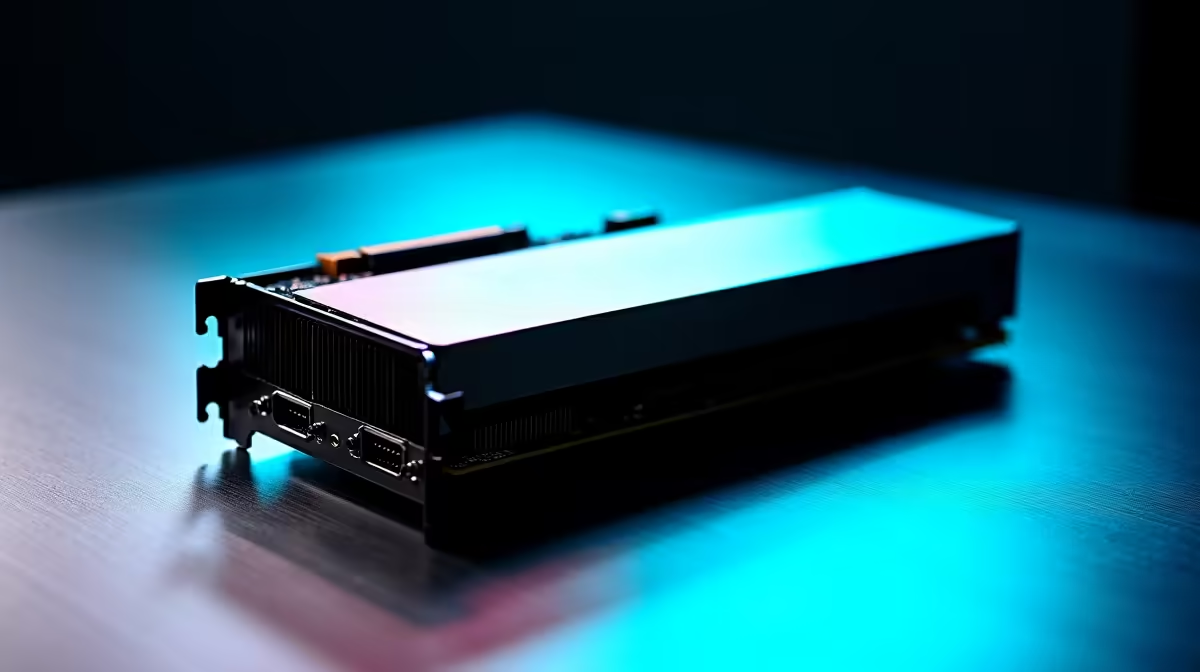
Scored a sweet deal on a second-hand GPU from a buddy? Lekker! But before you slot that beast into your rig, hold up. That pre-loved hardware has seen some action, and it's likely carrying more dust and grime than a Highveld dust storm. Learning how to clean used PC parts properly isn't just about making them look new; it's about ensuring performance, stability, and preventing damage to your other components. This guide is your ultimate resource for safely cleaning second-hand PC components in South Africa.
Why You Must Clean Used PC Parts
Ignoring a proper clean-up is a rookie mistake. A layer of dust on a heatsink can act like a winter blanket, trapping heat and causing your components to throttle or even overheat. This leads to lower frame rates and a shorter lifespan. Worse, conductive dust or grime could potentially cause a short circuit. Giving your second-hand finds a thorough but gentle clean ensures they run cool, quiet, and reliably from day one. ✨
Your Essential Cleaning Toolkit 🔧
Before you start, gather your supplies. You don’t need a fancy lab, just a few key items. Most of these can be found at your local electronics or hardware store.
- Isopropyl Alcohol (90% or higher): This is your best friend for dissolving grime and old thermal paste without leaving residue.
- Compressed Air: Perfect for blasting dust out of tight spaces. Use short bursts to avoid moisture buildup.
- Soft-bristled brushes: An old (clean) paintbrush or a new, soft-bristle toothbrush works wonders.
- Microfibre Cloths & Cotton Swabs: For gentle wiping and detailed cleaning.
- New Thermal Paste: An absolute must if you're cleaning a CPU or GPU. Don't re-use the old stuff! Evetech has a great selection of high-quality thermal solutions to get your temps right down.
A Component-by-Component Cleaning Guide
Every part needs a slightly different approach. Let's break down the process for safely cleaning the most common used PC parts you'll find in South Africa.
The Graphics Card (GPU)
The GPU is often the dustiest component. Start by using compressed air to blow dust out of the heatsink fins and fans. For a deeper clean, a soft brush can dislodge stubborn particles. If you're confident, you can disassemble the cooler to re-apply thermal paste, but for most people, a thorough external clean is enough. A clean GPU not only looks better but performs better, ensuring you get the most out of your second-hand find, whether it's one of the latest NVIDIA or AMD graphics cards or an older classic.
The Motherboard & CPU
This is delicate work. Use compressed air and a soft brush to gently remove dust from the surface of the motherboard, paying close attention to the slots and heatsinks. Avoid touching any of the circuitry with your bare hands. If you've acquired a used CPU, the main task is removing the old, crusty thermal paste from the top. A drop of isopropyl alcohol on a microfibre cloth will make quick work of it. When buying second-hand, you often find great deals on previous-gen Intel and AMD-based motherboards.
Pro Tip: Handle with Care! ⚡
cleaning a used CPU, always check the pins. For AMD CPUs, check the pins on the processor itself are straight. For Intel, check the pins inside the motherboard socket. A single bent pin can mean a dead component. If you’re not sure, it’s often safer to buy new [CPU processors online](https: www.evetech.co.za components buy-cpu-processors-online-164) to guarantee a perfect start.
CPU Coolers and Fans
Whether it's a stock cooler or a massive tower, the method is the same. Use compressed air to force dust out from between the heatsink fins. Use a brush and cotton swabs with a little isopropyl alcohol to clean any gunk off the fan blades. A clean fan is a quiet fan, and a clean heatsink means lower temps. If the old one is too far gone, upgrading to one of these modern CPU coolers can make a massive difference.
RAM Modules
Cleaning RAM is simple. Lightly wipe down the heat spreader with a dry microfibre cloth. The most important part is the gold contacts. Gently wipe them with a cloth lightly dampened with isopropyl alcohol to remove any oils or oxidation, ensuring a solid connection in the motherboard slot. This same process works for all generations, from older DDR3 gaming RAM modules to the latest DDR5.
The Power Supply Unit (PSU) ⚠️
Safety First: Never, ever open a PSU. The capacitors inside can hold a lethal electrical charge long after being unplugged. To clean a PSU, simply use compressed air to blow dust out through the fan grill and exhaust vents. That’s it. If a used PSU is excessively grimy or noisy, it's safer to replace it. A reliable power supply is the foundation of a stable system, and quality options like these Corsair power supplies offer peace of mind.
Storage Drives and PC Case
These are the easiest parts. For solid-state drives and hard drives, a simple wipe-down with a microfibre cloth is all that's needed. For the PC case, take off the side panels and give it a good clean inside and out. Don't forget to wash the dust filters with soap and water—just make sure they are 100% dry before putting them back. A clean case improves airflow for all your newly cleaned components. If the old chassis is too beat up, you can find fantastic new computer cases to give your build a fresh look.
The Final Polish: Reassembly and Testing
Once every part is sparkling clean and completely dry, it's time for reassembly. Take your time and be methodical. After putting it all together, boot it up and run some stress tests to monitor your temperatures. You should see a noticeable improvement! The effort you put into cleaning your used PC parts will pay off with a cooler, quieter, and more reliable gaming rig. Of course, if sourcing and cleaning individual parts feels like too much of a mission, you can always get a head start with professionally assembled Intel and AMD-based bundle packs that are ready to go.
Too Much Hassle? Build with Confidence. Refurbishing used parts can be rewarding, but it's also time-consuming and comes with risks. For guaranteed performance and zero fuss, nothing beats brand-new components. Explore our massive range of PC components and build your dream rig with the confidence of a full warranty.










