


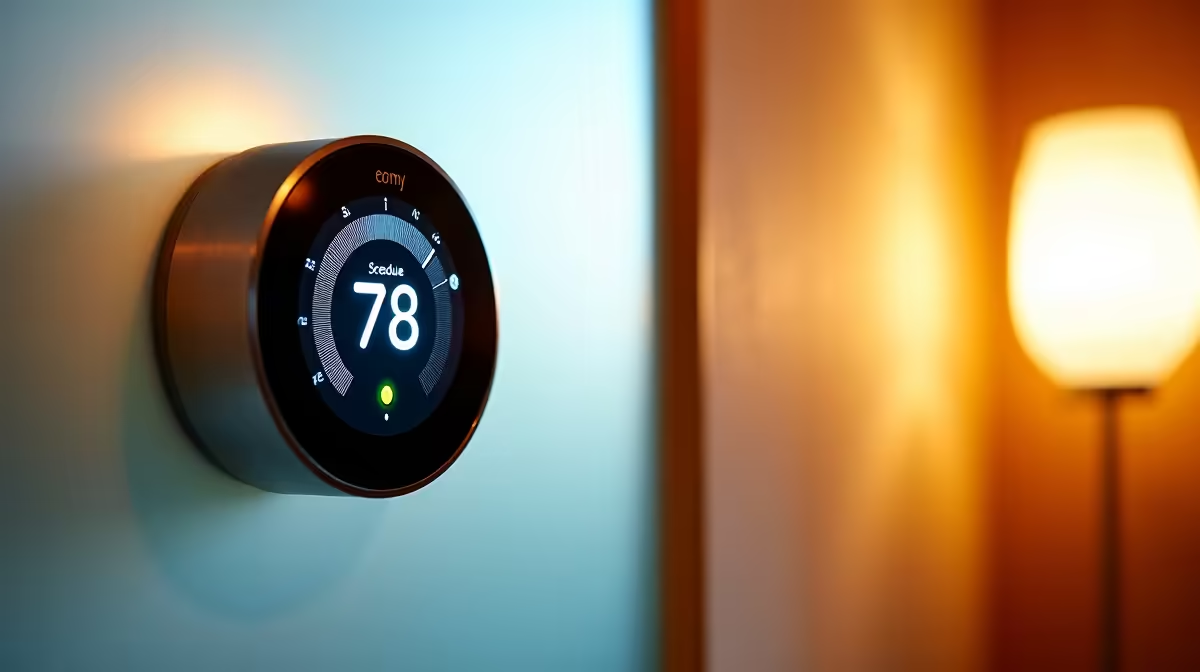
A smart thermostat in Home Assistant earns its keep when it stops holding one temperature all day and instead follows your week. Pair a climate entity with a Schedule helper and a presence condition, and automations set the right temperature by time of day and only heat or cool the rooms that are actually occupied. The result is a house that warms up before you wake, eases off when you leave, and never conditions an empty room.
Quick Answer
Control your thermostat's climate entity with time-based automations driven by a weekly Schedule helper, gated by an occupancy condition. The schedule sets comfort setpoints for the hours you are home and eco setpoints otherwise, while the presence condition stops it conditioning rooms nobody is in. Together they heat or cool only when and where it is genuinely needed.
What you need before you build
This setup assumes your thermostat already appears in Home Assistant as a climate entity, whether through a brand integration, a generic thermostat configuration, or a smart TRV. You also need a way to detect occupancy, which can be a presence sensor, a motion sensor, or phone-based home or away tracking, plus a clear idea of your weekly routine. The smart home range at Evetech carries the thermostats, sensors and hubs that feed these automations, and the best-selling accessories cover the small fittings that tidy a sensor or hub install.
Step-by-step: schedule and condition the thermostat
- Verify the climate entity responds. Open the thermostat in Home Assistant, change the mode and target temperature, and confirm the device reacts. The rest of the build is worthless if this basic control is unreliable, so prove it works first.
- Create a weekly Schedule helper. Add a Schedule helper that marks the blocks of time you want comfort temperatures, such as early morning, evening, and weekend daytime. The helper turns on during those blocks and off the rest of the time, giving your automations a clean weekly pattern to read.
- Define your comfort and eco setpoints. Decide a comfortable target for occupied, scheduled hours and a lower-energy eco target for everything else. The eco setpoint should be enough to keep the home from getting uncomfortable, not to maintain full comfort while you are away or asleep.
- Build the comfort automation. Trigger when the Schedule helper turns on, with a condition that someone is home, and set the climate entity to the comfort target. Now the thermostat reaches comfort temperature only during your scheduled hours when the house is occupied.
- Build the eco automation. Trigger when the Schedule helper turns off, or when presence clears, and set the climate entity to the eco target. This pulls the thermostat back whenever you are out of a scheduled comfort window or away from home.
- Add the occupancy condition properly. Use a presence or motion signal as a condition, not just a trigger, so the comfort setpoint only applies when someone is actually present. For per-room control, use room-level sensors so an empty bedroom is not conditioned while you sit in the lounge.
- Handle the away case. Add an automation that drops to a deeper eco or off state when everyone leaves the house, detected by phone tracking or a global presence sensor. This is where the largest energy savings come from, since the home is not conditioned at all while empty.
- Test across a full week. Watch it through weekday mornings, working hours, evenings and a weekend. Confirm it reaches comfort on schedule when you are home, eases to eco when you leave or the schedule ends, and recovers in time before the next comfort block. Adjust the schedule blocks and setpoints to fit your real routine.
Schedules and conditions do different jobs
It helps to keep the two mechanisms distinct in your head. The Schedule helper answers when, mapping your week onto comfort and eco periods so the thermostat anticipates your routine. The occupancy condition answers whether, ensuring those comfort setpoints only apply when someone is actually there, so a day spent out does not waste energy heating or cooling to schedule. Used together they give a thermostat that is both predictive and responsive, which is exactly what a fixed schedule alone or a presence trigger alone cannot manage. The smart home and appliances range at Evetech has the climate devices and presence sensors that make this combination work reliably.
Frequently Asked Questions
What is a Schedule helper in Home Assistant?
It is a built-in helper that lets you define weekly time blocks which turn on and off automatically. Automations read it to apply comfort setpoints during scheduled hours and eco setpoints otherwise, mapping your routine onto the thermostat.
Why combine a schedule with an occupancy condition?
The schedule decides when comfort applies, and the occupancy condition decides whether anyone is there to need it. Together they avoid conditioning an empty home during a scheduled comfort window, which a schedule alone cannot do.
What is a sensible eco setpoint?
One that keeps the home from becoming uncomfortable without maintaining full comfort, so the thermostat works less while you are away or asleep but can recover quickly. The exact value depends on your climate and the season.
Can I control individual rooms separately?
Yes, if each room has its own climate entity or smart TRV and a room-level occupancy sensor. Then automations can hold comfort in occupied rooms and eco in empty ones, rather than treating the whole house as one zone.
How do I handle leaving the house entirely?
Add an away automation triggered when everyone leaves, detected by phone tracking or a global presence sensor, that drops to a deeper eco target or turns the thermostat off. This is where the biggest energy savings come from.
Will scheduling actually save energy?
It should, because the thermostat only reaches full comfort during occupied scheduled hours and eases off otherwise, rather than holding one temperature all day. The saving depends on your routine, but eliminating comfort conditioning of an empty home is the main gain.
Want a thermostat that follows your week instead of running flat out? Explore the smart home thermostats and sensors at Evetech and build a Home Assistant setup that conditions your home only when and where it is needed.











