

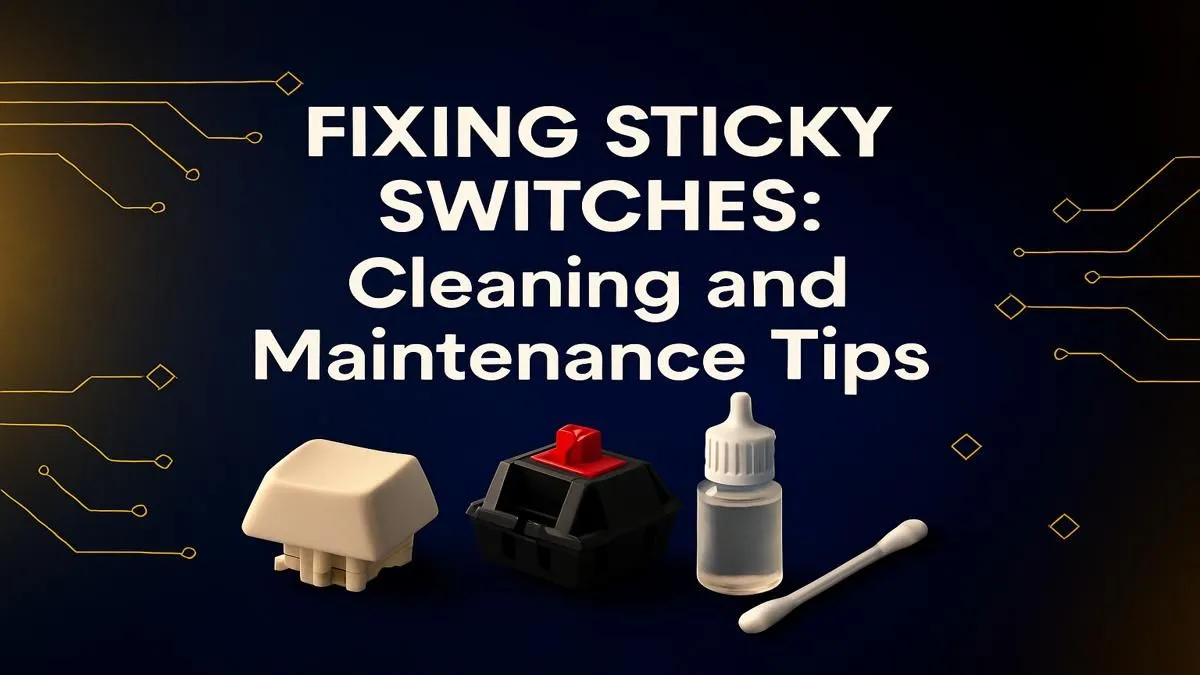
It happens to the best of us. One moment you’re deep in a clutch play, the next your Fanta has decided to become one with your WASD keys. Now you’re left with a sticky, unresponsive mess that makes every keystroke feel like wading through treacle. Don’t panic! Learning how to fix sticky keyboard keys is easier than you think. This guide will walk you through everything, from a quick spot clean to a full deep-clean revival. 🔧
First Steps: Gathering Your Cleaning Toolkit
Before you start pulling things apart, let's get your gear sorted. A proper clean doesn't require a high-tech lab, just a few simple items.
Your basic cleaning kit should include:
- Isopropyl Alcohol (90% or higher): This is the MVP. It cleans grime and evaporates quickly without leaving a residue.
- Cotton Swabs & Buds: For getting into tight spots.
- Keycap Puller: Essential for mechanical keyboards. Trying to pry off caps with a screwdriver is a recipe for disaster.
- Compressed Air or a Small Blower: To blast out dust and crumbs.
- Microfibre Cloth: For a gentle, lint-free wipe-down.
- A Small Bowl: For washing your keycaps.
The method you use to fix sticky keys depends heavily on whether you have a mechanical or membrane keyboard. Mechanical boards are built for this kind of maintenance, while membrane keyboards can be a bit trickier.
The Quick Clean: How to Fix a Single Sticky Key
If you're dealing with a minor spill on just one or two keys, a full disassembly isn't always necessary. This quick fix for a sticky keyboard key can often save the day.
- Unplug Your Keyboard: Safety first! Always disconnect your hardware before introducing any liquids.
- Dampen a Cotton Swab: Lightly dip a cotton swab in isopropyl alcohol. It should be damp, not dripping wet.
- Clean Around the Key: Carefully work the swab around the edges of the sticky keycap, pressing it down to create space. The alcohol will help dissolve the sugary residue.
- Actuate the Key: Press the key repeatedly (about 20-30 times) to work the alcohol into the mechanism and break up the gunk.
- Let It Dry: Give it a few minutes to evaporate completely before plugging it back in.
Sometimes, the problem isn't the switch but the keycap itself. If it's cracked or worn down, cleaning won't help. Thankfully, you can often find stylish replacement keyboard keycaps to give your board a fresh look and feel.
Ergonomics Tip 💡
often happen when you're stretching or shifting uncomfortably at your desk. Investing in a good [wrist rest](https: www.evetech.co.za buy-wrist-rest x 1586.aspx) not only improves typing comfort and reduces strain but also helps stabilise your setup, making accidental knocks and spills less likely.
The Deep Dive: A Full Guide to Cleaning Your Sticky Keyboard
For major spills or years of accumulated grime, a deep clean is your best bet. This is the ultimate sticky keyboard keys fix.
For Mechanical Keyboards ✨
Mechanical keyboards are a dream to clean thanks to their modular design.
- Take a Picture: Before you remove any keycaps, snap a quick photo of the layout with your phone. You’ll thank yourself later.
- Remove Keycaps: Use your keycap puller to gently lift off the caps from the affected area, or all of them for a full clean.
- Wash the Caps: Drop the keycaps into a bowl of warm water with a drop of dish soap. Let them soak, then give them a gentle scrub and lay them out to dry completely.
- Clean the Board: Use compressed air to blow out loose debris. Then, use a cotton swab with isopropyl alcohol to scrub the keyboard deck and the housing around the switches.
- Clean the Switch: If a switch itself is sticky, you can apply a tiny drop of alcohol directly onto it while pressing the stem repeatedly. If the switch is truly fried and fails to respond, it might be time to look into replacement keyboard switches if your board is hot-swappable.
- Reassemble: Once everything is bone dry, pop the keycaps back on using your photo as a guide.
For Membrane Keyboards
Cleaning a sticky membrane keyboard requires more care, as the internal layers are delicate. While you can remove the keycaps, disassembling the entire chassis is often not recommended. Focus on cleaning the surface and around the keys as described in the quick-clean method. If a deep clean is needed and you're not comfortable taking it apart, it might be more cost-effective to upgrade. You can find some incredibly affordable and responsive cheapest gaming keyboards in South Africa that offer a huge performance boost over a standard, sticky office board.
Knowing When to Say Goodbye
You've cleaned, scrubbed, and tried everything, but some keys just won't cooperate. Sometimes, a keyboard is simply beyond repair, especially after a major liquid spill that causes a short circuit. If multiple keys are failing or the board is behaving erratically, it’s probably time for an upgrade.
This is a great opportunity to get a fresh start. You could grab a full matching set with our excellent keyboard and mouse combos or dive into the world of high-performance mechanical boards. Instead of battling with sticky keys, you could be enjoying the crisp, satisfying response of a brand-new deck. Check out the latest gaming keyboard deals to see what's on offer. 🚀
Ready for a Fresh Start? A sticky keyboard can ruin your work and your fun. If cleaning doesn't cut it, a fresh board is the ultimate fix. Explore our incredible range of gaming keyboards and find the perfect upgrade to elevate your setup.











