

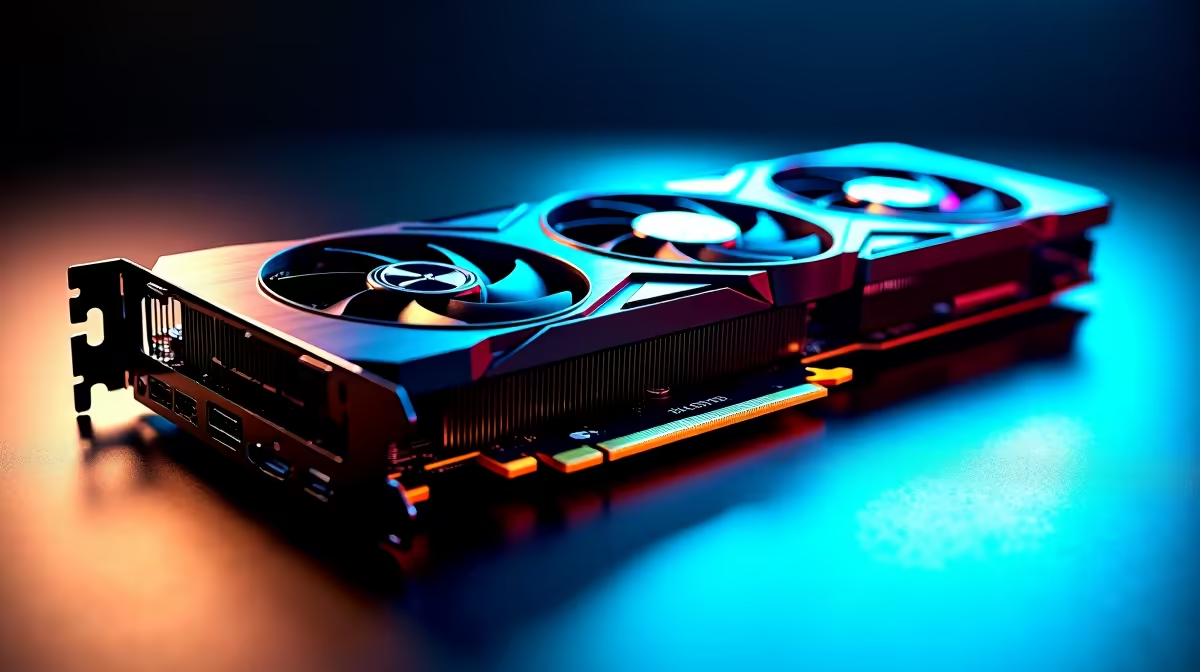
South African summers are unforgiving on high-end PC hardware. When you push heavy frames or render 4K video, your rig feels the burn. If you recently dropped thousands of ZAR on a flagship pixel-pusher, you know the stakes. Learning how to manage thermals on a 4-fan vapor chamber GPU design under sustained load is essential. Let us explore how to keep your heavy-duty beast icy cold.
The Mechanics of Vapor Chamber Cooling 🔧
Modern premium graphics cards pack serious silicon that draws immense power. A vapor chamber uses a sealed liquid mechanism. It evaporates and condenses to move heat rapidly away from the core. Add four active cooling fans to the mix, and you have a thermal powerhouse.
However, under sustained load, even this advanced setup can hit thermal limits if your environment is not optimised. The heat must go somewhere... and if it stays trapped inside your case, performance will inevitably throttle.
Optimise Your Case Airflow
You cannot trap a 4-fan vapor chamber GPU in a restrictive glass box and expect miracles. Fresh intake is absolutely critical. Ensure your front intake fans pull in enough cool air to feed the massive GPU coolers directly.
If you are upgrading your entire setup to handle modern titles, exploring pre-built gaming PC deals with high-airflow mesh front panels is a smart move. Exhaust is equally important. The hot air expelled by the vapor chamber needs a fast exit through the top and rear of your chassis.
Taming the Beast with Custom Curves ⚡
Relying on stock fan settings is a common rookie mistake. Manufacturers often tune these profiles for quiet operation rather than marathon gaming sessions. You need to create an aggressive custom fan curve using software like MSI Afterburner. Ramp up the fans much earlier in the temperature cycle.
While older architectures like classic NVIDIA GeForce GTX graphics cards ran significantly cooler, modern 4-fan monsters draw massive wattage. They need those high RPMs to kick in long before the vapor chamber gets fully saturated with heat.
Undervolting Pro Tip ⚡
Combine your aggressive fan curve with a slight undervolt. Dropping the core voltage by just 50mV can reduce temperatures by 5 to 10 degrees without sacrificing a single frame per second. It is the best-kept secret for sustained load stability.
Monitor Your Memory Junction Temperatures
The GPU core is not the only component generating extreme heat. The VRAM modules on high-end boards get incredibly hot under sustained load. A 4-fan vapor chamber design usually includes thermal pads to pull heat from the memory into the main heatsink.
Use monitoring tools like HWiNFO64 to keep an eye on your memory junction temperatures. If you notice these temps spiking above 95 degrees Celsius, you might need to adjust your case fan speeds to force more cool air directly over the backplate.
Ambient Temps and Regular Maintenance 🌬️
We constantly battle dust and high ambient temperatures here in South Africa. Dust acts as an insulating blanket over your delicate heatsink fins. You must clean your PC every few months to maintain peak airflow.
If your current card is thermal throttling beyond repair, it might be time for a fresh upgrade. Check out the latest graphics card deals to find a replacement with superior cooling architecture. Building a well-ventilated system does not have to drain your wallet... especially when you take advantage of our weekly component specials to grab premium cooling fans.
Ready to Find Your Perfect Match? Keeping your system frosty is complex, but for maximum power, choice, and value in South Africa, a custom-cooled rig is hard to beat. Explore our massive range of graphics card specials and find the perfect hardware to conquer your world.











