


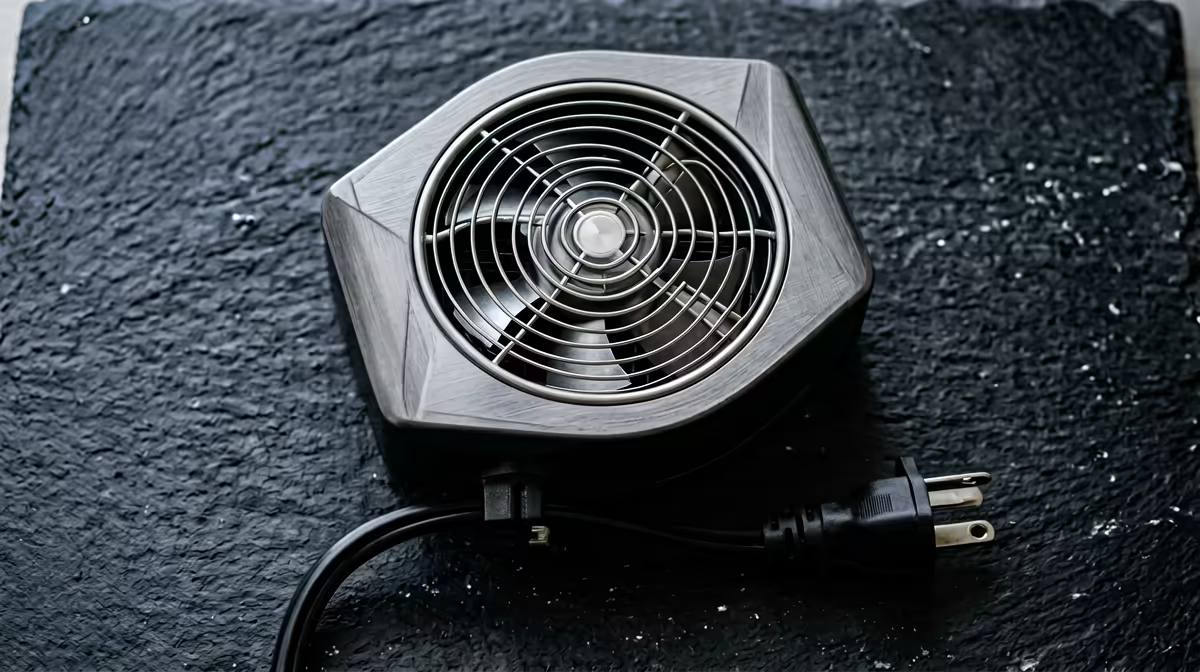
Push a Raspberry Pi 5 hard with no cooling and within a few minutes the BCM2712 hits its limit and starts throttling, dragging your performance back to protect the chip. Active cooling on a Raspberry Pi 5 is the fix, and the official Active Cooler clips straight on, drives its fan automatically, and keeps the board comfortably below the throttle point even under a sustained, full-load workload.
Quick Answer
Fit the official Raspberry Pi 5 Active Cooler. It clips onto the board, plugs into the four-pin fan header, and ramps automatically so the BCM2712 stays under its 85 degrees C hard-throttle limit even under sustained full load. The whole job takes about five minutes and needs no software setup.
Why the Pi 5 throttles without cooling
The Pi 5 runs hotter than earlier boards because it is faster. The BCM2712 has two thermal trip points: a soft limit around 80 degrees C where it begins reducing clock speed, and a hard limit at 85 degrees C where the chip dials back to its lowest operating frequency as a self-protection measure. Under a stress test at normal room temperature with no cooler, the chip reaches 80 degrees C within a few minutes and the throttling begins. That is why a bare Pi 5 feels quick at first and then slows down on any long task.
The Raspberry Pi Foundation is direct about it: active cooling is needed for anything that runs at high CPU load for more than a few minutes. A passive heatsink alone buys time but does not keep a sustained workload below the throttle point.
Installing the official Active Cooler
- Power down and unplug the Pi. Never fit a cooler on a powered board. Disconnect the supply and give it a moment to cool if it has been running.
- Peel the thermal pad backing. The Active Cooler ships with pre-applied thermal pads on its underside. Remove the protective film so the heatsink makes proper contact with the SoC and the RAM.
- Align over the two mounting holes. Position the cooler so its spring-loaded push pins line up with the holes either side of the BCM2712. The fan and heatsink sit directly over the chip.
- Press the push pins home. Push each spring pin through its hole until it clicks. These hold the heatsink under steady pressure against the chip, which is what makes the thermal pads work.
- Plug the fan into the four-pin header. The cooler's lead connects to the dedicated four-pin JST fan connector on the board. This is what lets the Pi read temperature and control fan speed.
- Power up. No configuration is needed. The firmware detects the cooler and ramps the fan through its PWM controller automatically as temperature rises.
Confirming it works
After it boots, check the temperature from a terminal with the command vcgencmd measure_temp, then run a sustained load and watch the reading. With the Active Cooler fitted, the fan stays quiet at idle, spins up under load, and the SoC should hold well below the 85 degrees C hard limit rather than climbing into throttle territory. Air is drawn through a slot under the lid, pushed across the heatsink, and exhausted through the vents, so leave the board enough clearance to breathe.
If a mini PC or compact build is what you are really after, the mini PC range at Evetech has compact alternatives to the Pi, and the best-selling PCs at Evetech highlight the compact machines SA buyers favour right now.
Ambient Temperature Matters More Than Most Guides Admit
The official Active Cooler keeps the BCM2712 roughly 20 to 25 degrees C below the throttle threshold in a 22 degrees C room. But ambient temperature is part of the equation, not a fixed background value. A setup that runs quietly at 65 degrees C in a cool study can push into throttle territory in a 30 degrees C server cabinet or an enclosed case with poor airflow.
Before choosing your cooling solution, measure under real conditions. Run vcgencmd measure_temp repeatedly over a few minutes of your actual workload, in the environment the Pi will live in. If you are consistently reading below 70 degrees C, you have margin. If you are already at 78 degrees C in a mild room, expect worse in summer.
Improving airflow around the Pi
Mounting orientation matters. Most cases for the Pi 5 exhaust air upward, and stacking devices above the Pi traps that warm air and raises the effective ambient. Give the board at least a few centimetres of clearance above it, or route it so the exhaust has somewhere to go. A small desk fan nearby or a case with ventilation cut-outs on multiple faces costs nothing but makes a real difference.
If you are building into a custom enclosure, the Active Cooler draws air in from below through a slot in the base of the heatsink and pushes it out through the vents on the sides. Design the enclosure so those paths are not blocked: a solid floor directly under the board defeats the intake.
Monitoring in Practice
Two commands cover everything you need on a running Pi:
vcgencmd measure_tempgives the SoC die temperature. Run it under load to see the real figure.vcgencmd get_throttledreturns a bitmask. A result of0x0means no throttling has occurred since boot. Any non-zero value tells you the board has hit a thermal or voltage limit at some point in the session, even if it has since recovered.
Running both periodically or logging them with a simple script gives you a clear picture of whether your cooling setup is working in practice rather than just in theory.
Frequently Asked Questions
Does the official Active Cooler need software setup?
No. The Pi 5 firmware detects it on the four-pin header and controls the fan automatically. There is nothing to configure for normal use.
At what temperature does the Pi 5 throttle?
It begins soft-throttling around 80 degrees C and hard-throttles at 85 degrees C, dropping to minimum clock speed to protect the chip. The Active Cooler keeps it under both during sustained load.
Is a passive heatsink enough?
For brief bursts, perhaps. For any workload running at high CPU load for more than a few minutes, the Foundation recommends active cooling. A heatsink alone will eventually let the chip reach its throttle point.
Will the fan be noisy?
The official cooler uses a fluid-dynamic-bearing fan chosen for low noise. It stays quiet at idle and only ramps up when temperature rises, then settles again.
Can I use a third-party cooler instead?
Yes, many work well, but the official Active Cooler is purpose-built, fits the mounting holes exactly, and uses the board's automatic fan control with no fuss.
Building with single-board computers or compact systems? Browse the mini PC range at Evetech to find the right small-form machine for your project.











