

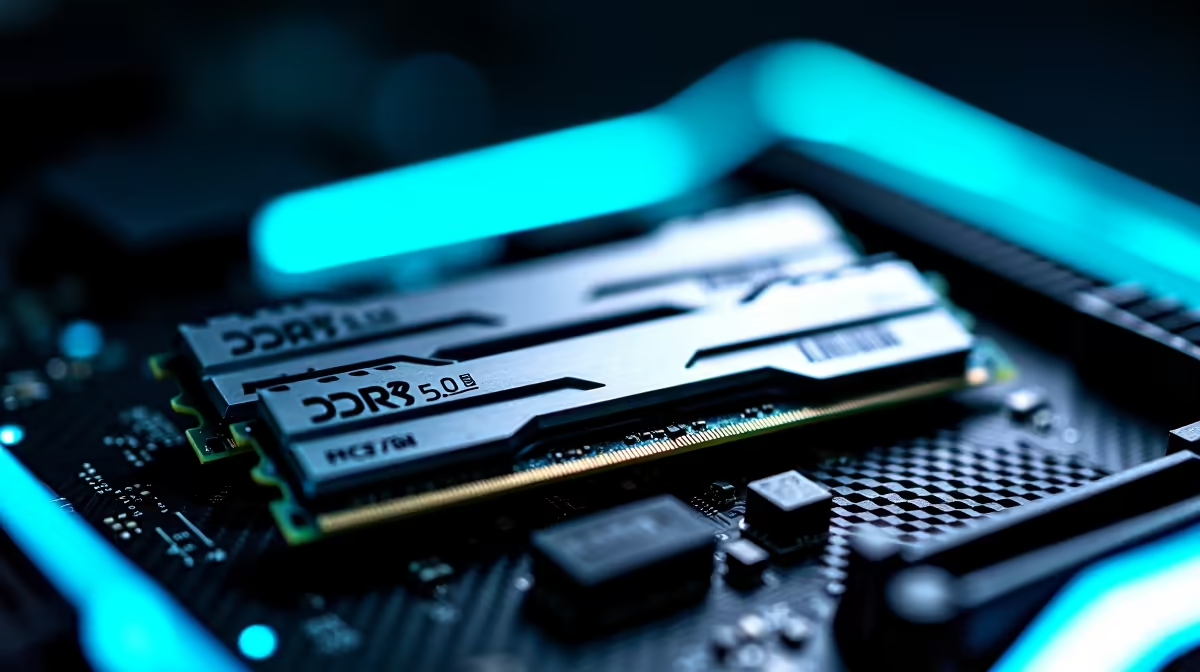
Tired of your rig stuttering when you switch between Warzone and Discord? Upgrading to the latest tech is only half the battle. If you want to know how to set up DDR5 and PCIe 5.0 for faster gaming, creation and multitasking, you are in the right place. Let's unlock the true potential of your PC without breaking a sweat... or your ZAR budget.
Laying the Groundwork for Next-Gen Speeds 🚀
Before you can unleash maximum performance, you need a solid foundation. PCIe 5.0 doubles the bandwidth of the previous generation. This means your graphics card and NVMe SSDs can communicate with your processor at lightning speed.
To take advantage of this, you must ensure your system board is compatible. If you are building from scratch, exploring the latest motherboards with PCIe 5.0 support is your first step.
Once installed, you need to check your BIOS settings. Navigate to your PCIe configuration menu. Ensure the primary PCIe slot is set to 'Gen 5' rather than 'Auto' or 'Gen 4'. This forces the motherboard to allocate maximum bandwidth to your GPU or high-speed storage. Skipping this step is a common mistake... and it will bottleneck your shiny new hardware.
Unlocking DDR5 for Seamless Performance ✨
You bought blazing-fast RAM, but is it actually running at full speed? By default, most systems run memory at a lower baseline frequency to ensure basic stability.
To set up DDR5 properly, you must enable XMP for Intel processors or EXPO for AMD Ryzen systems. You will find this setting on the main page of your BIOS. This simple tweak tells your system to use the advertised factory speeds.
Whether you are rendering 4K video or running dozens of browser tabs, high-frequency memory kits are vital. They keep your system incredibly responsive. Just remember to slot your sticks into the optimal channels. For most standard ATX boards, this means populating slots two and four first. Check your manual to be absolutely certain.
BIOS Update Pro Tip 🔧
Always update your motherboard BIOS to the latest version before enabling DDR5 XMP or EXPO profiles. Early BIOS versions often had stability issues with high-speed memory, but recent updates have drastically improved performance and reliability.
Maximising Your ZAR for Peak Output
When DDR5 and PCIe 5.0 work perfectly together, the results are staggering. Load screens virtually vanish. Heavy video exports finish fast. Multitasking feels completely frictionless, even with demanding software open.
However, if tweaking BIOS settings sounds like too much work, you have other options. You can always grab a pre-configured system assembled by professionals. We have some incredible gaming PC deals that come fully optimised right out of the box. Our technicians handle the EXPO profiles and PCIe configurations for you.
Upgrading your rig does not have to drain your wallet. Keep an eye on local tech drops to stretch your budget further. You can often find massive discounts on our specials page. This ensures you get top-tier performance for much less ZAR.
Ready to Find Your Perfect Match? Upgrading to next-gen hardware is complex, but for maximum power, choice, and value in South Africa, a custom rig is hard to beat. Explore our massive range of PC specials and find the perfect machine to conquer your world.











