

Should You Buy a 240Hz monitor or Build a PC in South Africa?
Should You Buy a 240Hz monitor or Build a PC. Full parts list, Rand pricing & expected performance. Build confidently with SA-available components.
Read moreLearn how to undervolt GPU to save power and survive loadshedding! ⚡ Extend your UPS battery life, lower temperatures, and maintain gaming performance with this 2026 guide. 🎮
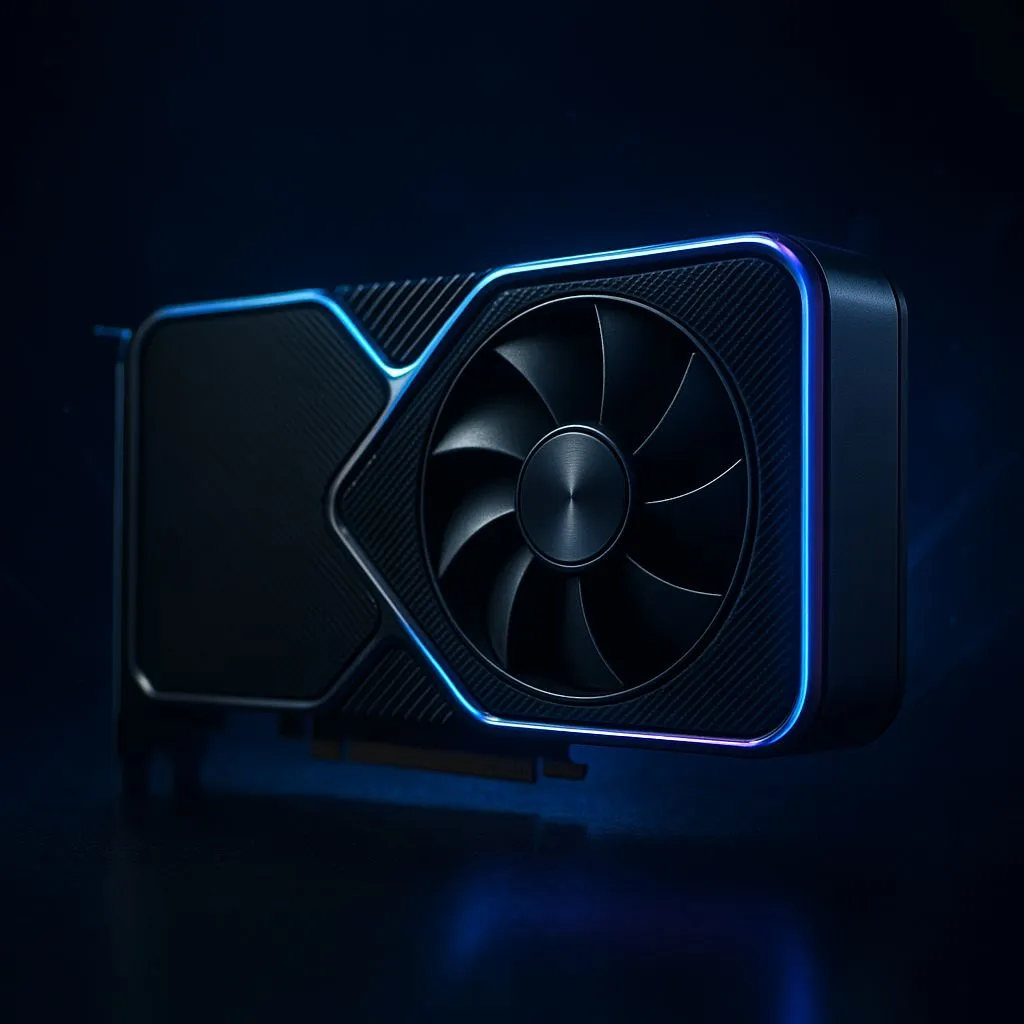
Loadshedding hits. The lights die, your UPS starts screaming, but your game is still on. For how long, though? For many South African gamers, that frantic race against the battery is all too familiar. What if you could extend that precious uptime, giving you enough time to clutch the round or finish the mission? By learning how to undervolt your GPU, you can significantly cut your PC’s power draw without sacrificing performance, keeping you in the game when it matters most. ⚡
Before you start tweaking, let's demystify the term. In simple terms, to undervolt a GPU means to reduce the amount of electricity (voltage) it receives while keeping its performance clock speed the same. Manufacturers often supply cards with more voltage than they strictly need to ensure stability across millions of units.
By finding the sweet spot—the lowest stable voltage for your specific card—you can achieve some incredible benefits:
This simple software tweak can make a massive difference, whether you're running one of our best PC deals or optimising an older rig.
You don't need any fancy hardware for this. The process is handled entirely through software, and the best tools for the job are completely free.
Getting your system ready to undervolt the GPU is the first step towards a more efficient gaming experience, especially if you're using one of the latest power-hungry cards found in modern gaming PCs.
This process is generally very safe because you're reducing voltage, not increasing it. The worst-case scenario is usually a driver crash or a system reboot, with no permanent harm done.
Before you change anything, run your chosen benchmark. Note down your maximum clock speed, peak temperature, and average frame rate. This is your starting point.
Install and open MSI Afterburner. Press Ctrl + F to open the Voltage/Frequency curve editor. You'll see a graph showing how your GPU's speed (Y-axis) scales with voltage (X-axis).
The goal is to find a voltage point and tell the GPU not to exceed it. A good starting point for many NVIDIA cards is around 900mV (or 0.9V).
For NVIDIA 30-series and 40-series cards, a common and effective starting point is to aim for around 1850-1950MHz at 900mV. This often provides nearly stock performance while cutting power usage by 50-80 watts! Always test your specific card, as every piece of silicon is different.
Click the checkmark in the main Afterburner window to apply your new curve. Now, run your benchmark again for at least 15-20 minutes. Watch for any visual glitches (artifacts) or crashes. If it's stable, congratulations! If it crashes, simply nudge the voltage up a little (e.g., to 925mV) or lower the clock speed slightly and test again.
Once you find a stable setting, save it to a profile in Afterburner. You can set it to apply automatically when Windows starts. This technique is not just for gaming; professionals with demanding creative workloads on their workstation PCs can also benefit hugely from the lower temps and power draw.
You’ve now successfully completed the GPU undervolting process, creating a more efficient, cooler, and loadshedding-resilient gaming machine. Enjoy the extra uptime! 🇿🇦
Ready for a More Power-Efficient Rig? Undervolting is a fantastic free upgrade, but sometimes the best way to beat loadshedding is with hardware built for efficiency from the ground up. Explore our range of powerful and efficient graphics cards and build a PC that sips power without sacrificing performance.
Yes, undervolting is safe. Unlike overclocking, it reduces voltage, lowering heat and power consumption while maintaining stability.
Generally, no. A proper undervolt maintains stock clock speeds at lower voltages, keeping FPS stable while often reducing thermal throttling.
Depending on the card, you can save 20-50W, significantly extending your inverter or UPS battery life during loadshedding.
MSI Afterburner is the gold standard for NVIDIA GPUs, while AMD users can use the WattMan tool inside the Radeon Adrenalin Software.
No, software-based undervolting does not void warranties as it doesn't permanently alter the hardware or BIOS settings.
Absolutely. Newer cards like the RTX 40 series respond very well to undervolting, offering great efficiency gains for power saving.
Should You Buy a 240Hz monitor or Build a PC. Full parts list, Rand pricing & expected performance. Build confidently with SA-available components.
Read more
Should You Buy a VA monitor or Build a PC. Full parts list, Rand pricing & expected performance. Build confidently with SA-available components.
Read more
Every spec on PCIe 5.0 explained in plain English. What matters for gaming and creator work in 2026, what's marketing fluff, and how each number translates to real-world performance.

A head-to-head look at WiFi 7: real-world performance, ZAR pricing and which option delivers better value for SA builders. The clear answer — no fluff.

Everything you need to set up and tune PCIe 5.0 properly: the prep work, the settings that actually matter, and the mistakes to skip. Written for SA builders in 2026.

Everything you need to set up and tune X870E Motherboard properly: the prep work, the settings that actually matter, and the mistakes to skip. Written for SA builders in 2026.

Wondering what a 512GB SSD capacity really holds? This guide breaks down how many games, photos, and documents fit on 512GB, with real-world ranges 📦💾

Every spec on vrm explained in plain English. What matters for gaming and creator work in 2026, what's marketing fluff, and how each number translates to real-world performance.

Every spec on motherboard explained in plain English. What matters for gaming and creator work in 2026, what's marketing fluff, and how each number translates to real-world performance.

Premium vs Midrange Motherboards in South Africa: real-world performance, SA pricing, power draw and which one delivers better value for your build for SA buyers. The clear answer — without the fluff.
Wondering what a 512GB SSD capacity really holds? This guide breaks down how many games, photos, and documents fit on 512GB, with real-world ranges 📦💾
Every spec on PCIe 5.0 explained in plain English. What matters for gaming and creator work in 2026, what's marketing fluff, and how each number translates to real-world performance.
A head-to-head look at WiFi 7: real-world performance, ZAR pricing and which option delivers better value for SA builders. The clear answer — no fluff.

Every spec on USB4 explained in plain English. What matters for gaming and creator work in 2026, what's marketing fluff, and how each number translates to real-world performance.