

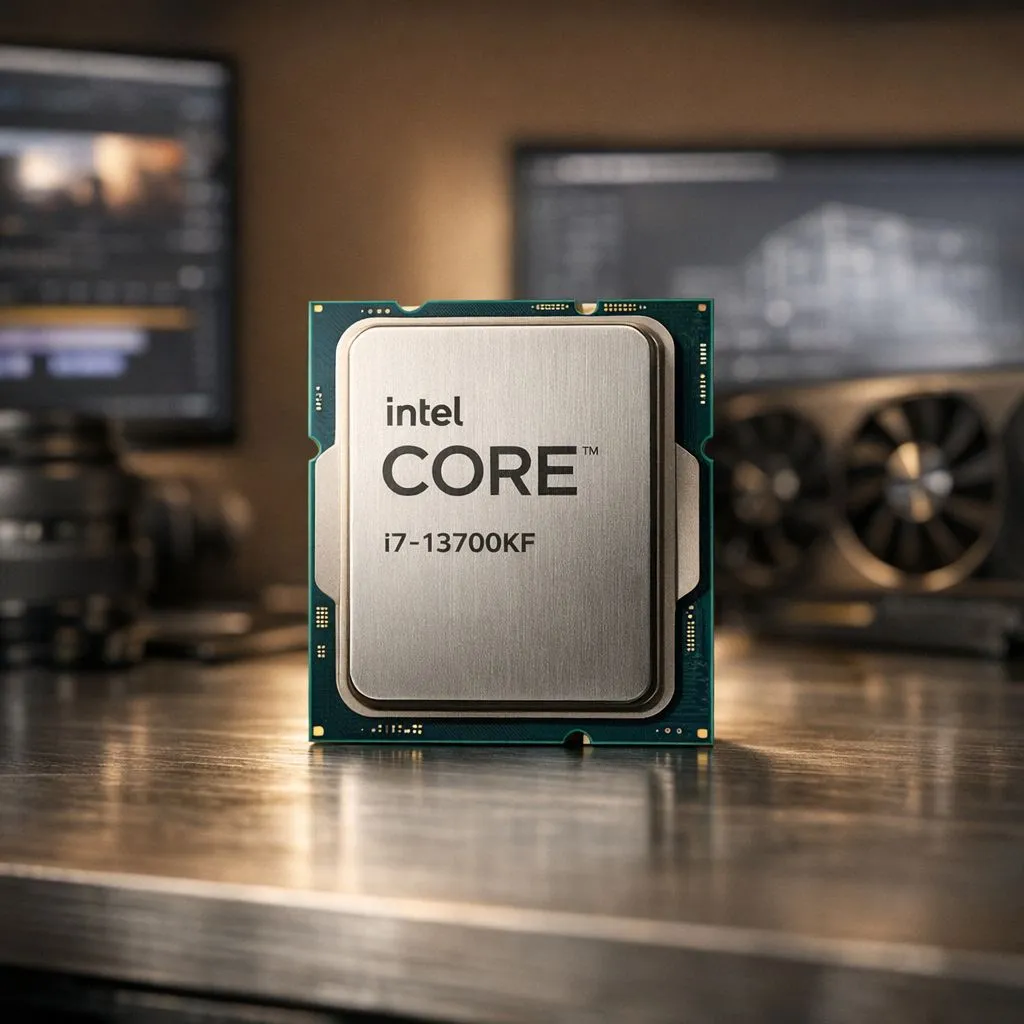
Staring at a render progress bar that barely moves? We've all been there. When deadlines loom and your creativity is flowing, the last thing you need is a PC that can't keep up. That's where a custom i7 13700KF workstation build comes in. It offers a killer blend of multi-core performance and value for South African creators, turning those agonising waits into a thing of the past. Let's dive into how to build the ultimate rig around this CPU. 🚀
Why the i7-13700KF is a Creator's Powerhouse
The Intel Core i7-13700KF isn't just another processor; it's a purpose-built engine for heavy-duty tasks like video editing and 3D rendering. The secret lies in its hybrid architecture: 8 powerful Performance-cores (P-cores) for your active tasks (like scrubbing a 4K timeline) and 8 Efficient-cores (E-cores) to handle background processes (like rendering or encoding). This smart division of labour means a smoother, more responsive experience.
With boost clocks hitting a blistering 5.4 GHz, this CPU chews through complex calculations. The "K" means it's unlocked for overclocking, and the "F" means it comes without integrated graphics... a smart way to save some ZAR since you'll be using a powerful dedicated GPU anyway. It's a top-tier choice from Intel's latest processors for anyone serious about content creation.
Core Components for Your 13700KF Workstation Build
Pairing your CPU with the right components is crucial. An i7 13700KF workstation build is a balanced system where every part complements the others. Here’s what to prioritise.
Motherboard & Cooling 🔧
A Z790 motherboard is the ideal partner for the 13700KF, offering the latest features like PCIe 5.0 and robust power delivery for stable performance. To keep this powerful chip cool under full load, don't skimp on cooling. A high-quality 240mm or 360mm All-In-One (AIO) liquid cooler is highly recommended to prevent thermal throttling and maintain peak performance during those long render sessions.
RAM & Storage
For video editing and 3D work, 32GB of DDR5 RAM is the new standard, providing the bandwidth needed for high-resolution assets. For storage, a fast NVMe SSD is non-negotiable. A 1TB drive for your OS and applications, paired with a larger 2TB or 4TB NVMe for your project files and cache, will dramatically reduce loading times.
Optimise Your Workflow ⚡
For complex After Effects or Premiere Pro projects, dedicate a separate, fast NVMe SSD purely as a media cache drive in your software's settings. This prevents your main project drive from getting bogged down and can significantly improve timeline scrubbing and playback performance.
The Graphics Card (GPU)
Your choice of GPU is critical. For most creative applications, especially those in the Adobe suite and Blender, NVIDIA's RTX cards are the top choice due to their powerful CUDA cores and mature drivers. An RTX 4060 Ti or RTX 4070 provides a fantastic performance-per-rand balance for a modern 13700KF build for video editing.
What About the Competition?
It's always wise to consider all your options. While the 13700KF's 16 cores (8P+8E) are a beast for multitasking, some creators might weigh them against other choices. Even powerful 14-Cores CPUs like the Core i5-13600K can be a great starting point, but the 13700KF provides that extra headroom for professional workloads.
On the other side of the aisle, Team Red offers strong competition. The latest AMD Ryzen 7 processors also deliver compelling performance in multi-threaded tasks. It often comes down to specific application benchmarks and current pricing, so it's always worth exploring the full range of AMD CPUs before making a final decision. For now, though, the 13700KF holds a sweet spot for price-to-performance in creative builds. ✨
Ready to Build Your Creative Powerhouse? The i7-13700KF offers an incredible foundation for any serious creator in South Africa. Whether you're picking parts for a full custom build or looking for a professionally assembled machine, we've got you covered. Explore our range of custom-built PCs and unleash your creative potential today.











