

Mastering the Balance of Positive Air Pressure
Nothing kills a clutch play like thermal throttling. When your GPU hits 85°C during a South African summer afternoon, performance drops and fans scream. If you want to improve GPU temperatures with better case airflow, you don't need a massive budget. A few strategic tweaks to your PC's cooling setup can keep your frame rates high and your hardware healthy for years to come.
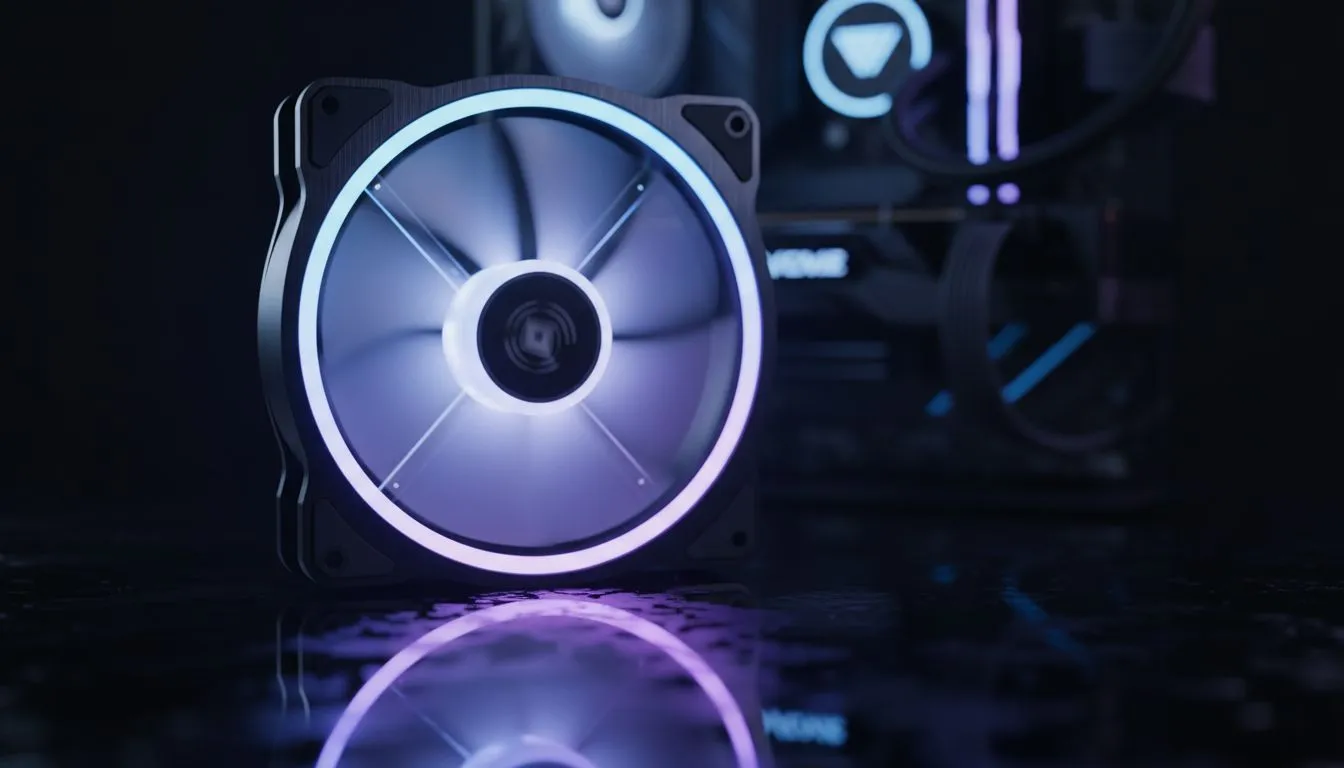
The secret lies in "Positive Air Pressure." This happens when you have more intake fans than exhaust fans. It forces air out of every small gap in your chassis, preventing dust from settling on your expensive components. To achieve this, you need high-static pressure case fans positioned at the front of your build. By pulling in fresh, cool air directly onto the GPU shroud, you create a consistent thermal environment that prevents heat soak during long gaming sessions.
Choosing the Right Foundation for Airflow
Your choice of chassis dictates how well your components breathe. If your front panel is solid plastic or glass with tiny side vents, your fans will struggle to pull in enough air. High-airflow designs, like many Evetech gaming cases, feature mesh front panels that allow for maximum volume.
The GPU Space Hack ⚡
Ensure there is at least two slots of empty space below your GPU fans. If you have a micro-ATX board in a small case, the heat often gets trapped against the PSU shroud. Adding a single bottom-mounted intake fan can drop temperatures by up to 5°C instantly.
If you prefer a specific aesthetic, Gamdias gaming cases often provide a great balance between tempered glass style and ventilated pathways. When browsing for new computer cases, always look for models that support 140mm fans... they move more air at lower RPMs, which means less noise while you game.
Managing Internal Heat from the Top Down
Your GPU isn't the only heat source. Your processor dumps significant thermal energy into the case, which can raise the ambient temperature around your graphics card. Upgrading your stock cooler to high-performance cpu coolers can help manage this internal climate.
For the best results, a Liquid Cooler (AIO) mounted at the top of the case acts as a dedicated exhaust system. This pulls rising heat away from the GPU and exhausts it out of the top before it can linger. This separation of thermal zones is one of the most effective ways to improve GPU temperatures with better case airflow... especially in compact builds.
Aesthetics Meets Thermal Performance
You don't have to sacrifice looks for cooling. Industry leaders like CORSAIR have perfected fans that offer incredible CFM (Cubic Feet per Minute) ratings while looking stunning. You can choose vibrant RGB options to sync with your motherboard or go for a stealthy "blackout" look with fans that have None or zero lighting effects. 🔧 ⚡ 🚀 ✨
Ready to Chill Your Build? Don't let high temperatures throttle your performance this summer. Whether you need a high-airflow mesh case or premium fans to push more air, we have the gear to keep you cool. Explore our massive range of cooling components and find the perfect upgrade to protect your hardware.











