


Spotted a 'too-good-to-be-true' RTX 3080 on Gumtree for a few thousand ZAR? We've all been there. The thrill of hunting for a bargain is real, but so is the risk of getting landed with a dud. This guide is your essential pre-flight checklist to inspect used PC parts in South Africa. We’ll show you exactly what to look for, helping you dodge scams and build your rig without regrets. Let’s get you sorted. 🔧
The Essential Pre-Purchase Checklist
Before you even meet the seller, do some homework. This initial screening can save you a lot of time and potential heartache.
- Ask for Proof: Request the original invoice or proof of purchase. This verifies the age of the component and tells you if any warranty is left.
- See it Running: Ask for a recent video of the part working, ideally running a benchmark or a game. For a full PC, insist on seeing it boot up and run a program.
- Question the "Why": Why are they selling? "Upgrading" is a common and good reason. Vague answers can be a red flag.
This simple due diligence is your first line of defence when navigating the second-hand market.
How to Inspect Used PC Parts: A Component-by-Component Guide
Alright, you've arranged a meetup. It’s time to get hands-on. This buyer's guide for used components in SA will walk you through the critical checks for each part.
The CPU: The Brains of the Operation
The processor is durable, but fragile in the wrong hands.
- Intel (LGA): Check the motherboard socket for bent pins, not the CPU itself.
- AMD (PGA): Carefully inspect the CPU for bent or missing pins. A single bent pin can be a deal-breaker.
- Heat Spreader: Look for scratches or uneven surfaces, which could indicate improper cooler installation. If it looks pristine, you're likely in good shape. It's often safer to look at new CPU processors online to avoid hidden damage.
The GPU: The Heart of Your Gaming Rig
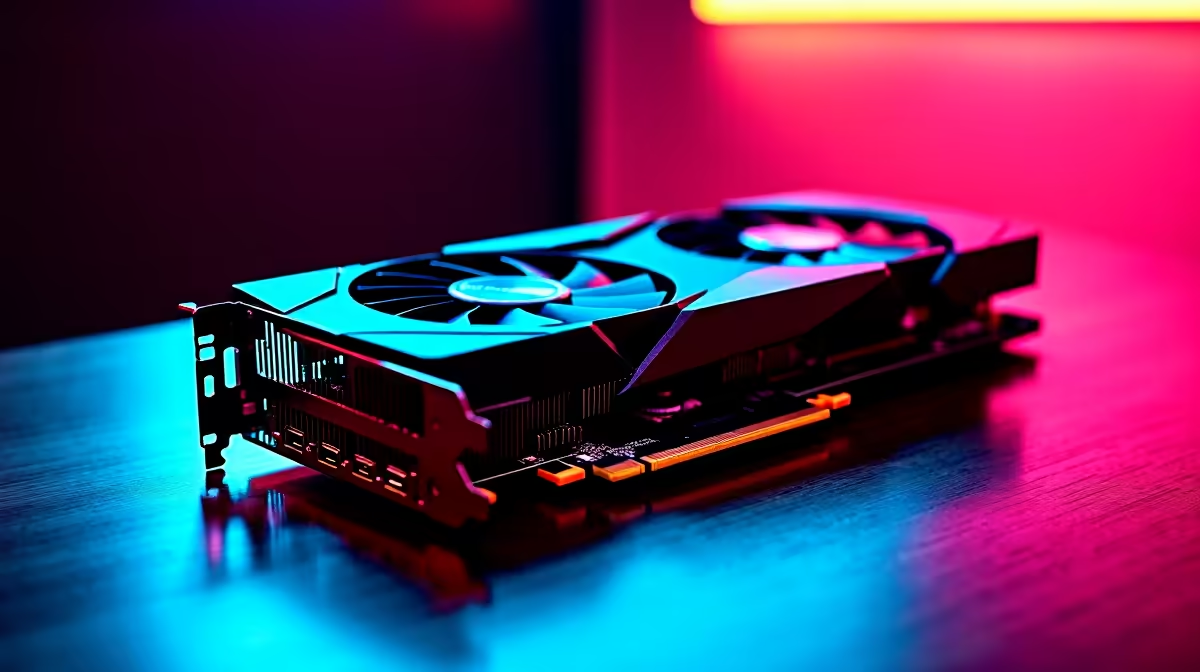
Graphics cards are the most common and riskiest second-hand purchase, often due to their past life in crypto mining rigs.
- Physical Inspection: Look for excessive dust in the heatsink, yellowing on the plastic shroud, or signs of disassembly like mismatched screws.
- Fan Check: Give the fans a gentle spin. Do they move freely or do they grind?
- The Test: If possible, see it run a game or a benchmark like FurMark. Watch for visual glitches, artifacts, or flickering. A few minutes under load can reveal major faults. Investing in new NVIDIA or AMD graphics cards comes with a warranty for peace of mind. ✨
Free Benchmarking Tools ⚡
Before you meet a seller, download a few free tools onto a USB drive. Cinebench R23 is great for stressing a CPU, Unigine Heaven is a solid GPU benchmark, and CrystalDiskInfo instantly reads the health of any SSD or HDD. Being prepared shows you're a serious buyer and helps you make an informed decision on the spot.
The Motherboard: The Nervous System
A faulty motherboard can be a nightmare to diagnose.
- Capacitors: Look for bulging or leaking capacitors. They should all be perfectly flat on top.
- CPU Socket: As mentioned, check for bent pins in the LGA socket. Bring a magnifying glass if you need to.
- Ports & Traces: Check all USB, audio, and display ports for physical damage. Scan the board for any deep scratches that might have severed a circuit trace. For a reliable foundation, check out these cheap Intel and AMD based motherboards.
RAM, Storage, and Power Supply
These components are harder to inspect visually but have tell-tale signs.
- RAM: Physical damage is rare. The only true test is running a memory diagnostic tool like MemTest86 for a few hours. If you can't, it's a gamble. A new set of DDR gaming RAM modules is often a small price to pay for stability.
- Storage (SSD/HDD): Never buy a used drive without seeing its CrystalDiskInfo report. This shows "Power On Hours" and "Total Host Writes" (for SSDs), giving you a clear picture of its lifespan. For critical data, new solid-state drives are non-negotiable.
- PSU: This is the one part we strongly advise against buying used. A failing PSU can take your entire system with it. If you must, check for coil whine under load and any burning smells. A new, reliable Corsair power supply is a crucial investment for system safety.
Case, Coolers, and Thermal Paste
Finally, the less critical but still important bits.
- Case: Check for stripped screws, missing parts (like drive cages), and broken front panel connectors. Dents and scratches are cosmetic, but ensure the core structure is sound. There are plenty of affordable computer cases if the used one is too battered.
- Coolers: Ensure the fans spin freely and all mounting hardware is included for your specific socket type. Don't forget that you'll need fresh thermal solutions when installing any used cooler. When in doubt, new CPU coolers guarantee compatibility and performance. 🚀
The Hidden Risk: When a "Bargain" Costs You More
Saving a few hundred ZAR on a second-hand component might feel great initially, but what happens when it fails a month later? No warranty, no support... just a hole in your pocket. Compatibility issues and time spent troubleshooting a faulty part can quickly erase any initial savings.
Sometimes, the smartest move is to buy new. This is especially true with Intel and AMD based bundle packs, which offer a guaranteed-compatible core of a CPU, motherboard, and RAM, all covered by a full warranty. This approach to inspecting used PC parts in South Africa often leads to the same conclusion: new provides unbeatable value and peace of mind.
Ready to Build with Confidence? Hunting for used parts can be a gamble. For guaranteed performance, a full warranty, and zero guesswork, building with new is the smart play. Explore our massive range of PC components and build your dream rig in South Africa today.










