

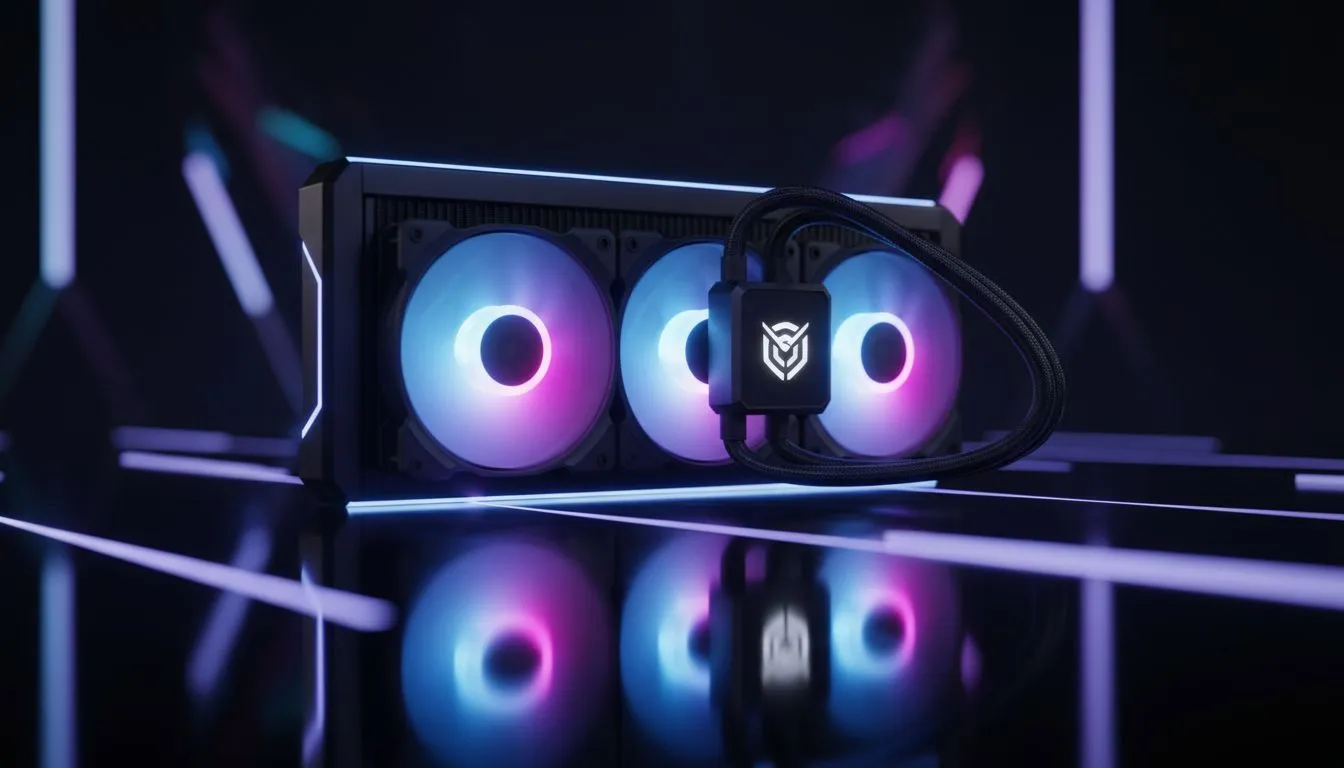
Plan to Install 360mm AIO Cooler in a Mid-Tower Case
Thinking of how to install 360mm AIO cooler in a mid-tower case and keep your GPU and cable routing tidy? Start with a reality check: not every mid-tower accepts a top-mounted 360mm radiator, and fans+radiator thickness can clash with RAM or VRM heatsinks. Read the slot and radiator specs for your case before buying—this single step saves hours of frustration. 🔧
Prepare to Install 360mm AIO Cooler in a Mid-Tower Case
Measure first, buy second. Check the radiator mounting points and clearance in your chosen case listing—Evetech’s general case category is a good place to compare dimensions and layout options. For South African shoppers who want a reliable mid-tower, browse these case options to confirm top or front 360mm support: https://www.evetech.co.za/components/computer-cases-70. If you're working with a compact mid-tower, front mounting often gives more breathing room for tall RAM or VRM heatsinks.
Fitting advice when you Install 360mm AIO Cooler in a Mid-Tower Case
Remove the side panel and pre-install fans on the radiator outside the case; it’s far easier. When you position the radiator, consider airflow: pushing cool air in through the front radiator usually yields better CPU temps at the cost of warmer internal components. For cases that favour a clean, minimalist design and flexible radiator layouts, check specific Fractal models that often have clear spec pages showing radiator compatibility: https://www.evetech.co.za/PC-Components/fractal-design-pc-cases-346. Small test-fits help you spot RAM height or GPU clearance issues before committing.
Installation Pro Tip ⚡
Fit the radiator with fans as a single assembly before lifting it into the case. Use zip-ties to hold tubes temporarily and keep the pump accessible for SATA or 3-pin power. This prevents awkward hands-inside-the-case scenarios and protects fittings.
Mounting steps to Install 360mm AIO Cooler in a Mid-Tower Case
Mount the radiator securely using the supplied screws, but don’t overtighten—aluminium radiators can warp. Route the pump cable to the preferred header (AIO pump header or CPU_FAN with BIOS set for pump) and plug fans into a fan hub or motherboard headers for PWM control. If you want budget-friendly mid-towers with good airflow and room for a 360mm install, some Gamdias models balance price and clearance well: https://www.evetech.co.za/PC-Components/gamdias-gaming-cases-293. For builds on a budget, compare models filtered by price to find a case under R1,500 that still supports larger radiators: https://www.evetech.co.za/PC-Components/gamdias-gaming-cases-293?max-price=1500. ⚡
Test and tune after you Install 360mm AIO Cooler in a Mid-Tower Case
Once mounted, run a stress test and monitor pump rpm and CPU temps. Adjust fan curves in BIOS or with motherboard software to balance acoustics and thermal performance. If temps are higher than expected, check for blocked intake vents or fan orientation. Keep hoses away from hot components to extend pump life.
Ready to Find Your Perfect Match? The Mac vs Windows debate is complex, but for maximum power, choice, and value in South Africa, Windows is hard to beat. Explore our massive range of laptop specials and find the perfect machine to conquer your world.











