

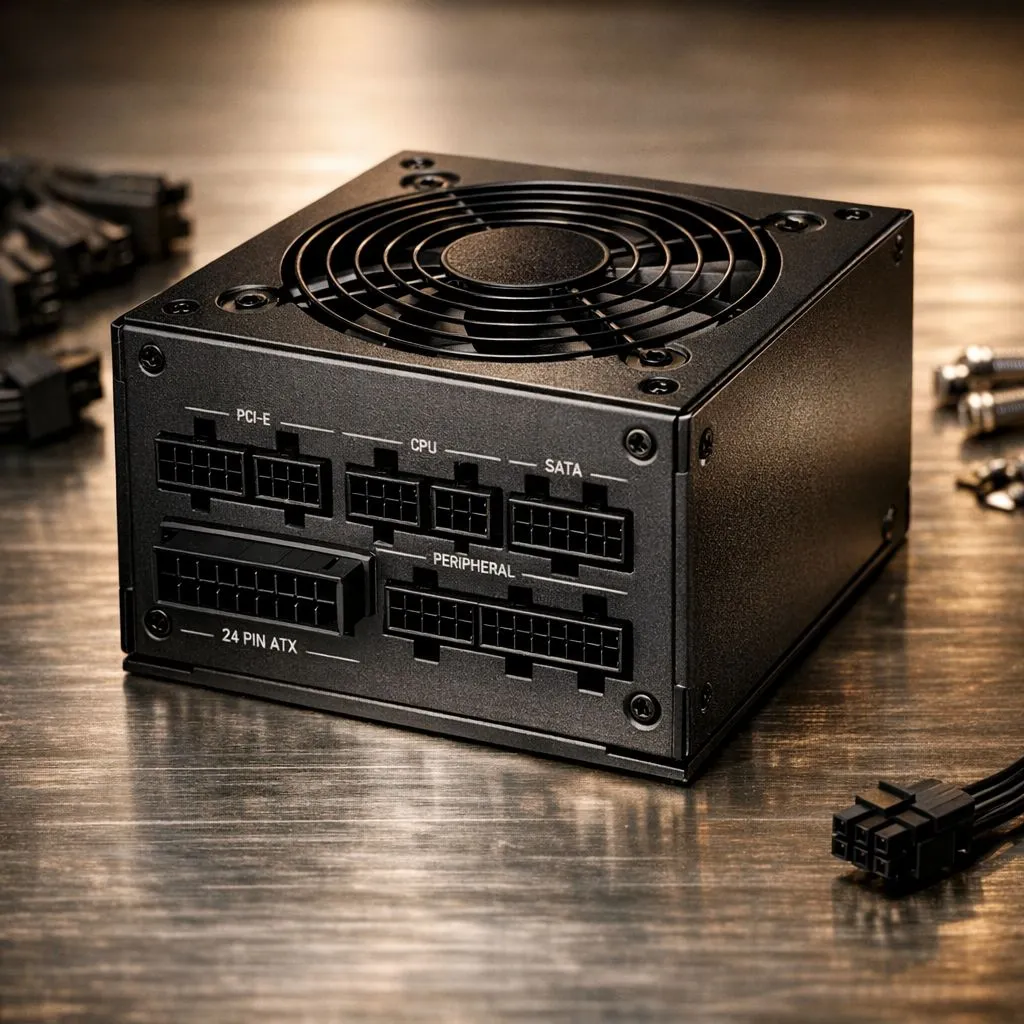
Why You Should Install a Modular Power Supply in Your Build
Tired of fighting a "spaghetti monster" of cables every time you open your PC case? We have all been there. When you choose to install a modular power supply, you are taking the first step toward a cleaner... cooler... and more efficient gaming rig. In South Africa, where dust and heat are constant battles, cable management is more than just an aesthetic choice. 🔧
Standard power supplies come with a permanent "octopus" of cables. Many of these wires end up tucked away in a dusty corner of your chassis. This blocks airflow and traps heat. A modular unit allows you to plug in only what you need. This results in a professional look and better thermal performance for your expensive components.
Planning Your Cable Layout Before the Install
Before you start turning screws, you need a plan. Lay out your components on a flat surface. Identify which power connectors your motherboard and GPU require. Most modern builds need a 24-pin ATX cable... an 8-pin CPU cable... and at least one PCIe cable for the graphics card.
Choosing a reputable brand makes this process much easier. If you want reliability and long warranties, a premium Corsair power supply is an excellent foundation. These units often feature flexible cables that are easier to route through tight spaces in your case.
Build Lab Pro Tip ⚡
Always plug your modular cables into the power supply unit before mounting it into the chassis. It is much harder to reach the modular interface once the unit is screwed into a cramped basement shroud. This small step saves your fingers from unnecessary scratches and frustration during the build process.
How to Correctly Install a Modular Power Supply
Now it is time for the heavy lifting. Slide your PSU into the mounting bracket at the rear of your case. Ensure the fan is facing the correct direction. Most modern cases have a filtered intake at the bottom. This allows the PSU to pull in cool air from outside the case.
If you are working on a budget-friendly build, you can find great GAMDIAS modular options that offer the same cable flexibility. Secure the unit with the four provided screws. Once the unit is firm, start routing your pre-connected cables through the grommets of your case. Use cable ties or Velcro straps to keep things tidy behind the motherboard tray.
Final Connections and Testing Your New Rig
With the unit mounted, connect your components one by one. Ensure every plug "clicks" into place. A loose connection can lead to random restarts or even hardware damage. In South Africa, electricity costs are rising... so efficiency matters. We recommend using 80 PLUS energy-efficient models to ensure you are getting the most power for every Rand spent on your utility bill. ⚡
Once everything is plugged in, do a final visual check. Ensure no cables are touching fan blades. Flip the switch on the back of the PSU... hit the power button... and enjoy your clean, high-performance machine. 🚀
Ready to Find Your Perfect Match? A clean build starts with the right parts. Whether you are building a budget beast or a high-end workstation, the right PSU makes all the difference. Explore our massive range of power supplies and find the perfect unit to power your next victory.











