


Best RTX 5090 Under R5000 in South Africa 2026
Top RTX 5090 Under R5000 picks evaluated on performance, value & SA availability with current Rand pricing from Evetech.
Read more- Check compatibility; - Prep tools & safety; - Mount, connect & test. Install power supply in your gaming chassis with clear steps, cable management tips, and safety checks to avoid damage and boot issues ⚙️🔌
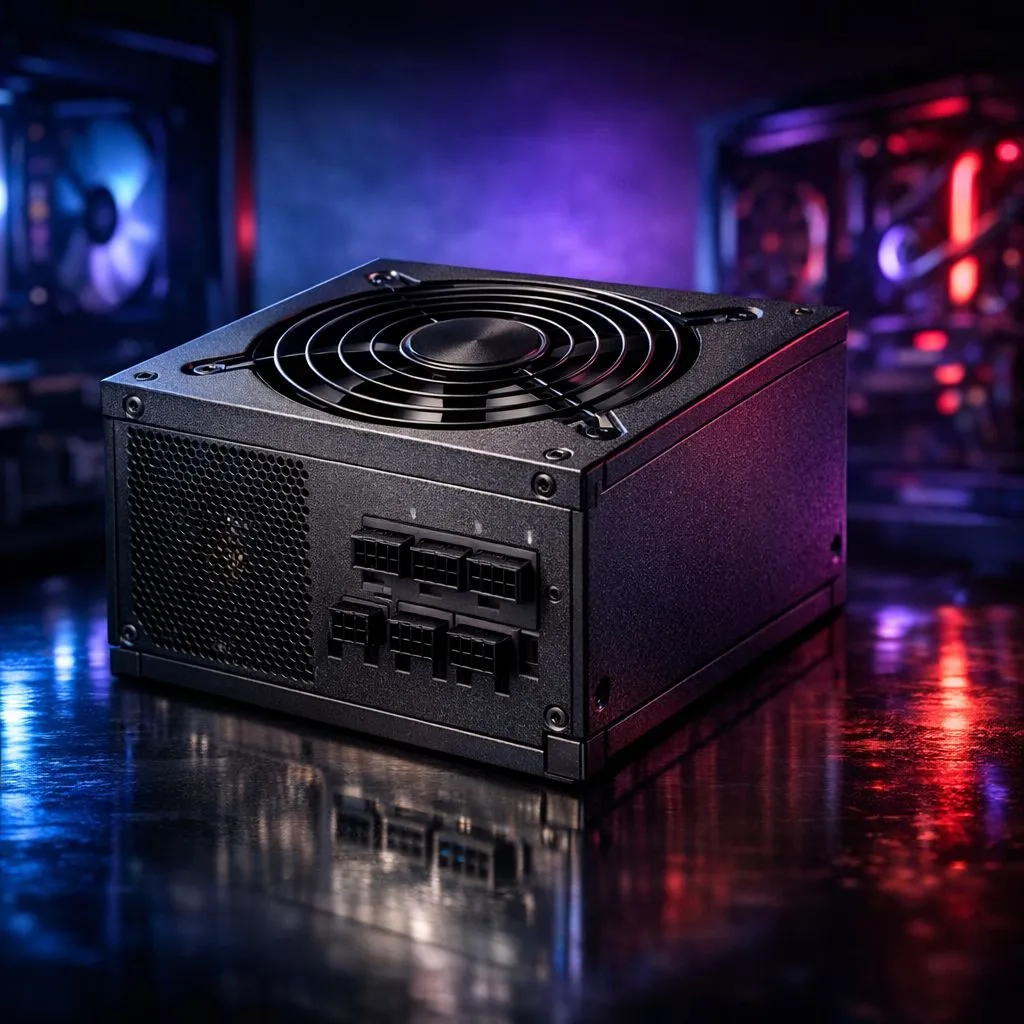
Building your dream PC in South Africa is an exciting rite of passage. But nothing stops the hype faster than a messy cable nest or a short circuit. Learning how to install power supply in your gaming chassis correctly is the foundation of a stable system. It ensures your components get clean energy... especially when our local grid decides to be unpredictable.
Before you pick up a screwdriver, ensure your PSU fits your specific needs. You want a brand known for reliability and clean power delivery. If you are looking for top-tier performance and silent operation, you might browse the latest Corsair power supply range to find a modular unit. Modular cables are a blessing for airflow because they allow you to only use the wires you actually need.
First, clear your workspace and ground yourself to avoid static. Lay your chassis on its side on a flat surface. Most modern cases have a dedicated shroud at the bottom to hide cables. Slide the unit into the rear opening with the fan facing the ventilation cutouts.
If you prefer aesthetics and reliability on a budget, checking out GAMDIAS power supplies is a smart move for many local builders. Once aligned, secure the four mounting screws at the back of the case. Do not over-tighten them... just enough to stop any vibration during heavy gaming sessions ⚡.
Always route your 8-pin CPU power cable through the top-left cutout of the motherboard tray before mounting the motherboard. It is almost impossible to reach once the heatsink or a large air cooler is in place. This small step saves you from having to take the whole build apart later.
With electricity costs rising in ZAR, efficiency is not just about heat... it is about your monthly bill. Look for units with high efficiency ratings to reduce wasted energy. You can filter for 80 PLUS certified units to ensure you are getting the most out of every watt. High efficiency means less wasted heat, which keeps your gaming room cooler during those hot South African summer afternoons ☀️.
Once the unit is mounted, it is time to plug everything in. Start with the large 24-pin motherboard cable. Next, connect the 8-pin CPU power at the top of the board. Finally, connect your GPU.
If you have a high-end graphics card, use separate cables rather than "daisy-chaining" a single one. This prevents voltage drops when your card boosts. Double-check every connection to ensure they are seated fully. A loose plug is the most common reason a new PC fails to post on the first try 🚀.
Ready to Power Your Next Victory? Choosing the right PSU is the best insurance policy for your expensive gaming hardware. For the best deals and widest selection in South Africa, we have you covered. Explore our massive range of power supplies and find the perfect unit to keep your rig running smooth.
Turn off and unplug, verify PSU form factor and wattage, mount the PSU, connect motherboard and GPU cables, manage cables, then test. Follow a PSU installation guide.
You need a Phillips screwdriver, zip ties or Velcro, an anti static wrist strap, a flashlight, and optional PSU tester for safe psu installation.
Check form factor (ATX), required connectors, and wattage/headroom. Use a psu compatibility check to match GPU and CPU power draw.
A modular PSU simplifies cable management by allowing only needed cables, making routing cleaner and improving airflow compared to non-modular units.
Unplug the PC, hold a grounded metal surface, or wear an anti static wrist strap. Always discharge capacitors and work on a nonconductive surface for safety.
Power on and check BIOS/POST, verify voltages with a multimeter or PSU tester, and run a short stress boot to confirm stable power delivery.
Align PSU screw holes with chassis mounts, orient for ventilation (fan up or down per case), secure screws, and route cables through cutouts for neat install.
Top RTX 5090 Under R5000 picks evaluated on performance, value & SA availability with current Rand pricing from Evetech.
Read more
Top Value RX 9070 XT Under R10,000 picks evaluated on performance, value & SA availability with current Rand pricing from Evetech.
Read more
Top RTX 5090 Under R4000 picks evaluated on performance, value & SA availability with current Rand pricing from Evetech.
Read more
Top RTX 5080 Under R15000 picks evaluated on performance, value & SA availability with current Rand pricing from Evetech.
Read more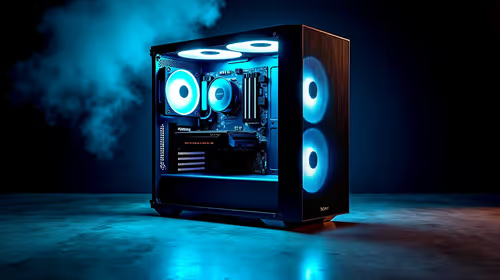
Core i5-14400F + B760 + RX 7800 XT Build Under. Full parts list, Rand pricing & expected performance. Build confidently with SA-available components.
Read more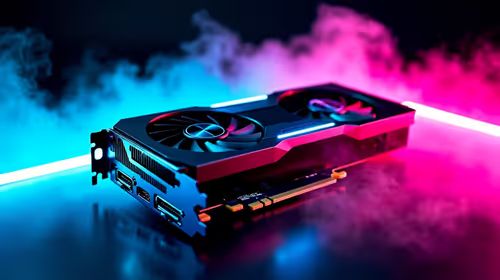
Top Budget RTX 5070 Ti Under R20,000 Gamers picks evaluated on performance, value & SA availability with current Rand pricing from Evetech.
Read more
Can RTX 4080 Super Run AI Workloads for SA Developers Detailed answer with SA data, expert analysis & practical recommendations for local buyers.

Can RTX 4090 Run AI Workloads for SA Developers Detailed answer with SA data, expert analysis & practical recommendations for local buyers.

Top Settings for Intel Arc B580 at Ultrawide 1440p picks evaluated on performance, value & SA availability with current Rand pricing from Evetech.

RX 7600 Overclocking Guide: Safe OC Settings for. Real-world benchmark data, FPS numbers & performance analysis. What SA gamers can actually expect.

RTX 4060 CS2 Low Settings at 1080p: FPS Results. Real-world benchmark data, FPS numbers & performance analysis. What SA gamers can actually expect.

Visual Artifacts: Possible GPU Issue Issue #1. Diagnosis steps, proven fixes & when to seek professional help. SA-specific support info included.

Can the RTX 4090 Handle 1440p 144Hz Gaming. Performance testing verdict with real data & practical recommendations for SA buyers.

Top ASUS GPU Under R15000 picks evaluated on performance, value & SA availability with current Rand pricing from Evetech.

GTA 6 Max Settings on RTX 5070. Tested & verified settings for best FPS and visual quality on SA hardware budgets.

Cyberpunk 2077 Max Settings on RTX 5080. Tested & verified settings for best FPS and visual quality on SA hardware budgets.

Starfield Max Settings on RTX 5070 Ti. Tested & verified settings for best FPS and visual quality on SA hardware budgets.
Top RTX 5090 Under R5000 picks evaluated on performance, value & SA availability with current Rand pricing from Evetech.