

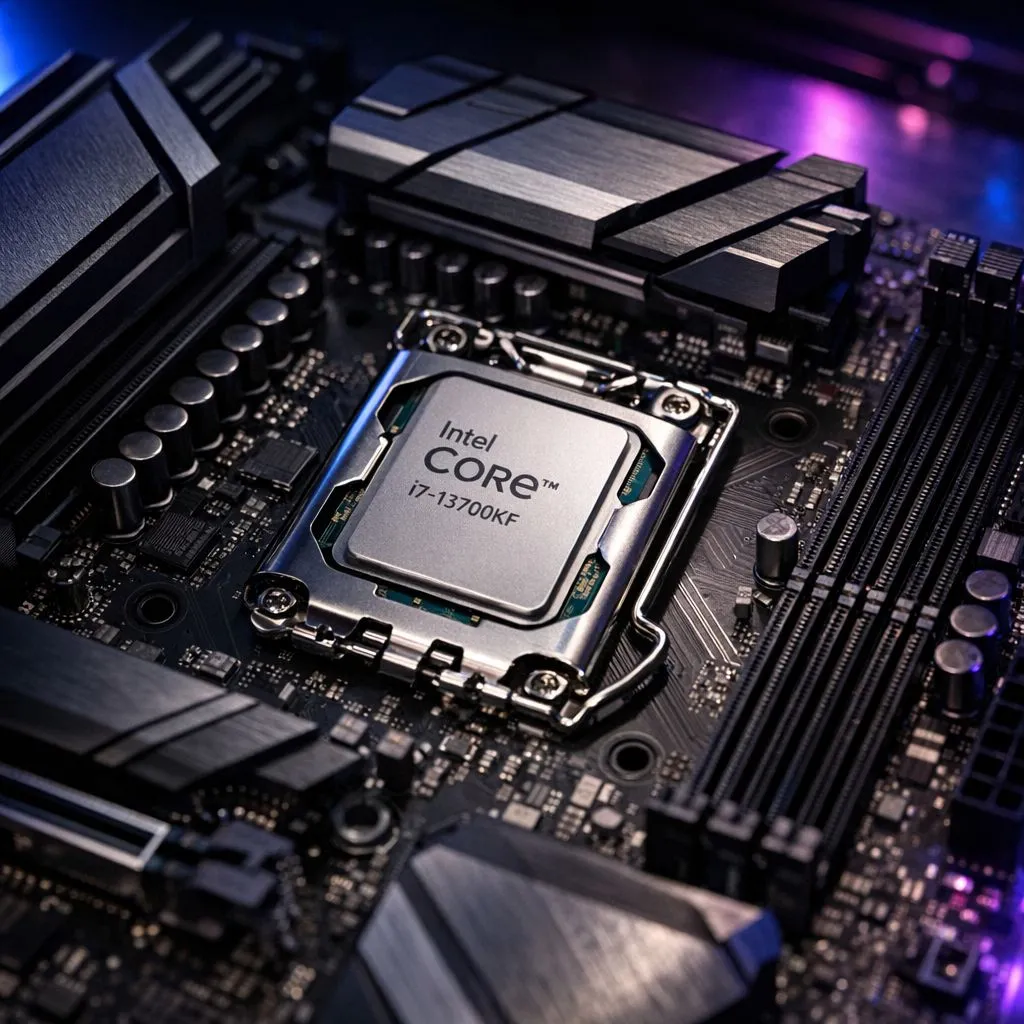
So, you’ve got your hands on the mighty Intel Core i7 13700KF... what a beast! This CPU is a powerhouse for gaming and productivity in South Africa. But before you can unleash its full potential, you need to solve the big puzzle: motherboard compatibility. Choosing the right one is crucial for stability and performance. This guide will break down everything you need to know about Intel Core i7 13700KF motherboard compatibility, ensuring you make the perfect choice from our range of Intel CPUs and motherboards.
Understanding the LGA 1700 Socket
First things first, let's talk sockets. The Intel Core i7 13700KF uses the LGA 1700 socket. This is the physical interface on the motherboard where the CPU clicks into place.
This socket was introduced for Intel's 12th Gen (Alder Lake) processors and continues with the 13th Gen (Raptor Lake), including your 13700KF. This is great news for builders because it means you have two generations of motherboards to choose from: the 600-series and the newer 700-series. But which chipset is right for you?
Core i7 13700KF Motherboard Chipset Options
The chipset is the brain of the motherboard, controlling communication between the CPU, RAM, and other components. Getting the right chipset for your 13700KF is key to unlocking its features. 🚀
The 700-Series: Built for Raptor Lake (Z790, B760)
These are the latest and greatest, designed specifically for 13th Gen CPUs. They work perfectly with the i7 13700KF right out of the box, with no updates needed.
- Z790 Motherboards: This is the top-tier choice. The "Z" signifies that it supports CPU overclocking. Since you have a "K" series CPU (the 'F' just means no integrated graphics), a Z790 board lets you push your processor's clock speeds for maximum performance. They also typically offer more PCIe 5.0 lanes, faster connectivity, and robust power delivery.
- B760 Motherboards: The value champion. B760 boards do not allow CPU overclocking, but they do support RAM overclocking (XMP). For most gamers who just want incredible performance without manual tuning, a B760 is the perfect motherboard for a 13700KF. You get modern features at a much friendlier price point.
The 600-Series: A Smart-Value Alternative (Z690, B660)
Because they share the LGA 1700 socket, older 600-series motherboards are also compatible. This can be a savvy way to save some ZAR, but there's one major catch: you will almost certainly need a BIOS update for the board to recognise the 13700KF.
- Z690 Motherboards: A previous-generation flagship, the Z690 still offers CPU overclocking and fantastic features. If you find a good deal on one, it can be a great pairing.
- B660 Motherboards: Like the B760, this is a non-overclocking board that offers excellent value. It's a solid, no-frills choice if your budget is tight.
BIOS Flashback is Your Best Friend 🔧
If you're buying a 600-series board, look for one with a feature called "BIOS Flashback" (or Q-Flash Plus on Gigabyte boards). This lets you update the motherboard's BIOS with just a USB stick and a power supply... no CPU or RAM needs to be installed. It's a lifesaver that prevents you from getting stuck with a PC that won't boot.
Key Features to Consider
Beyond the chipset, here are a few other things to look for when choosing a motherboard for your i7 13700KF.
- VRM (Power Delivery): The 13700KF is a powerful CPU that can draw a lot of electricity. A motherboard with a strong Voltage Regulator Module (VRM) design and good heatsinks ensures clean, stable power for peak performance and longevity.
- RAM Support (DDR4 vs DDR5): LGA 1700 boards come in two flavours: DDR4 and DDR5. DDR4 is more affordable and still performs brilliantly for gaming. DDR5 is the newer standard, offering higher speeds that can benefit productivity tasks, and it's more future-proof. Choose the one that fits your budget. ✨
- Connectivity: Do you need Wi-Fi 6E? How many USB ports do you need? What about fast 2.5G LAN for a speedy network connection? Check the spec sheet to ensure the board has all the ports you need.
How Does This Compare to the Competition?
The i7 13700KF is an incredible CPU, but it's always smart to know the landscape. Its main competition often comes from an AMD Ryzen 7 processor, which uses a completely different platform (the AM5 socket) and requires its own set of motherboards. For those exploring every avenue, checking out the full range of AMD CPUs can provide a complete picture of the market.
Even within Team Blue, if the 16 cores of the 13700KF are more than you need, a popular alternative like a 14-core Intel CPU can be a fantastic sweet spot for a high-end gaming build, using the very same motherboards discussed here.
Ready to Build Your 13700KF Powerhouse? Choosing the right motherboard is the foundation of a great PC build. Now that you know what to look for, you're ready to find the perfect board for your budget and needs. Explore our massive range of motherboards and pair it with your Core i7 13700KF today!











