

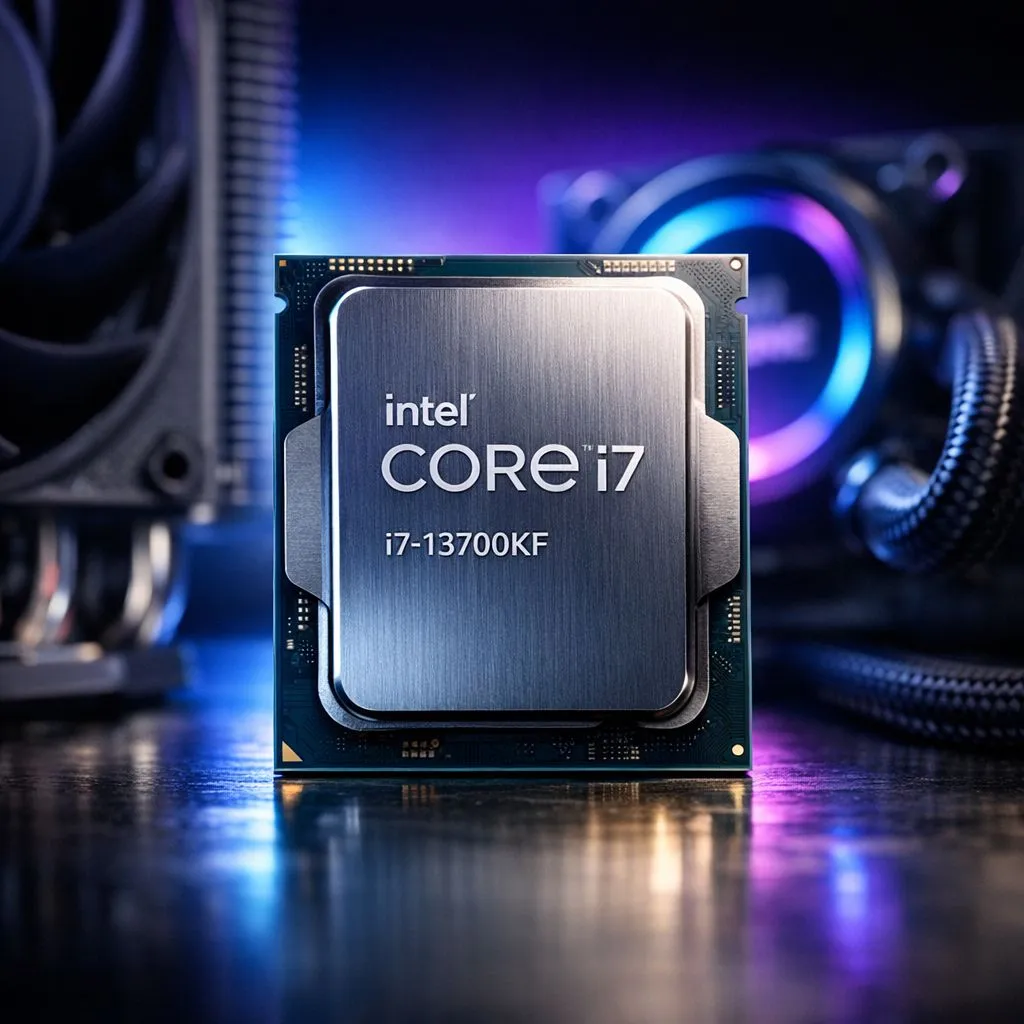
So, you’ve snagged the beastly Intel Core i7-13700KF for your new rig. What a legend! But with great power comes a great thermal challenge. How do you stop this powerhouse from turning your PC case into a braai on a hot day? We’re diving into the big Intel i7 13700KF cooling debate: a beefy air cooler versus a sleek All-in-One (AIO) liquid cooler. Do you really need an AIO? Let’s find out.
Why the 13700KF is So Power-Hungry 🌡️
Before choosing a cooler, you need to understand what you're up against. The Intel i7-13700KF is one of Intel's powerhouse CPUs, and it can draw up to a massive 253 watts of power under full load. That's a lot of heat to get rid of.
If your cooling can't keep up, the CPU will "thermal throttle." This is a safety feature where the chip automatically slows itself down to prevent overheating. The result? You lose the very performance you paid for. An effective Intel i7 13700KF cooling solution isn't just a nice-to-have; it's essential to unlock the chip's full potential for gaming and productivity.
The Case for High-Performance Air Cooling
Don't let the simplicity of air coolers fool you. Modern high-end models from brands like Noctua, DeepCool, or be quiet! are engineering marvels capable of taming the 13700KF.
The Good Stuff
- Reliability: With fewer moving parts (just the fan), there's less that can go wrong. No pumps to fail, no liquid to worry about.
- Cost-Effective: A top-tier air cooler often costs less than a mid-range AIO. That’s more ZAR in your pocket for a faster GPU or more storage.
- Performance: A premium dual-tower air cooler can easily compete with, and sometimes even outperform, a 240mm AIO, especially when it comes to average noise levels.
The Downsides
- Sheer Size: These things can be massive. You absolutely must check for clearance with your PC case and RAM modules.
- Aesthetics: The bulky, industrial look isn't for everyone, especially if you're building a sleek, minimalist rig.
For many builders, a quality air cooler is the smartest choice for cooling the 13700KF, offering a fantastic balance of price, performance, and peace of mind.
Measure Twice, Build Once 🔧
Before buying a massive dual-tower air cooler, check your case's maximum CPU cooler height and your RAM module height. The last thing you want is a cooler that won't fit or a side panel that won't close. Most case and cooler manufacturers list these specs on their websites. A quick check can save you a massive headache!
When an AIO Liquid Cooler Makes Sense ✨
All-in-One liquid coolers are the go-to for many high-end builds, and for good reason. They offer a different approach to Intel i7 13700KF cooling that excels in specific areas. The cooling demands of modern CPUs are intense; even high-performance 14-core Intel processors require a robust solution to maintain boost clocks.
The Good Stuff
- Peak Performance: A good 280mm or 360mm AIO generally offers the best possible cooling performance, especially during sustained heavy loads or when overclocking. It can keep temperatures lower for longer.
- Sleek Looks: Nothing beats the clean, modern aesthetic of an AIO. The CPU block is small and unobtrusive, letting your motherboard and RAM take centre stage.
- Smart Heat Management: An AIO moves the CPU's heat directly to your case's edge (where the radiator is mounted) to be exhausted, which can help lower the overall ambient temperature inside your case.
The Downsides
- Price: AIOs are almost always more expensive than their air-cooled counterparts.
- Complexity: With a pump, radiator, tubing, and multiple fans, there are more potential points of failure.
- Installation: Can be a bit more fiddly, especially for first-time builders.
It's a different cooling challenge compared to some CPUs in the competing AMD Ryzen 7 series, which often have different thermal characteristics and hotspots.
The Verdict: Do You Need an AIO for Your 13700KF?
So, what's the final word on the best cooler for the i7 13700KF?
The short answer is no, you don't need an AIO. A high-end, dual-tower air cooler is perfectly capable of keeping a stock or lightly-tuned 13700KF running at full speed without thermal throttling.
However, you might want one. Here’s a simple breakdown to help you decide:
- Choose Air Cooling if: You prioritise value for money, long-term reliability, and simpler installation. It's the practical, powerful choice for the vast majority of gamers and creators.
- Choose Liquid AIO Cooling if: You plan to do serious overclocking, want the absolute best peak thermal performance, or if a clean, minimalist aesthetic is a top priority for your dream build. The performance difference might be small, but the visual impact is huge.
Ultimately, the choice between liquid vs air cooling for the 13700KF comes down to your budget, performance ambitions, and personal style. Both are valid paths, unlike the broader AMD CPU lineup which has its own unique cooling considerations.
Ready to Tame the Beast? The right Intel i7 13700KF cooling solution depends on your build, budget, and performance goals. Whether you choose the reliability of air or the peak performance of liquid, we've got the perfect match for your rig. Explore our massive range of CPU Coolers and find the perfect hardware to keep your system frosty.











