


Best RTX 5090 Under R5000 in South Africa 2026
Top RTX 5090 Under R5000 picks evaluated on performance, value & SA availability with current Rand pricing from Evetech.
Read moreIntel Core i7 13700KF build: step-by-step parts list, cooling choices, and tuning tips to assemble a high-performance gaming PC that maximizes FPS and value 🚀🎮
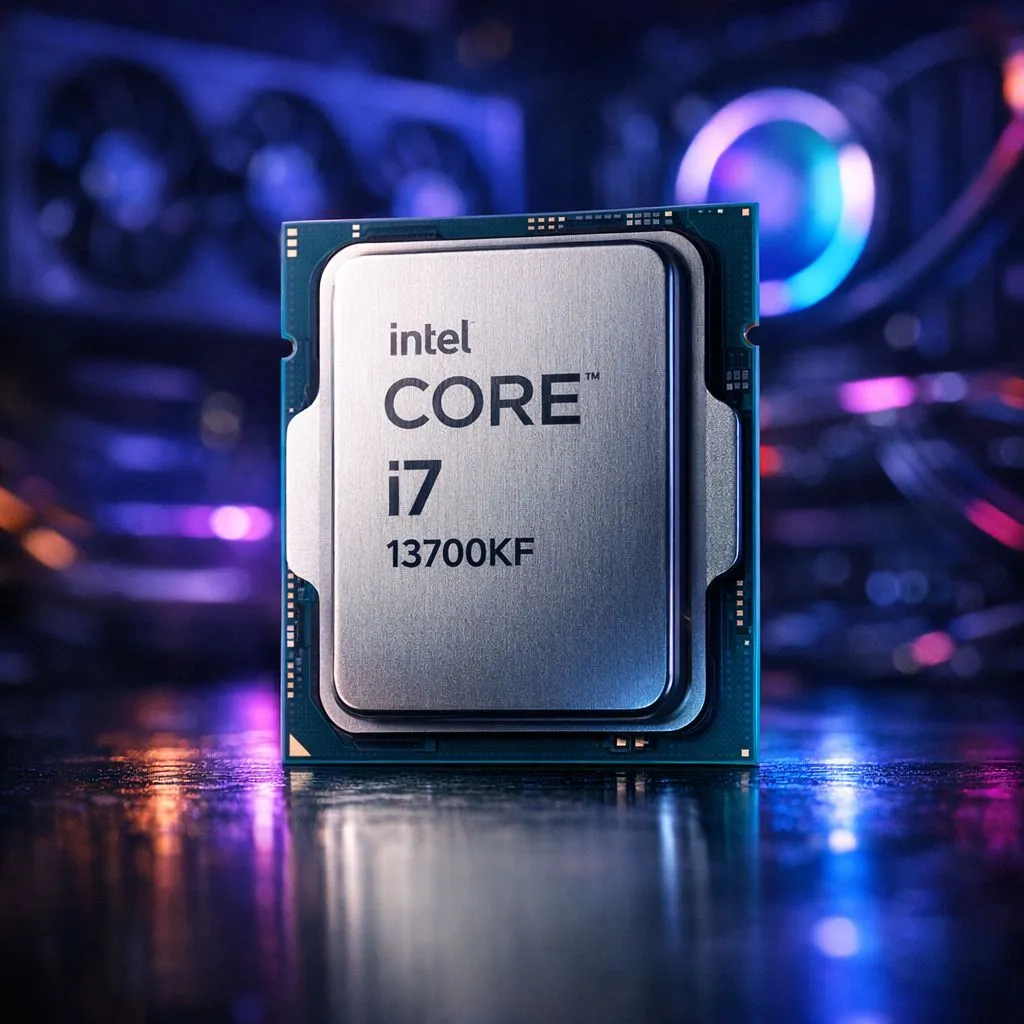
Tired of your PC lagging in the latest titles? Dreaming of buttery-smooth frame rates at 1440p without selling a kidney? You're in the right place. Building a high-performance gaming PC in South Africa is all about hitting that sweet spot of power and price. The Intel Core i7 13700KF might just be the perfect heart for your new rig, offering near i9 performance for a fraction of the cost. Let's get building. 🚀
The Intel Core i7 13700KF isn't just another processor; it's a strategic choice for savvy builders. With a total of 16 cores (8 Performance-cores and 8 Efficient-cores) and 24 threads, it chews through demanding games and multitasking workloads with ease. The "KF" designation means it comes without integrated graphics, a smart saving for gamers who will be using a dedicated graphics card anyway.
This CPU hits a brilliant balance. It delivers flagship-level gaming performance that often rivals more expensive chips, making it the ideal centrepiece for a high-performance gaming PC that's built to last. For those wanting to see how it stacks up against its siblings, you can explore the latest Intel processors to get a feel for the entire lineup.
Building around the 13700KF is straightforward, but a few key component choices will ensure you extract every drop of performance. A balanced rig is a happy rig.
To unleash the 13700KF, you'll want a Z790 motherboard. This chipset supports CPU overclocking and gives you access to the fastest DDR5 RAM speeds. Pairing this CPU with a quality 32GB kit of DDR5 RAM (running at 6000MHz or higher) is the current sweet spot for high-end gaming, ensuring your system has the bandwidth to feed both the CPU and your graphics card without bottlenecks.
When you first build your PC, your RAM will likely run at a default low speed. To get the performance you paid for, you must enter your motherboard's BIOS and enable the XMP (Extreme Memory Profile) or EXPO profile. It’s a simple one-click setting that makes a massive difference!
This processor is powerful, and with great power comes... well, heat. The 13700KF can run hot under load, so skimping on cooling is not an option. A robust 240mm or 360mm All-In-One (AIO) liquid cooler is highly recommended, especially if you plan to overclock. At a minimum, a high-end dual-tower air cooler is required. Pair this with a reliable 850W Gold-rated power supply to ensure clean, stable power for all your components.
The perfect graphics card for an Intel Core i7 13700KF build depends on your resolution and target frame rate. For a phenomenal 1440p or even a solid 4K gaming experience, cards like the NVIDIA GeForce RTX 4070 Super or the AMD Radeon RX 7800 XT are fantastic partners. They provide incredible performance without bottlenecking the powerful CPU. Of course, it's always worth considering alternatives, and for many builders, looking at AMD's excellent Ryzen 7 series is a key part of the research process.
In the world of CPUs, context is everything. The 13700KF's 16-core design is a modern marvel, but Intel offers a wide variety of configurations. For users with different needs, you can even find powerful 14-core Intel options that might better suit specific creative workloads.
When compared to its direct rivals, the 13700KF often shines in a mix of gaming and productivity tasks thanks to its hybrid architecture. While some competing chips might edge it out in niche gaming scenarios, the 13700KF's versatility makes it a true workhorse. Before making a final decision, it's always smart to check out the full range of AMD CPUs to ensure you're getting the best value for your specific needs in the South African market. ✨
Ready to Build Your Dream Rig? An Intel Core i7 13700KF build provides the perfect foundation for top-tier gaming and productivity. Don't just dream about high frame rates... make it a reality. Use our advanced Custom PC Builder and start piecing together your ultimate machine today!
Choose a Z790 or Z690 board with strong VRM and PCIe 5.0 support for future GPUs; look for robust VRM cooling and good M.2 layout.
DDR5 offers higher bandwidth and future-proofing, but DDR4 builds remain cost-effective. DDR5 for top-tier performance and overclocking.
Pair the 13700KF with an RTX 4070/4070 Ti or AMD RX 7800 XT for excellent 1440p performance and balanced CPU-GPU bottlenecking.
A quality 650W-850W Gold PSU covers most builds; 750W is a sweet spot for 13700KF with high-end GPUs and some headroom.
Use a high-end AIO 240-360mm or a performance air cooler with strong airflow to manage temps during overclocking.
Yes—save on case, storage, and DDR4-compatible motherboards while investing in GPU and cooling to keep FPS high for the price.
Undervolting and optimized P- and E-core tuning can lower temps and power without sacrificing FPS; delidding is risky and not required.
Top RTX 5090 Under R5000 picks evaluated on performance, value & SA availability with current Rand pricing from Evetech.
Read more
Top Value RX 9070 XT Under R10,000 picks evaluated on performance, value & SA availability with current Rand pricing from Evetech.
Read more
Top RTX 5090 Under R4000 picks evaluated on performance, value & SA availability with current Rand pricing from Evetech.
Read more
Top RTX 5080 Under R15000 picks evaluated on performance, value & SA availability with current Rand pricing from Evetech.
Read more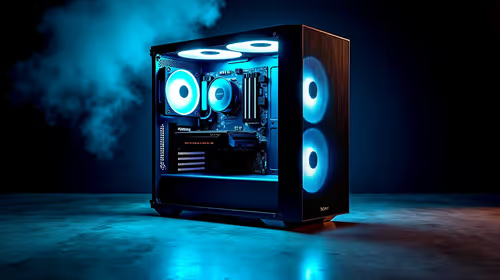
Core i5-14400F + B760 + RX 7800 XT Build Under. Full parts list, Rand pricing & expected performance. Build confidently with SA-available components.
Read more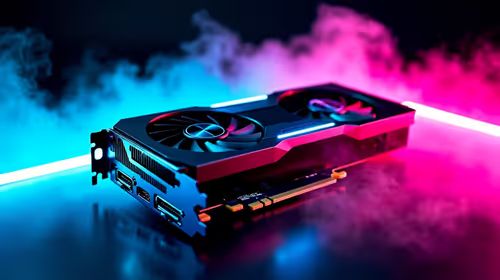
Top Budget RTX 5070 Ti Under R20,000 Gamers picks evaluated on performance, value & SA availability with current Rand pricing from Evetech.
Read more
Can RTX 4080 Super Run AI Workloads for SA Developers Detailed answer with SA data, expert analysis & practical recommendations for local buyers.

Can RTX 4090 Run AI Workloads for SA Developers Detailed answer with SA data, expert analysis & practical recommendations for local buyers.

Top Settings for Intel Arc B580 at Ultrawide 1440p picks evaluated on performance, value & SA availability with current Rand pricing from Evetech.

RX 7600 Overclocking Guide: Safe OC Settings for. Real-world benchmark data, FPS numbers & performance analysis. What SA gamers can actually expect.

RTX 4060 CS2 Low Settings at 1080p: FPS Results. Real-world benchmark data, FPS numbers & performance analysis. What SA gamers can actually expect.

Visual Artifacts: Possible GPU Issue Issue #1. Diagnosis steps, proven fixes & when to seek professional help. SA-specific support info included.

Can the RTX 4090 Handle 1440p 144Hz Gaming. Performance testing verdict with real data & practical recommendations for SA buyers.

Top ASUS GPU Under R15000 picks evaluated on performance, value & SA availability with current Rand pricing from Evetech.

GTA 6 Max Settings on RTX 5070. Tested & verified settings for best FPS and visual quality on SA hardware budgets.

Cyberpunk 2077 Max Settings on RTX 5080. Tested & verified settings for best FPS and visual quality on SA hardware budgets.

Starfield Max Settings on RTX 5070 Ti. Tested & verified settings for best FPS and visual quality on SA hardware budgets.
Top RTX 5090 Under R5000 picks evaluated on performance, value & SA availability with current Rand pricing from Evetech.