


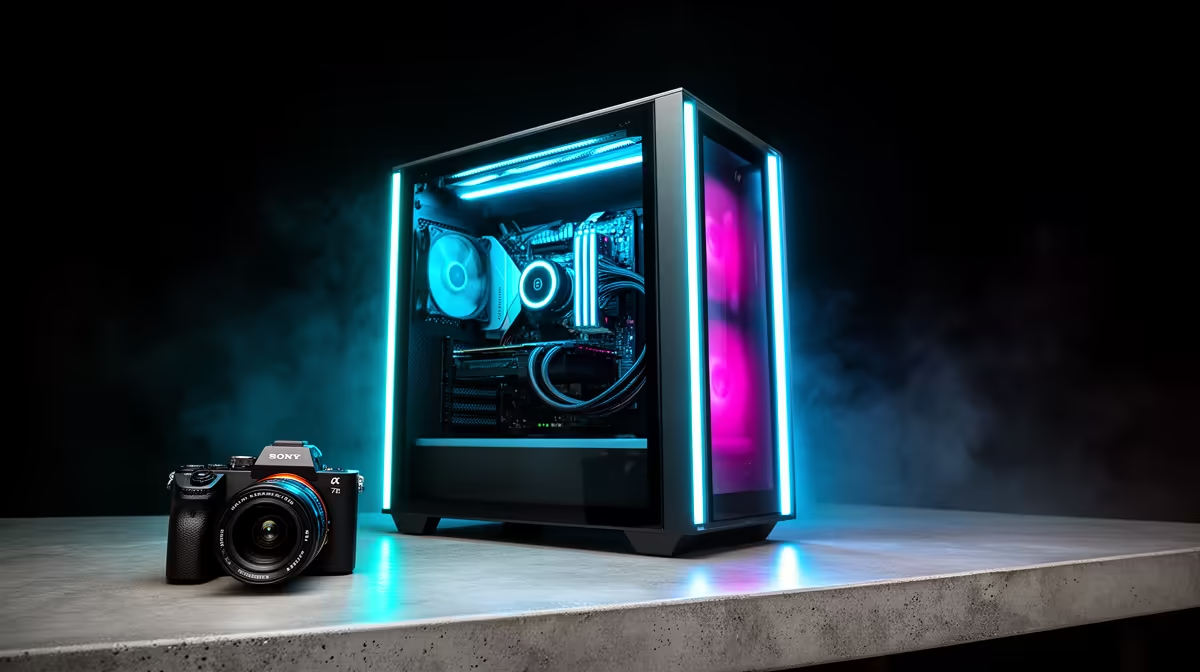
Building a new PC in South Africa feels like a massive commitment, right? With the Rand doing its thing and new tech dropping constantly, the last thing you want is a rig that’s obsolete in a year. That’s where planning a smart, future-proof Intel Series 2 PC build comes in. It’s not about spending the most money today... it’s about investing wisely for incredible performance that lasts for years to come. 🚀
Why "Future-Proofing" is More Than a Buzzword
Let’s be honest, no PC is truly "future-proof" forever. But you can make strategic choices that give you an easy and affordable upgrade path down the line. A properly planned Intel Series 2 PC build means you can swap out your GPU or add more storage in a few years without needing to replace the entire core of your system. It’s about building a strong foundation that grows with you and the games you play.
The goal is to maximise performance per Rand over the long term, avoiding the dreaded bottleneck where one old component holds back a shiny new one.
The Foundation: Choosing the Right Motherboard
Your motherboard is the heart of your PC. It dictates what components you can use now and what you can upgrade to later. For a modern Intel build, you’re looking at platforms that support DDR5 RAM and PCIe 5.0. This ensures you’re ready for the next generation of graphics cards and super-fast SSDs.
Choosing a motherboard with a robust chipset like the Z790 gives you overclocking potential and more connectivity options. While it might cost a bit more upfront, it saves you from a full system rebuild later. It's crucial to find a balance between features and price, and luckily there are some great value motherboards for both camps to get you started. For this build, we're focusing on Team Blue, so it's essential to explore the latest Intel motherboards to see the full range of options available.
PSU Pro Tip ⚡
Your Power Supply Unit (PSU) is the one component you can often keep for nearly a decade. Buying an 850W+ Gold-rated PSU might seem like overkill now, but it gives you the headroom for a beastly new GPU in five years without needing to rip your whole system apart. Don't skimp on your power supply!
Key Components for a Long-Lasting Build
Beyond the motherboard, a few other parts are critical for a future-proof PC.
Power, Memory, and Storage
- Power Supply (PSU): As mentioned in our tip, get more wattage than you currently need. A high-quality, modular PSU from a reputable brand is a long-term investment.
- RAM: DDR5 is the standard for any new Intel Series 2 PC build. Start with a solid 32GB (2x16GB) kit. This leaves you with two empty slots on most motherboards to easily double your RAM to 64GB in the future if needed.
- Storage: A fast NVMe SSD is non-negotiable for your operating system and favourite games. Prioritise a PCIe 4.0 drive for now, as your new motherboard will already support the even faster PCIe 5.0 standard when those drives become more common and affordable.
Cooling and Case
A spacious case with good airflow isn't just for looks; it keeps your components cool, extending their lifespan and performance. Similarly, a quality air or AIO liquid cooler can often be carried over to your next CPU upgrade, saving you money. Remember, the same core principles of choosing a solid foundation apply even if you're looking at modern AMD motherboards, as their platform also has long-term potential.
Building smart is about creating a powerful machine for today with a clear, affordable upgrade path for tomorrow. ✨
Ready to Build a PC That Lasts? Planning an Intel Series 2 PC build is the smartest way to invest in your gaming future. Stop worrying about next year's specs and start building a rig with a solid foundation. Browse our massive range of PC components and find the perfect parts for your future-proof build today.










