

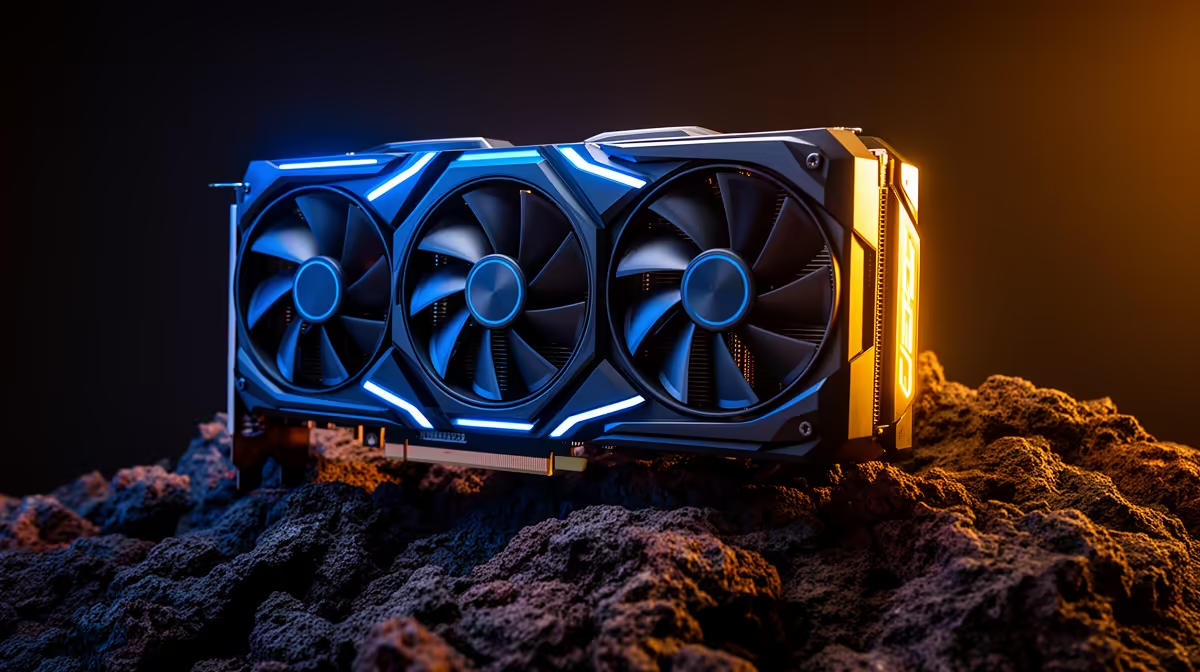
Is your gaming rig starting to sound like a jet engine during a Johannesburg heatwave? You're not alone. That searing South African sun can turn your high-performance Intel PC into a furnace, causing frustrating lag and thermal throttling right when you're about to clinch a win. But don't sweat it. Learning how to keep your Intel PC cool is easier than you think, ensuring you get the performance you paid for, even on the hottest days. 🌡️
Why Your Intel PC Hates the South African Heat
The challenge with our climate is simple: high ambient temperatures. If the air in your room is already warm, your PC's fans have to work much harder to dissipate heat. High-performance Intel processors, especially the Core i7 and i9 series, are powerhouses that generate significant heat under load. When they can't cool down effectively, they automatically reduce their speed to prevent damage—a process called thermal throttling. This is why your frame rates might suddenly drop mid-game.
To effectively keep your Intel PC cool, you need a strategy that starts from the case itself.
The Foundation: A High-Airflow PC Case
Before you even think about the CPU cooler, your PC case is your first line of defence. A case with a solid front panel might look sleek, but it's choking your components by restricting airflow.
Look for cases with mesh front panels. These allow your intake fans to pull in a massive amount of cool air, creating a constant, refreshing breeze over your components. Proper fan setup is also crucial. A standard, effective configuration is two or three intake fans at the front and one exhaust fan at the back. This positive pressure setup helps push hot air out efficiently. Building a cool rig starts with choosing the right parts, and the foundation of any good build deserves a well-ventilated home.
Choosing the Right Cooler for Your Intel CPU
This is where the real magic happens. The stock cooler that sometimes comes with an Intel CPU is often just not up to the task for serious gaming in South Africa. Upgrading your CPU cooler is one of the most impactful changes you can make.
Air Coolers: The Reliable Workhorse
Modern air coolers are incredibly efficient and reliable. A good tower-style air cooler with multiple heat pipes and a large fan can easily outperform stock options and even some entry-level liquid coolers. They are simple to install and have fewer points of failure. For most Intel Core i5 and i7 builds, a quality air cooler is the perfect sweet spot between price and performance.
Cooling Pro Tip ❄️
When installing a new CPU cooler, don't forget fresh thermal paste! A common mistake is using too much or too little. The best method is to apply a small, pea-sized dot in the centre of the CPU. The pressure from the cooler will spread it evenly, ensuring optimal heat transfer without any messy overflow.
AIO Liquid Coolers: Maximum Performance 🚀
For those pushing high-end Intel i7 or i9 processors, an All-In-One (AIO) liquid cooler is often the best choice for cooling your Intel PC. AIOs use liquid to transfer heat from the CPU to a radiator, where fans then dissipate it. Radiators come in various sizes (like 240mm or 360mm), with larger ones offering better cooling potential. They not only provide superior cooling for overclocking but also add a clean, professional look to your build.
Beyond the Cooler: Motherboard & BIOS Tweaks
Your motherboard plays a surprisingly important role in temperature management. High-quality Intel motherboards feature robust Voltage Regulator Modules (VRMs) with good heatsinks. These VRMs deliver stable power to your CPU, and keeping them cool is essential for system stability, especially with a power-hungry chip. While the cooling principles are universal, ensuring your board is up to the task applies to any platform, including modern AMD motherboards.
For advanced users, a slight undervolt in the BIOS can sometimes lower CPU temperatures by a few degrees without sacrificing performance. It’s a delicate balance, but it's another tool in your arsenal to keep your Intel PC cool.
Ready to Beat the Heat? A cool PC is a fast PC. Stop thermal throttling from ruining your game and unlock your hardware's true potential. Explore our massive range of CPU coolers and high-airflow cases to build a rig that can handle any South African summer.











