

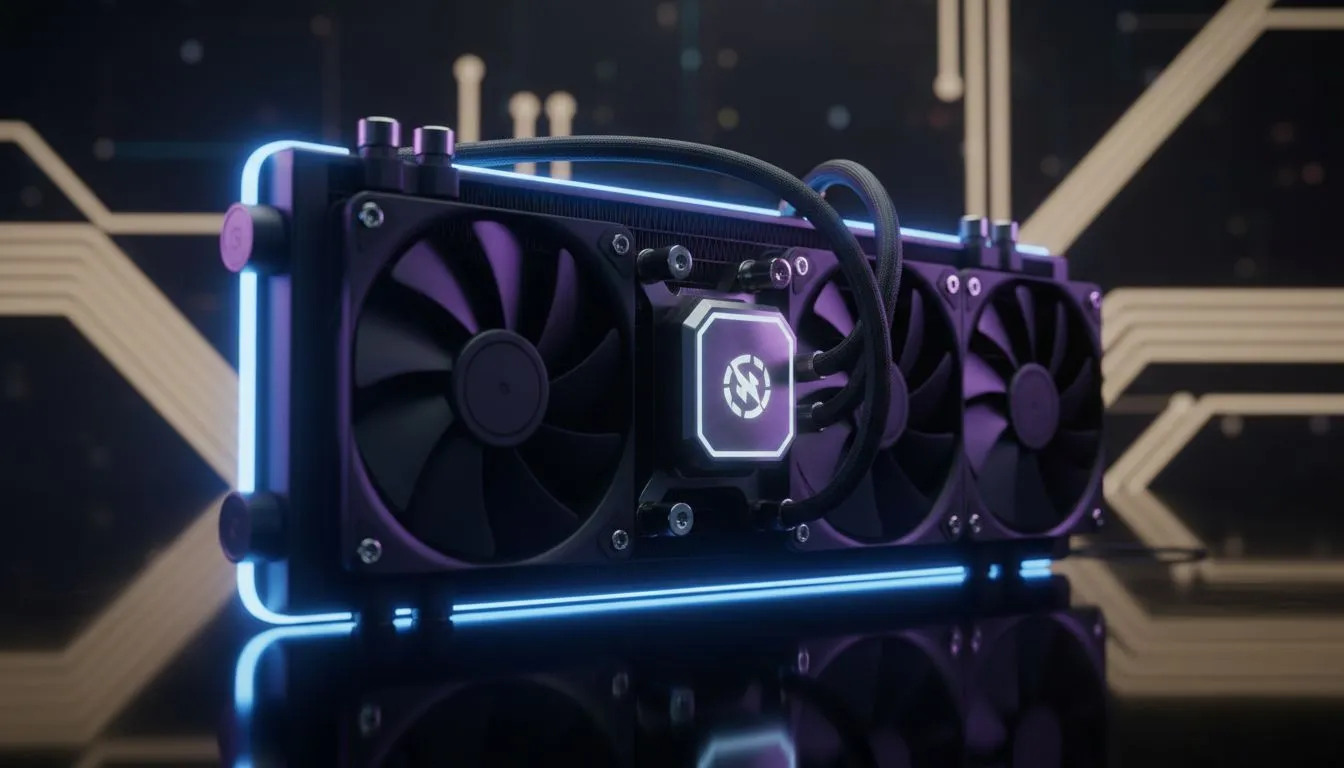
Why Sudden Power Cuts Threaten Your Build
We have all been there. You are mid-raid, the lights flicker, and then silence. Eskom just pulled the plug again. While your PC shuts down, the heat inside does not just vanish. Without active airflow, your components bake in stagnant air. Loadshedding PC cooling is about more than just performance... it is about survival for your expensive hardware during those sudden power cuts. 🔧
When the power cuts, your fans stop immediately. However, your CPU heatsink is still holding onto a massive amount of thermal energy. To mitigate this, investing in high-quality CPU coolers is essential. A beefier cooler acts as a larger heat sink... absorbing more energy before temperatures reach critical levels during a shutdown.
Choosing the Right Thermal Solution for Loadshedding
Many South African gamers are switching to water for better thermal management. A Liquid Cooler (AIO) offers a distinct advantage in our climate. The liquid continues to absorb heat from the block even when the pump slows down. It provides a more gradual temperature curve compared to small air towers. 🚀
Brand choice matters when you are dealing with inconsistent power. For those who want premium reliability, CORSAIR liquid coolers are a top-tier choice. Their robust build quality ensures the pump can handle frequent power cycles without failing. If you are looking for incredible performance at a competitive ZAR price, Deepcool AIO units have become a local favourite for high-end builds. ✨
Cooling Preservation Tip ⚡
If you use a UPS, set your software to trigger a "Hibernate" rather than a "Shut Down" when the battery is low. This stops all processing immediately and allows your remaining battery power to run the fans for those vital few minutes needed to clear the hot air from your chassis.
Maximising Surface Area for Heat Dissipation
Size plays a massive role in how your PC handles the heat. If your case allows it, a 360mm Radiator provides the maximum surface area for heat dissipation. This is vital for high-end i9 or Ryzen 9 builds that run hot.
For more compact setups or mid-range CPUs, a 240mm Radiator is often the sweet spot. It balances cost and cooling efficiency perfectly. By choosing a larger radiator, you increase the "thermal overhead" of your system... giving you more peace of mind when the grid goes dark.
Ready to Protect Your Build? Loadshedding is a reality, but thermal damage does not have to be. For the best cooling performance and hardware safety in South Africa, upgrading your thermal solution is the smartest move. Explore our massive range of CPU coolers and keep your system running ice-cold.











