

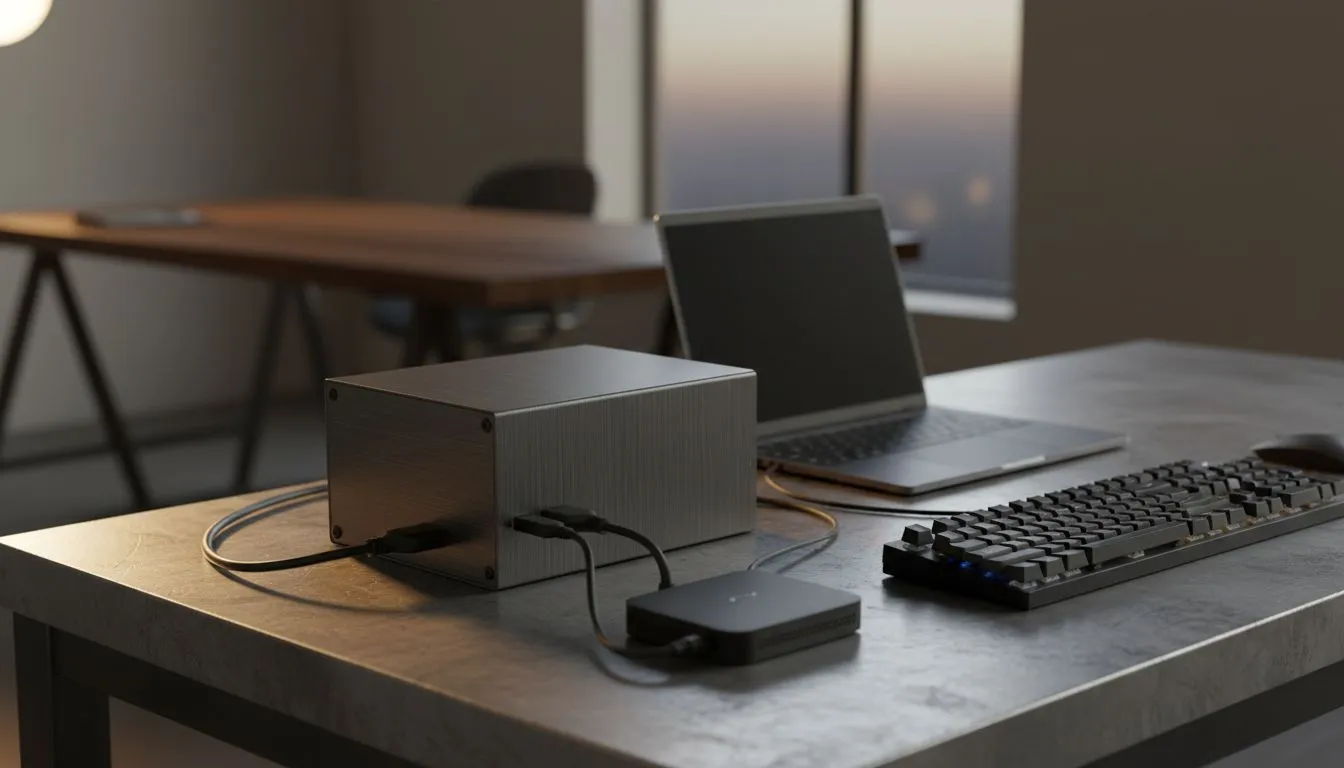
There is nothing more frustrating than the lights flicking off right as you are about to secure a win. In South Africa, we have all learned to adapt to the grid's unpredictability. If you want to stay competitive, you need a loadshedding proof setup that covers the essentials. Keeping your keyboard, laptop, and internet running requires a mix of smart hardware and efficient power management... it is about staying online when the neighbourhood goes dark.
Maximising Power Efficiency for Your Loadshedding Proof Setup
When the power cuts, every watt of energy becomes a precious resource. If you are looking for the best deals on a gaming keyboard in South Africa, you should consider how much power your RGB setup actually draws. High brightness levels and complex lighting patterns can drain a laptop battery surprisingly fast. Reducing your backlight intensity to 20% is the first step to extending your session during those long Stage 6 blocks.
Choosing the Right Peripherals for Battery Life
Not all hardware is created equal when it comes to energy consumption. Some high-performance boards are designed with efficiency in mind. For example, a Razer gaming keyboard often features advanced power-saving modes within its software. These settings allow the device to enter a deep sleep state almost instantly when not in use, preserving your laptop's internal battery for the game itself.
Power Saving Pro Tip ⚡
Turn off your keyboard's RGB lighting entirely when the power goes out. On many mechanical boards, the LEDs can consume up to 15% of the total power draw. This small change can give you an extra 20 to 30 minutes of game time on a standard laptop battery, which might be exactly what you need to finish the round.
Connectivity and Hardware Choices for Blackouts
The debate between different connection types takes on a new meaning when you are running on backup power. Many local gamers are moving toward wireless gaming keyboards because they possess their own internal batteries. This independence means they do not draw any current from your laptop's USB ports, which is a vital consideration for marathon sessions.
However, there is still a strong case for reliability. Traditional wired gaming keyboards are often more affordable, starting at very competitive prices in ZAR, and they eliminate any potential latency issues. If you choose a wired path, just ensure your laptop is set to "Power Saver" mode to keep the USB bus from being a major drain.
Staying Online with Smart Networking
Your setup is not truly loadshedding proof if your internet drops the moment the geyser stops humming. Always pair your laptop with a dedicated mini-UPS for your fibre ONT and router. While you focus on the tactile feel of enthusiast-grade Glorious keyboards, that small UPS is doing the heavy lifting by keeping your ping stable. 🔧 ⚡ 🚀 ✨
Ready to Beat the Blackouts? A loadshedding proof setup is the only way to stay ahead of the competition in South Africa. From high-capacity power banks to energy-efficient peripherals, we have the gear you need. Explore our massive range of gaming keyboard specials and find the perfect hardware to keep you in the game, no matter what the grid does.











