

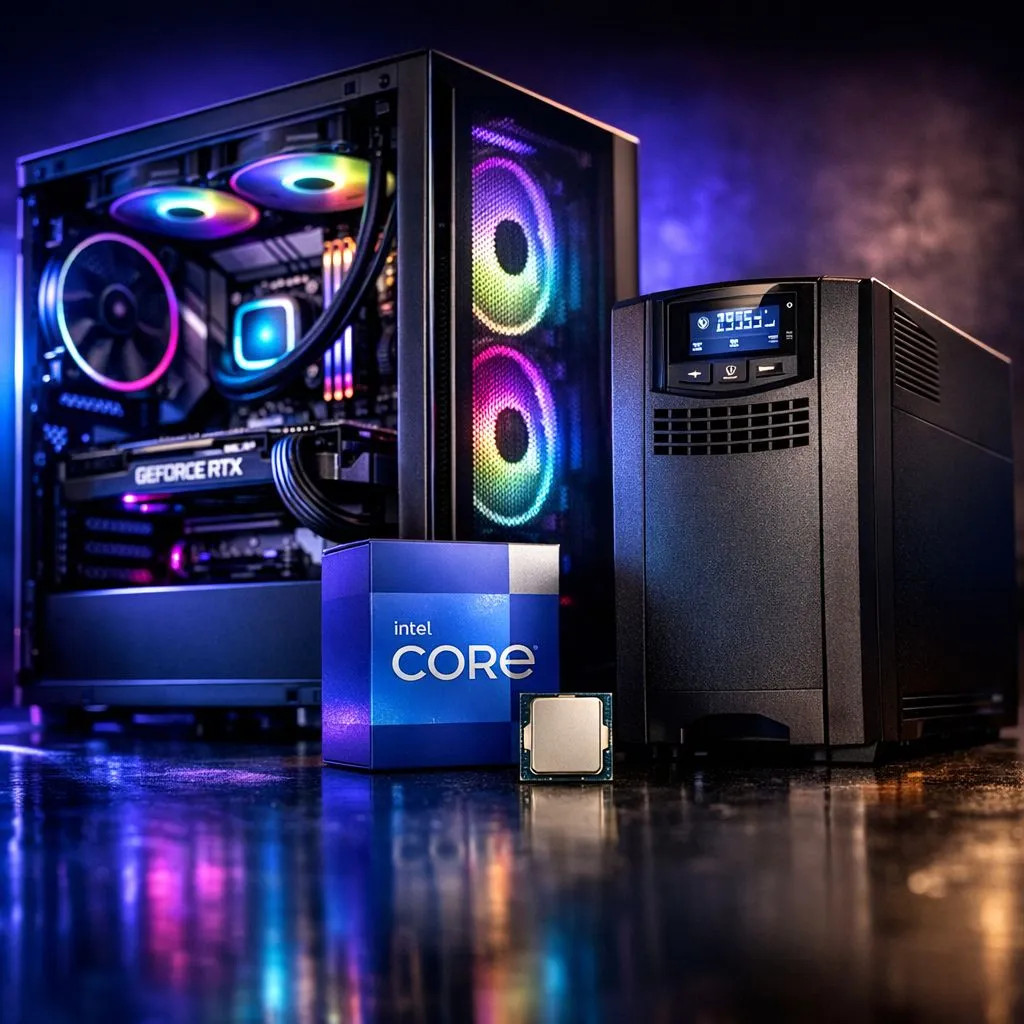
Stage 4 loadshedding hits. The inverter kicks in, but your beast of a PC suddenly dies mid-clutch in Valorant. Eish. The silence is deafening. But what if your rig didn't have to be an energy-guzzling monster? Building a loadshedding-ready gaming PC with an Intel Core i7 13700KF is not just possible… it’s the smart play for any serious South African gamer. It’s about balancing raw power with clever efficiency to keep you in the game. 🚀
Why the Intel Core i7 13700KF is Your Loadshedding Ally
When the power grid is unpredictable, every watt counts. The genius of the Intel Core i7 13700KF lies in its Performance Hybrid Architecture. Think of it as having two specialised teams of workers inside your CPU.
You have eight powerful Performance-cores (P-cores) that handle the heavy lifting—like rendering complex game environments and delivering buttery-smooth frame rates. Then, you have eight efficient Efficiency-cores (E-cores) that expertly manage background tasks like Discord, system processes, and streaming software.
This smart division of labour means your PC only uses maximum power when it absolutely needs to. During less intense moments, it sips electricity, significantly lowering the overall load on your Uninterruptible Power Supply (UPS). This efficiency makes it a cornerstone for a reliable loadshedding gaming PC, and you can explore the full range of modern Intel CPUs to see this technology in action.
Building Your Loadshedding-Proof Rig 🔧
A powerful CPU is just the start. To create a truly loadshedding-ready gaming PC, you need to choose the supporting cast wisely. These components are non-negotiable for uninterrupted gaming.
The Unsung Hero: Your Power Supply (PSU)
Don't cheap out on your PSU. A high-quality power supply with an 80 Plus Gold or higher rating is crucial. This rating isn't just a sticker; it's a guarantee of efficiency. An 80 Plus Gold PSU is at least 87% efficient, meaning less energy is wasted as heat. This translates to a lower power draw from the wall (and your UPS), giving you more precious battery runtime when Eskom lets you down.
The Real MVP: The Uninterruptible Power Supply (UPS)
This is your primary defence. A UPS is a big battery that sits between your PC and the wall socket. When the power cuts, it instantly takes over, giving you enough time to finish your match and shut down safely. For a rig built around an Intel i7 13700KF and a modern graphics card, you'll want a UPS with a decent capacity.
UPS Sizing Pro Tip ⚡
To find the right UPS, add up the maximum wattage of your PC and your monitor(s). For example, a 500W PC + 50W monitor = 550W. Look for a UPS with a wattage rating higher than this total—aim for around 900W-1000W (or 1500VA-2000VA) to give yourself a comfortable buffer and a few minutes of gameplay time.
CPU Alternatives for an Efficient Build
While the 13700KF is a fantastic choice, building for efficiency is a principle that applies across brands. The goal is always to find the best performance-per-watt for your budget. There are great options from Team Red's CPUs as well, which have their own power-saving technologies.
For instance, the ever-popular AMD Ryzen 7 series offers a competitive blend of multi-core performance and thermal efficiency. On the Intel side, if you need even more multitasking muscle without a massive jump in power consumption, exploring other options like these 14-Core CPUs can also be a viable path for a balanced build. The key is to pair any powerful processor with an efficient PSU and a correctly sized UPS. ✨
Ready to Build Your Unstoppable Rig? Loadshedding doesn't have to mean game over. With smart component choices, you can build a PC that performs when you need it and survives when the grid doesn't. Use our awesome Custom PC Builder to design your perfect loadshedding-ready machine today.











