

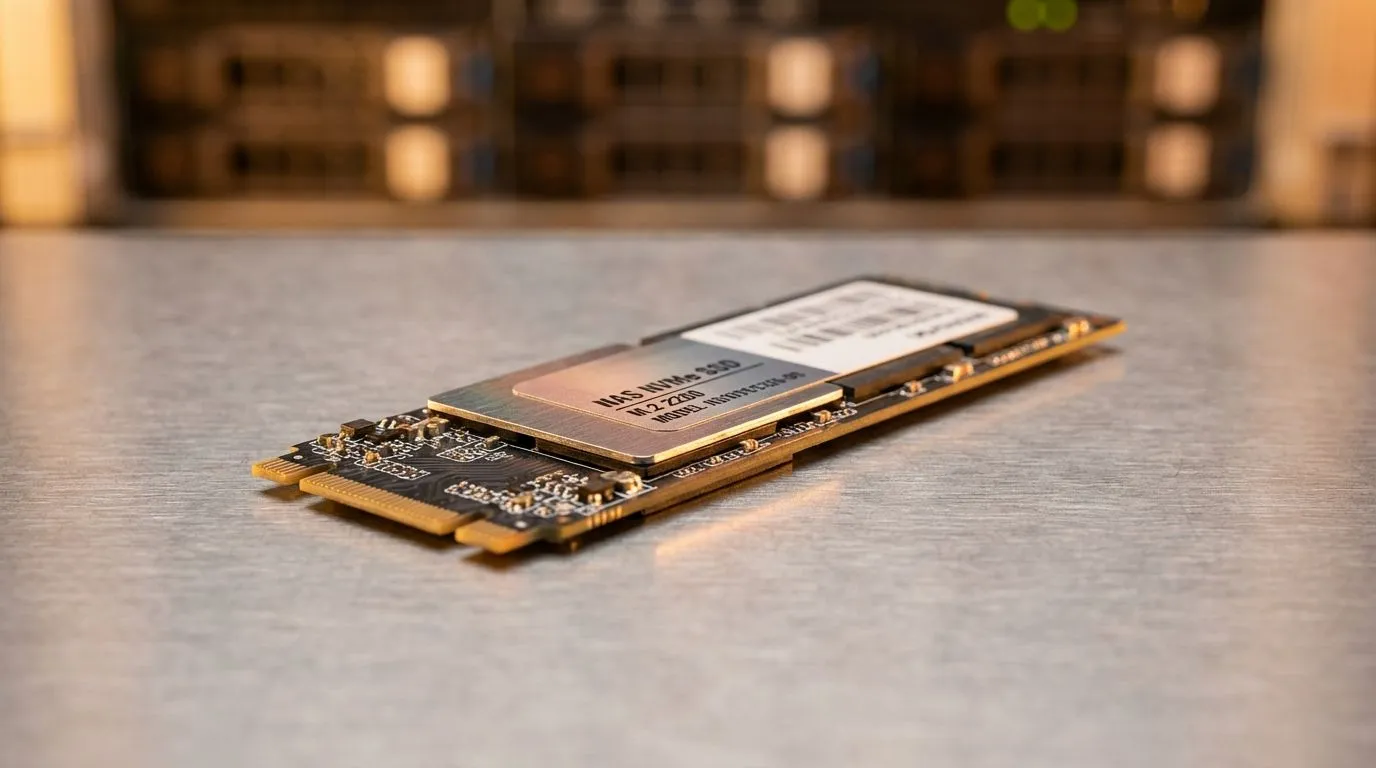
Understanding the M.2 2280 NVMe SSD for NAS Upgrade
Tired of slow file transfers on your home server? Upgrading to an M.2 2280 NVMe SSD for NAS can transform your storage from a sluggish archive into a high-performance powerhouse. Whether you are caching files or running virtual machines, getting the right drive is crucial. In South Africa, where load shedding makes efficiency vital, choosing the correct NVMe compatibility is the first step toward a resilient setup. 🚀
Physical Dimensions and Interface Compatibility
The "2280" in the name refers to the physical size... 22mm wide and 80mm long. This is the standard for most modern motherboards and NAS enclosures. Before you buy solid state drives for your setup, ensure your NAS specifically supports the NVMe protocol. Some older units only accept SATA M.2 drives, which look similar but offer much lower speeds.
Most high-end NAS units now feature dedicated slots for PCI Express (NVME) modules. These slots are often used for SSD caching. This allows your slower mechanical hard drives to feel much snappier during daily tasks.
Speed Generations and Thermal Management
When looking for an M.2 2280 NVMe SSD for NAS, you will encounter different generations. While Gen 3 is often enough for gigabit networking, enthusiasts pushing 10GbE speeds might look at Gen 5 (NVME) options for future-proofing. ✨
Endurance Matters ⚡
When choosing an SSD for NAS caching, look at the TBW (Total Bytes Written) rating. NAS workloads involve constant data movement, which can wear out consumer-grade drives faster. Always prioritise drives with high endurance to ensure your data stays safe over several years of 24 7 operation.
Reliable Brands for Your Data
Reliability is the most important factor for any network-attached storage. We recommend looking at industry leaders known for their controller stability. Many South African builders trust ADATA for their excellent value and performance. If you want a drive that is synonymous with storage heritage, Western Digital offers specific "Red" series drives designed for NAS environments. Another fantastic option for consistency and local support is Kingston, providing great peace of mind for home labbers. 🔧
Internal vs External Storage Solutions
While an internal M.2 2280 NVMe SSD for NAS is the standard, some users prefer portable options for quick backups. You can buy external SSD units to move large media libraries between your PC and your NAS. These external form factor drives offer the flexibility of NVMe speeds with the convenience of USB-C connectivity... perfect for local videographers. ⚡
Ready to Find Your Perfect Match? The right SSD can breathe new life into your NAS or workstation. For the best performance, choice, and value in South Africa, our curated selection is hard to beat. Explore our massive range of SSD specials and find the perfect drive to optimise your storage today.











