

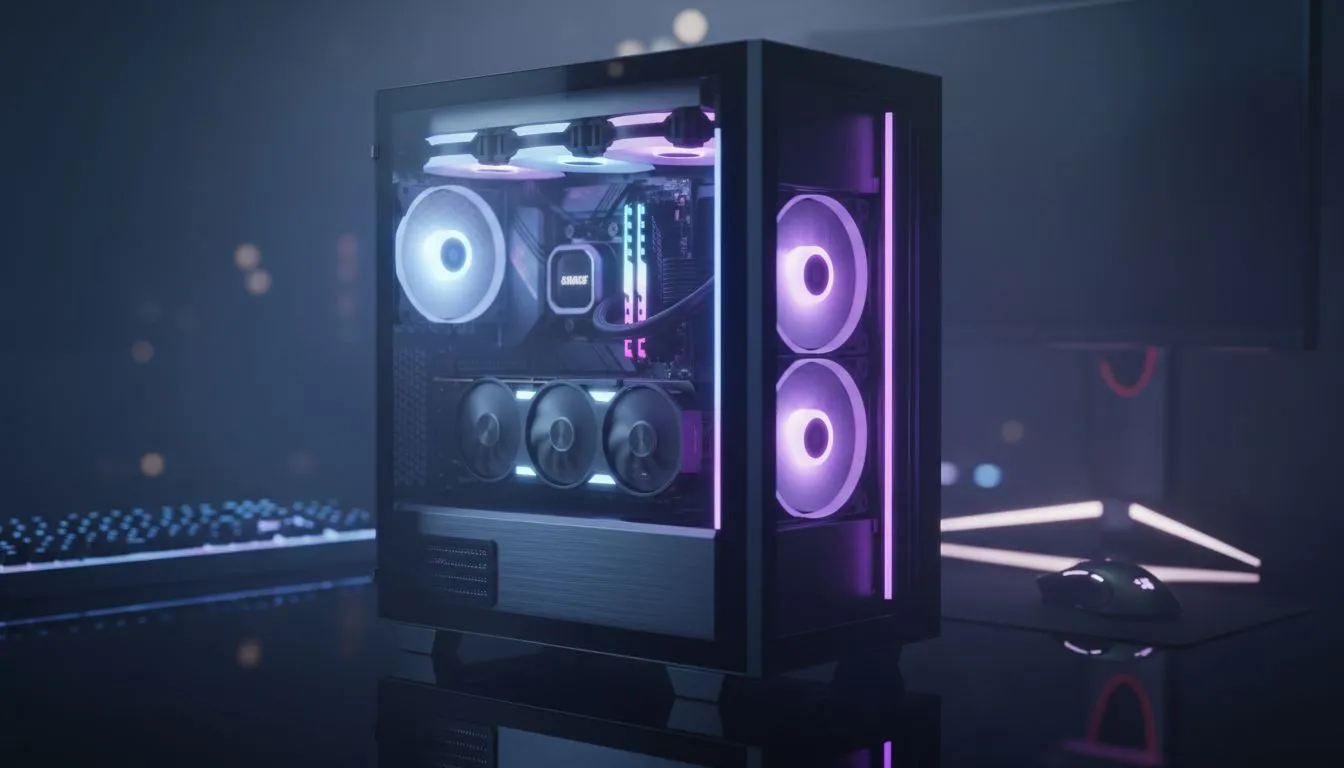
Is your gaming rig suffering from a case of "rainbow puke"? You’ve spent thousands on powerful components, but the chaotic, clashing colours make it look less like a high-end battle station and more like a disco gone wrong. We've all been there. The good news is that learning how to match RGB lighting across your entire setup is easier than you think, and it’s the final touch that separates a good build from a great one. 🚀
Why You Should Match Your RGB Lighting
A synchronised lighting scheme does more than just look cool... it sets a mood. Imagine your entire setup—PC case, keyboard, mouse, and even your monitor's backlight—pulsing in a coordinated, deep red as you sneak through a dungeon in Diablo IV. Or shifting to a cool blue to match the cybernetic streets of Night City. When you sync RGB lighting, you create an immersive experience that pulls you deeper into the game. It’s about personalising your space and making your setup uniquely yours.
Understanding the RGB Ecosystems
The biggest hurdle to a fully synced setup is software. Brands like ASUS (Aura Sync), MSI (Mystic Light), and Corsair (iCUE) all have their own proprietary systems. This often means a Corsair keyboard won't easily talk to an ASUS motherboard. The key is planning. Before you buy, decide on an ecosystem or look for components that are compatible with your motherboard's software. Most modern computer cases now come with built-in fan hubs that support major motherboard software, making the process much simpler.
How to Actually Sync Your RGB Lighting 🔧
Ready to unify your rig's aesthetic? It boils down to a few key steps. First, identify your motherboard's RGB software—this will be your command centre. When choosing new components, check the product page for compatibility logos like "Aura Sync Ready" or "Mystic Light Sync". This simple check saves a world of headaches.
For builders who want a clean, minimalist look that makes their lighting pop, many of the sleek Fractal Design PC cases provide the perfect, understated canvas for a stunning and coordinated RGB build.
Check Your Headers! ⚡
plugging anything in, check your motherboard manual! There are two main types of RGB headers: 4-pin (12V RGB) and 3-pin (5V ARGB). Plugging a 3-pin ARGB fan into a 4-pin RGB header can permanently damage the component. Always double-check to ensure you're connecting the right plug to the right header.
Getting the Look: From Budget to Baller ✨
You don't need to spend a fortune to achieve a clean, synced look. The trick is to find a case that does the heavy lifting for you. Many budget-friendly cases now include pre-installed ARGB fans and a controller hub that connects directly to your motherboard, letting you control everything with a single piece of software.
Brands like Gamdias are brilliant for this, offering incredible value and aesthetics. You can find a wide variety of stylish Gamdias gaming cases that come ready to sync out of the box. In fact, it's easy to find a fantastic Gamdias gaming case under R1500 that will serve as the perfect foundation for your unified lighting masterpiece. Taking the time to match RGB lighting is the final step in building a PC you can be truly proud of.
Ready to Sync Your Setup? Getting your RGB lighting to match transforms your PC from a machine into a masterpiece. The right case is the perfect canvas. Explore our massive range of computer cases and find the perfect chassis to unify your battle station.











