

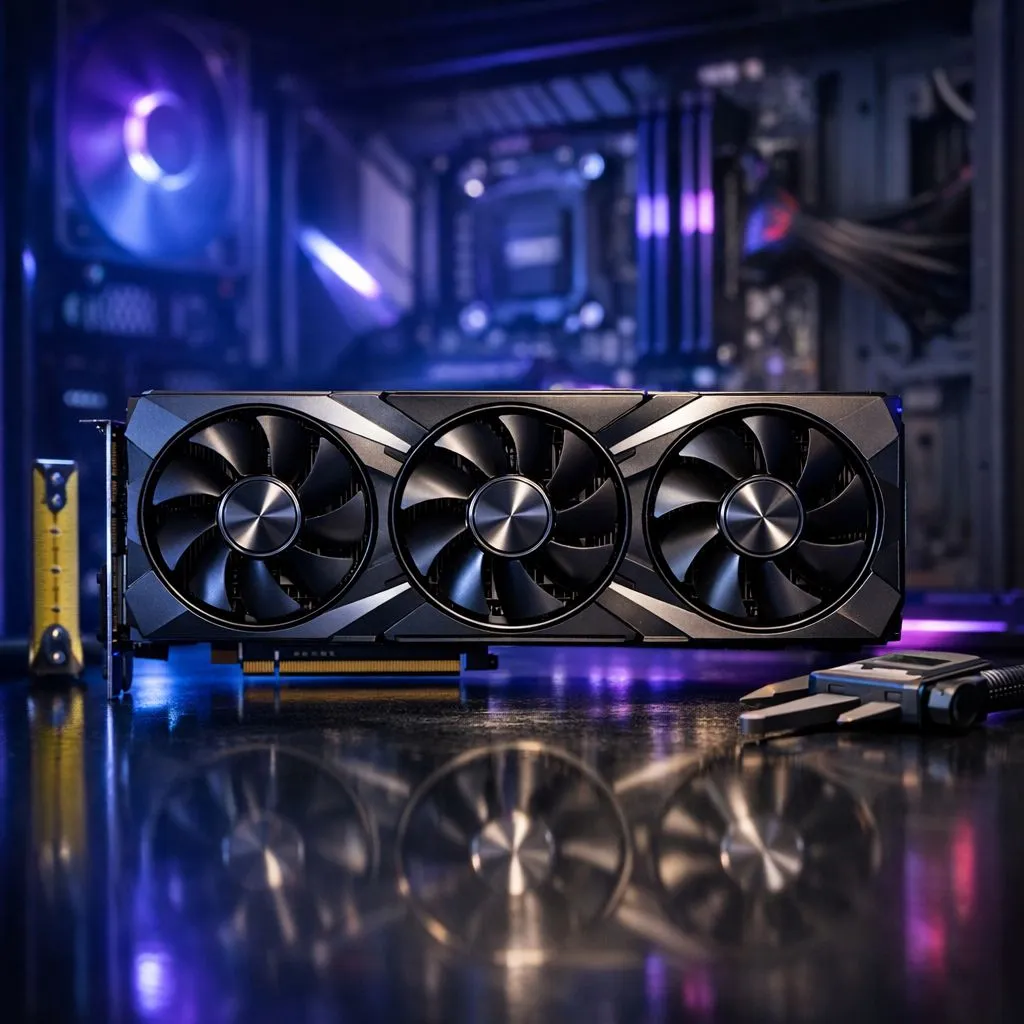
The Golden Rule: Measure Twice, Buy Once
You’ve just dropped R25,000 on a shiny new triple-fan beast, but there’s a massive problem. You open your chassis and realise the card is a few millimetres too long. It’s a hardware nightmare every South African builder wants to avoid. To keep your build on track, you must measure PC case GPU clearance before hitting that checkout button. Let’s ensure your new hardware actually fits your setup. 🔧
How to Measure PC Case GPU Clearance Accurately
The most critical dimension for any modern build is length. As you browse the latest graphics cards, you will notice that high-end models have grown significantly over the last few years. To measure your available space, take a physical measuring tape and start from the back PCIe bracket of your case.
Extend the tape toward the front of the chassis. If you have fans mounted at the front, measure up to the edge of the fan frame... not the case metal. If you are planning to install one of the top-tier GeForce Graphics Cards, you typically need at least 320mm to 340mm of clearance to breathe comfortably.
The Radiator Factor ⚡
If you have an All-In-One (AIO) liquid cooler mounted at the front of your case, you must subtract the thickness of the radiator and the fans (usually about 52mm to 60mm total) from the case’s maximum GPU length specification. Ignoring this is the number one reason high-end cards do not fit!
Accounting for Width and Slot Thickness
Length isn't the only hurdle. Modern triple-fan shrouds from premium brands like MSI are often "2.5-slot" or even "3.5-slot" designs. This means they are thick. If you have a micro-ATX case or other PCIe cards installed... like a Wi-Fi card or sound card... you might run out of vertical room.
Always check the "width" or "thickness" spec in millimetres. Even the most powerful Radeon Graphics Cards can struggle in compact cases if the side panel is too close to the power connectors. Pro tip: allow an extra 20mm of width for your 12VHPWR or 8-pin cables to bend without pressing against the glass. 🚀
Why Airflow Needs a Buffer
Just because a card "fits" doesn't mean it should be there. If your GPU is jammed right against the front intake fans, it creates a pocket of stagnant hot air. When you measure PC case GPU limits, try to leave a 20mm gap between the end of the card and your intake. This ensures the cool air can actually circulate around the PCB and keep those boost clocks high during a heavy session of Cyberpunk 2077 or Warzone. ✨
Ready to Find Your Perfect Match? Measuring is the first step, but picking the right hardware is where the fun begins. Whether you need raw power or efficient cooling, we have the stock to level up your rig. Explore our massive range of graphics cards and find the perfect machine to conquer your world.











