


Best RTX 5090 Under R5000 in South Africa 2026
Top RTX 5090 Under R5000 picks evaluated on performance, value & SA availability with current Rand pricing from Evetech.
Read moremicro ATX GPU clearance matters for compact builds — learn exact clearance numbers, measurement tips, and compatibility checks to fit your GPU and optimize airflow. 🔧🖥️
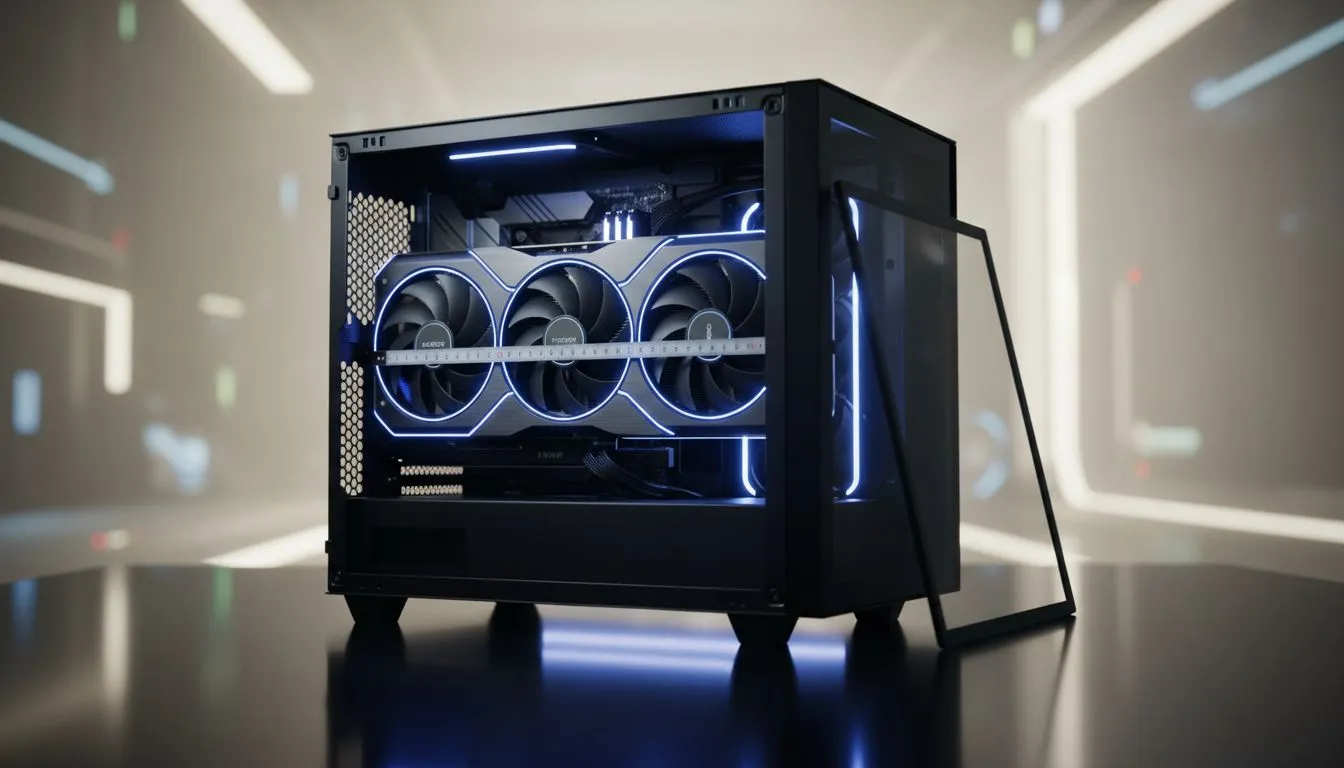
If you’re building a compact rig in South Africa and wondering how long your GPU can be before it refuses to fit, this short guide is for you. micro ATX GPU clearance is about more than length; it’s airflow, PSU placement, and cable routing. Read on for clear measuring steps, quick case picks, and pro tips to avoid buying a GPU that won’t drop into your mATX chassis. 🔧✨
Measure twice, install once. To check GPU clearance in a micro ATX case:
Compact builds mean trade-offs. A long GPU plus a tight front radiator can block airflow and raise temps. If you’re pairing a high-TDP GPU with a micro ATX chassis, consider:
You don’t need a R30k case to fit a capable GPU, but you do need to match layout to card. Gamdias offers gamer-focused cases with clearer engine-room layouts and fewer blocked bays — useful if you want space without breaking the bank. See options and prices under R1500 for some compact choices Gamdias gaming cases. If you’re price conscious, filter their range to find solid, affordable options Gamdias cases under R1500.
When measuring, include 5–10 mm clearance beyond the GPU length to allow for cable connectors and slight manufacturing variances. This buffer avoids last‑minute swaps on install day.
Compact builds are satisfying when parts fit cleanly. Take 10 minutes to measure and compare, and you’ll avoid returns, extra shipping costs in ZAR, and install headaches. Need hands-on help? We’ve linked case ranges and examples above to speed up your decision.
Ready to Find Your Perfect Match? The Mac vs Windows debate is complex, but for maximum power, choice, and value in South Africa, Windows is hard to beat. Explore our massive range of laptop specials and find the perfect machine to conquer your world.
Aim for 270–320mm of internal clearance for most dual-fan GPUs; larger triple-fan or custom-loop cards may need 320mm+. Check your case specs first.
Measure from the rear PCIe slot area to the front interior obstruction (drive cage/PSU shroud). This quick measure verifies gpu length limit micro atx compatibility.
Many modern micro-ATX cases support ~300mm, but confirm internal length and account for cables, front fan mounts, and drive cages before buying.
Yes. Tight clearance reduces intake airflow and raises temps. Prioritise extra space or front fan placement for better gpu clearance airflow micro atx performance.
Sometimes by removing drive cages or shifting front fans. Always measure and check compatibility; consider a shorter or blower-style GPU instead.
Radiators and reservoir placement can steal internal length. For custom loops, add radiator thickness to your measure and plan extra room.
Compare GPU length to your case's internal clearance, check PSU shroud and front fan offsets, and read micro atx case gpu compatibility notes from reviewers.
Top RTX 5090 Under R5000 picks evaluated on performance, value & SA availability with current Rand pricing from Evetech.
Read more
Top Value RX 9070 XT Under R10,000 picks evaluated on performance, value & SA availability with current Rand pricing from Evetech.
Read more
Top RTX 5090 Under R4000 picks evaluated on performance, value & SA availability with current Rand pricing from Evetech.
Read more
Top RTX 5080 Under R15000 picks evaluated on performance, value & SA availability with current Rand pricing from Evetech.
Read more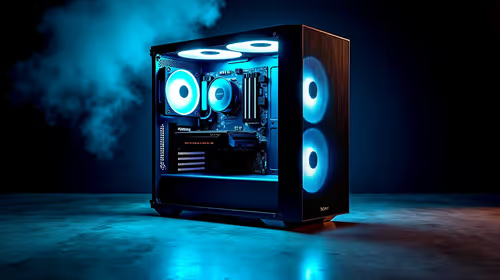
Core i5-14400F + B760 + RX 7800 XT Build Under. Full parts list, Rand pricing & expected performance. Build confidently with SA-available components.
Read more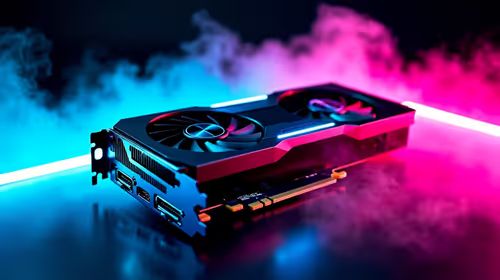
Top Budget RTX 5070 Ti Under R20,000 Gamers picks evaluated on performance, value & SA availability with current Rand pricing from Evetech.
Read more
AMD RX 9050 XT: Rumoured Specs, Price & Release. SA-focused analysis with local pricing data, real-world insights & actionable buying advice.

Can RTX 4080 Super Run AI Workloads for SA Developers Detailed answer with SA data, expert analysis & practical recommendations for local buyers.

Can RTX 4090 Run AI Workloads for SA Developers Detailed answer with SA data, expert analysis & practical recommendations for local buyers.

Top Settings for Intel Arc B580 at Ultrawide 1440p picks evaluated on performance, value & SA availability with current Rand pricing from Evetech.

RTX 4060 CS2 Low Settings at 1080p: FPS Results. Real-world benchmark data, FPS numbers & performance analysis. What SA gamers can actually expect.

Visual Artifacts: Possible GPU Issue Issue #1. Diagnosis steps, proven fixes & when to seek professional help. SA-specific support info included.

Can the RTX 4090 Handle 1440p 144Hz Gaming. Performance testing verdict with real data & practical recommendations for SA buyers.

Top ASUS GPU Under R15000 picks evaluated on performance, value & SA availability with current Rand pricing from Evetech.

GTA 6 Max Settings on RTX 5070. Tested & verified settings for best FPS and visual quality on SA hardware budgets.

Cyberpunk 2077 Max Settings on RTX 5080. Tested & verified settings for best FPS and visual quality on SA hardware budgets.

Starfield Max Settings on RTX 5070 Ti. Tested & verified settings for best FPS and visual quality on SA hardware budgets.
Top RTX 5090 Under R5000 picks evaluated on performance, value & SA availability with current Rand pricing from Evetech.