

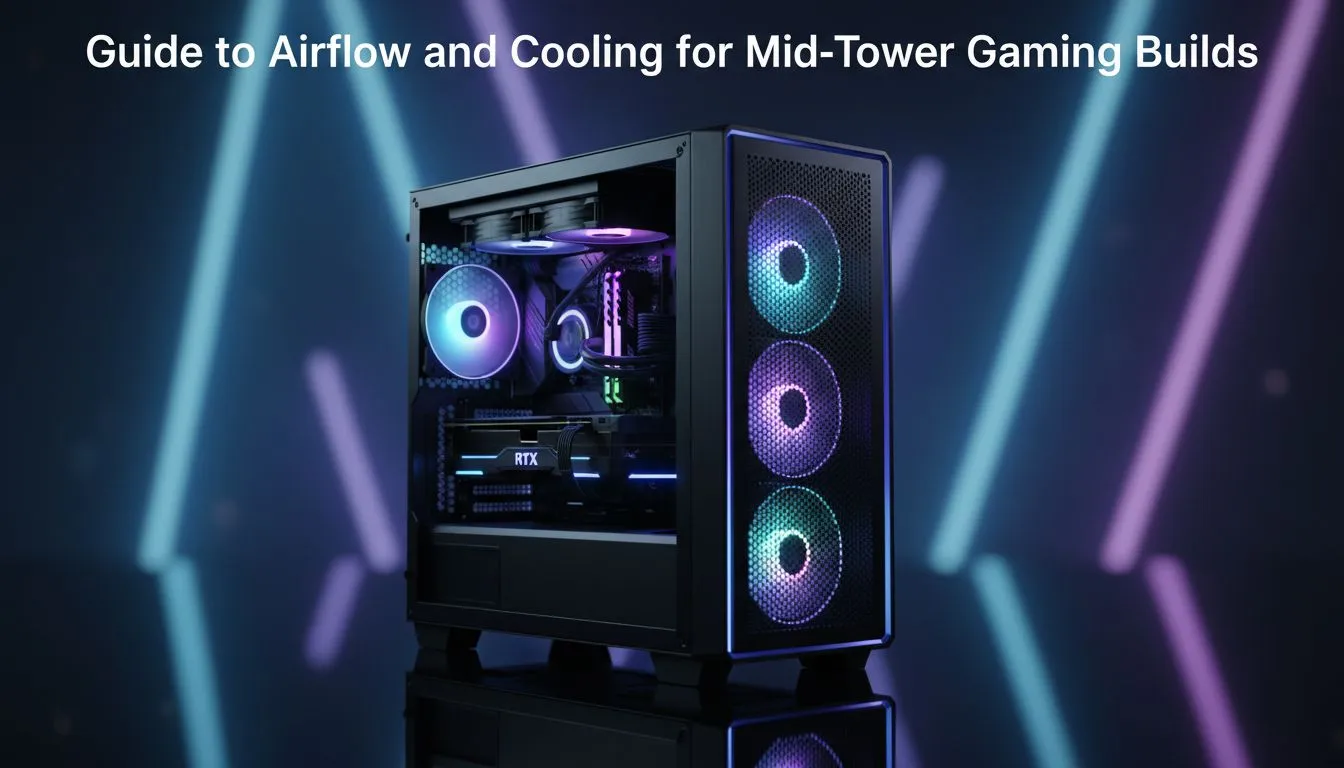
Master the Pressure Game for Better Temps
South African summers are no joke for your hardware. When the mercury climbs in Gauteng or the humidity peaks in Durbs... your PC feels it. If your fans sound like a jet taking off while playing Warzone... it is time to look at this Mid-Tower Airflow Guide: Optimize Cooling for Gaming Builds. Proper thermal management keeps your frame rates high and your components alive longer.
Even when starting with entry-level budget gaming PCs, understanding how air moves through your chassis is vital. The goal is simple: get cool air in and hot air out as fast as possible. Most mid-tower cases rely on a "Front-to-Back" or "Front-to-Top" flow. By ensuring your intake fans have a clear path, you prevent heat pockets from forming around your GPU... which is often the hottest part of any rig ❄️.
Positive vs. Negative Air Pressure
For most South African environments, positive air pressure is the gold standard. This happens when you have more air being pushed in than pulled out. It forces air out of every small crack in the case, preventing dust from settling in your expensive components. If you are looking at PCs under R20k, you might only have one or two fans included... so adding a third intake fan can make a massive difference in long-term reliability.
The Positive Pressure Secret ⚡
Aim for more intake fans than exhaust fans. This creates positive pressure inside your case... which forces air out of every small gap and prevents dust from being sucked in through unfiltered openings. It is a simple way to keep your internals clean for months longer in dusty SA conditions.
Strategic Fan Placement and Cable Management
The layout of your internal components dictates how effectively you can optimise cooling. Our latest pre-built PC deals are engineered to ensure that cables do not block the primary air paths. A "rat's nest" of wires behind the front panel can restrict airflow by up to 20%... causing your fans to spin faster and louder to compensate.
When you step up to high-performance PCs above R20k, you often deal with larger GPUs and AIO liquid coolers. In these builds, placement is everything. Mounting your radiator at the top as an exhaust is generally preferred for gaming, as it allows the GPU to breathe fresh, cool air from the front intake.
Don't Forget the GPU Clearance
Modern graphics cards are getting bigger. A massive triple-fan card can act like a wall inside a mid-tower case, splitting the airflow into two zones. To combat this, ensure your bottom-most front intake fan is positioned to blow directly underneath the GPU shroud. This simple adjustment can drop your junction temperatures by several degrees during heavy loads 🔧.
Before you commit to a new setup, it is always worth checking the best gaming PC deals to see which cases offer the best mesh front panels. A solid glass front might look pretty, but mesh is king when it comes to keeping your silicon cool in the South African heat.
Ready to Stay Cool Under Pressure? Thermal throttling is the enemy of every South African gamer... but it does not have to be your reality. Explore our massive range of gaming PC deals and find a rig built to handle the heat with ease.











