

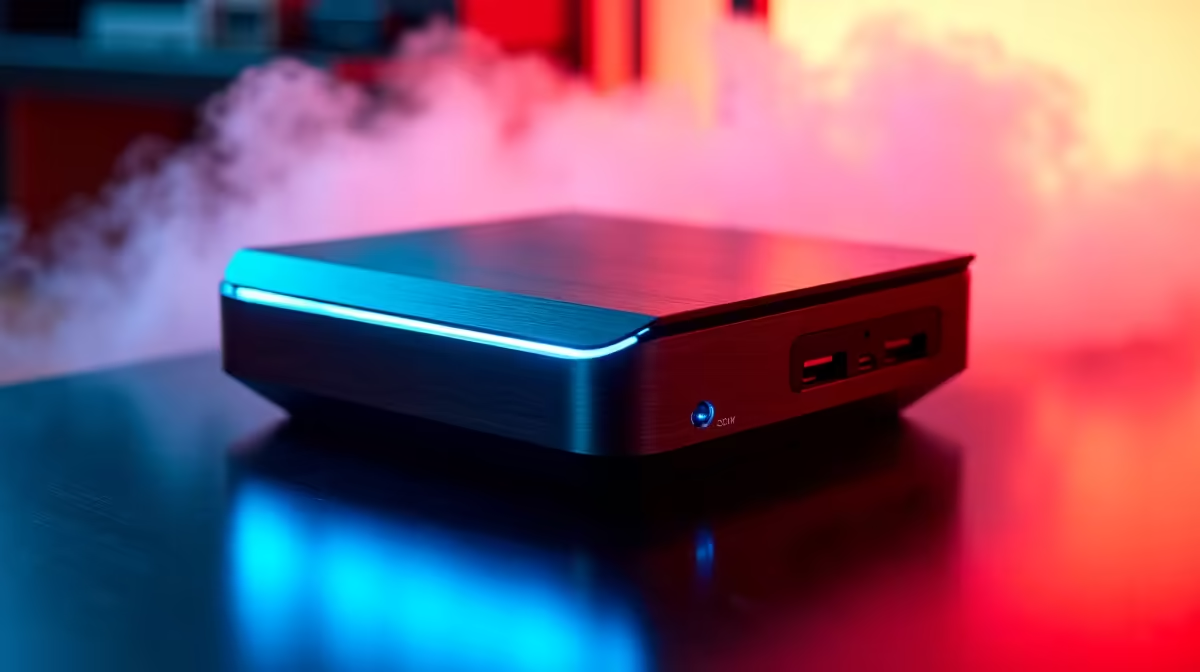
Why a Mini PC Retro Emulation Station is the Ultimate Living Room Addition
Remember the days of blowing into cartridges and fighting over the TV? Bringing those classics back shouldn't require a bulky tower. A dedicated Mini PC Retro Emulation Station is the sleekest way to relive your childhood in 4K. Whether you are chasing high scores in 16-bit platformers or exploring early 3D worlds, these compact powerhouses fit perfectly into any South African living room setup without cluttering your space 🎮.
Choosing the Right Hardware for Your Retro Rig
Not all compact computers are created equal when it comes to performance. For a reliable setup, you need something that balances thermal efficiency with raw CPU speed. When browsing the latest mini PCs, focus on units with modern integrated graphics. This ensures your favourite titles look crisp on modern 4K displays... often looking much better than they ever did on those old CRT monitors.
A major benefit of using a dedicated mini PC for emulation is the power draw. In South Africa, managing our energy usage is vital. These machines consume significantly less power than a full-sized gaming desktop... a massive plus if you are running your entertainment centre off an inverter or power station during load shedding.
Stepping Up to High-End Emulation
If your nostalgia extends into the early 2000s, you will need a bit more "oomph" to handle systems like the PlayStation 2 or Nintendo GameCube. For these more demanding consoles, brands like Minisforum provide the necessary multi-threaded performance. Their Ryzen-based units offer excellent Radeon graphics that can handle internal resolution scaling. This allows you to play classic games at 1080p or even 1440p without the hardware breaking a sweat 🚀.
Emulation Pro Tip ⚡
For the most "console-like" experience, use a dedicated emulation operating system like Batocera or Lakka on a bootable USB drive. This bypasses the Windows desktop entirely and boots straight into a beautiful, controller-friendly interface. It makes your Mini PC Retro Emulation Station feel like a genuine piece of gaming hardware rather than just another computer.
Optimising Your Setup for Local Play
Once you have your hardware, focus on the peripherals. A Mini PC Retro Emulation Station truly shines when paired with low-latency wireless controllers. Since most modern mini PCs include built-in Bluetooth, connecting your existing controllers is a breeze. Just remember to optimise your settings to reduce input lag... ensuring those frame-perfect jumps in retro platformers feel as responsive as they did thirty years ago ✨.
Building a dedicated station is about more than just playing games. It is about preserving history in a way that is accessible and convenient for the modern South African home. With the right hardware, you can have thousands of titles ready to play at the touch of a button.
Ready to Build Your Dream Retro Station? Reliving the golden age of gaming has never been easier or more compact. Whether you want a budget-friendly box or a high-end emulation powerhouse, we have the hardware to make it happen. Explore our massive range of Mini PCs and start your retro journey today.











