

Understanding Monitor Arm Compatibility: Clamp vs Grommet Mounts
Tired of your monitor stand taking up half your desk space while you're flick-shotting in Valorant? Upgrading to a monitor arm is the quickest way to reclaim your territory. But before you drop your hard-earned ZAR, you must solve a vital riddle: Monitor Arm Compatibility: Clamp vs Grommet Mounts. Getting this wrong could mean a wobbly screen or a ruined desk surface. Let's get it right.
The C-Clamp: Speed and Convenience 🔧
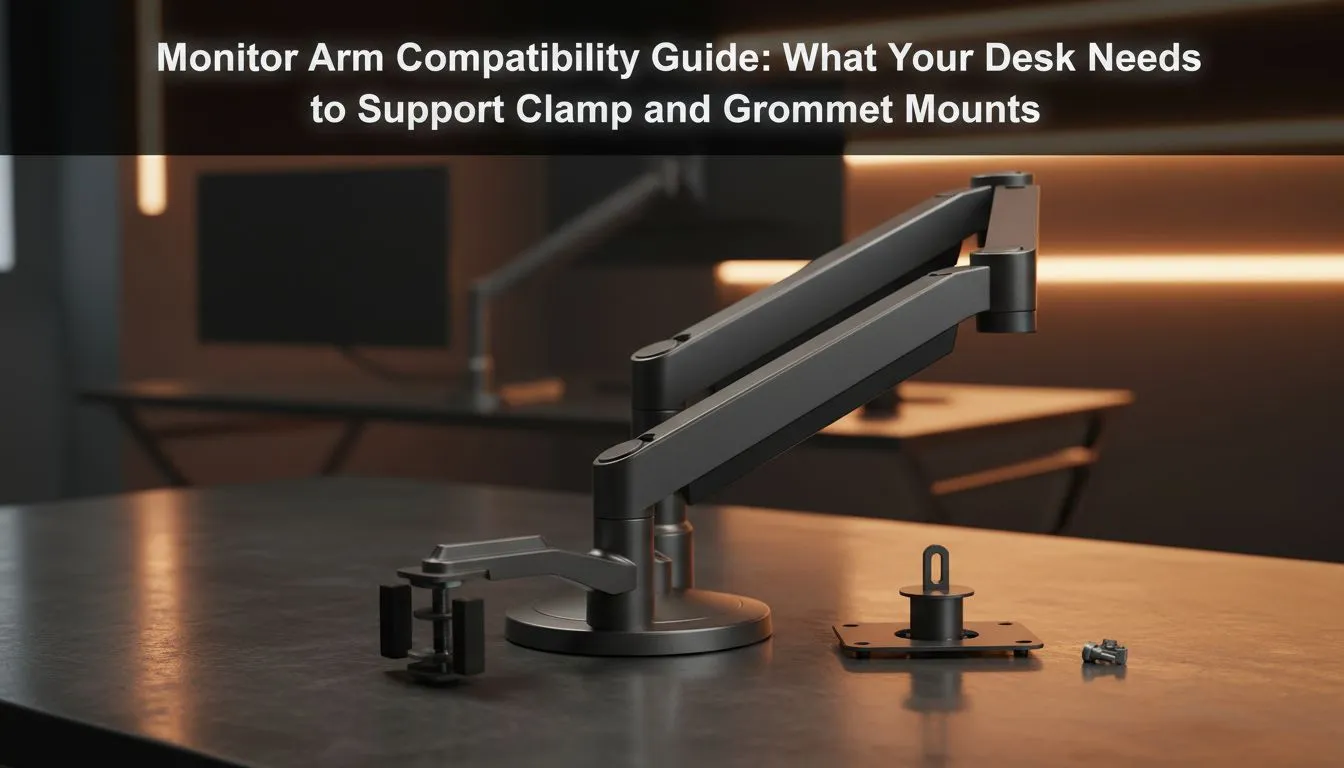
The C-Clamp is the most popular choice for South African gamers because it requires zero permanent modifications. It works exactly like a G-clamp... tightening onto the edge of your desk to create a secure anchor point. This is ideal if you rent your home or like to rearrange your setup frequently.
However... the C-clamp relies heavily on the "lip" of your desk. If your desk has a decorative bevel or a frame that sits too close to the edge... the clamp might not bite securely. When looking at Nitro gaming desks... you will find sturdy, flat edges that are specifically designed to handle the pressure of these high-tension clamps without warping the material.
Cable Management Pro Tip ⚡
When installing your arm... leave enough slack in your cables for the full range of motion. If you rotate your monitor to portrait mode without enough slack... you risk snapping a DisplayPort connector or damaging your GPU port. Use Velcro ties instead of zip ties for easier adjustments later.
The Grommet Mount: Ultimate Stability 🏗️
If you want the cleanest look possible... the grommet mount is the gold standard. This method involves bolting the arm through a hole in the desk surface. Many premium Arozzi gaming desks come with pre-drilled grommet holes... which usually double as cable management pass-throughs.
Grommet mounting is superior for heavy, ultrawide displays or multi-monitor setups. Because the weight is distributed through the desk rather than hanging off the edge... there is significantly less "desk bounce" when you are typing or gaming intensely. If your desk does not have a hole... you will need a power drill and a bit of courage to create one.
Choosing the Right Surface for Your Mount
Not all desks are created equal. If you are using a cheap honeycomb-core desk... a C-clamp can actually crush the surface over time. For serious setups... you need a solid core. AutoFull gaming desks provide the structural integrity required to support heavy-duty arms without the risk of the wood splitting under torque.
Before you buy... measure your desk thickness. Most clamps support between 10mm and 80mm... but it is always worth double-checking the specs on the Evetech product page. If you are still rocking an old-school office desk... it might be time to browse our latest gaming desks for sale to ensure your new monitor arm has a worthy foundation. 🚀
Ready to Find Your Perfect Match? Choosing between clamp and grommet mounts is the first step toward a cleaner... more ergonomic battle station. Explore our massive range of gaming desks and find the perfect surface to support your dream setup today.











