

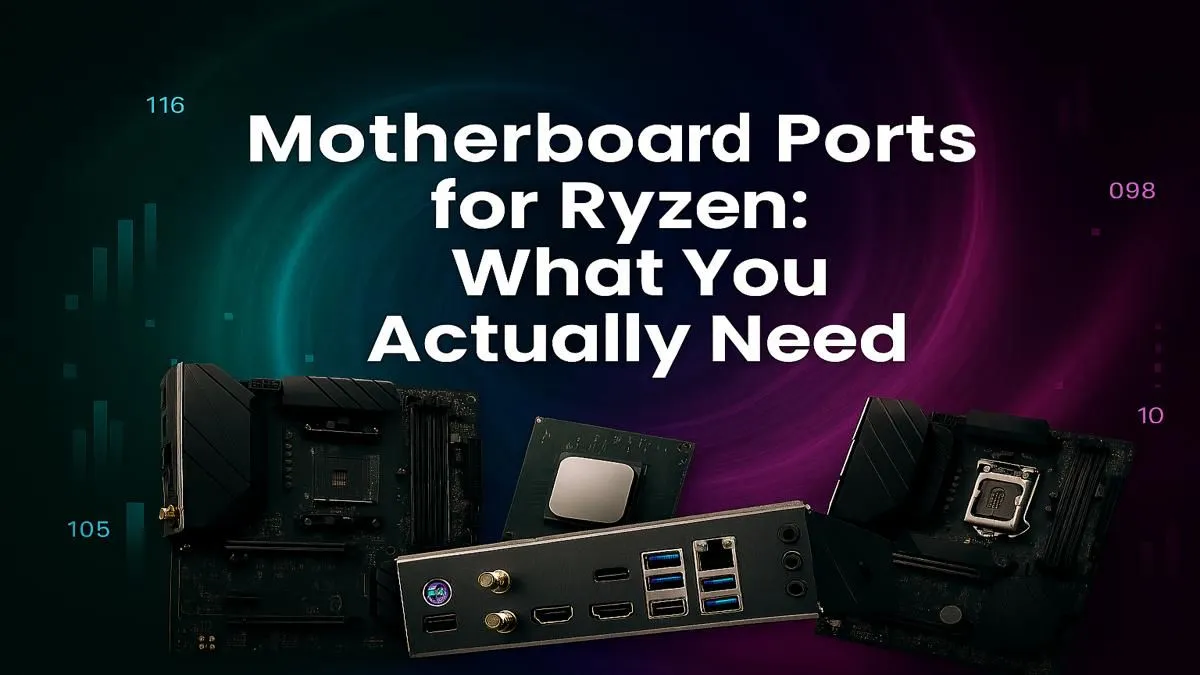
So, you've snagged a powerful new Ryzen CPU. Lekker! You're ready to build your beast, but then you see it: the motherboard's rear I/O panel. It’s a wall of connectors that looks more complex than the N1 on a Friday afternoon. Which ports do you actually need? Getting the right motherboard ports for your Ryzen setup is crucial for performance, connectivity, and future-proofing your rig. Don't worry, we're here to decode it all.
Unpacking the Essential Motherboard I/O for Ryzen
Before we get into the fancy stuff, let's cover the non-negotiables. Almost every modern motherboard will have these, but their quantity and speed can vary. Understanding the essential motherboard ports for a Ryzen build ensures your peripherals and network connection won't bottleneck your performance.
Your Digital Lifelines: USB Ports
USB (Universal Serial Bus) is the king of connectivity. You'll use it for your mouse, keyboard, headset, and external drives. Here’s a quick breakdown:
- USB 2.0 (Black): Perfect for your mouse and keyboard. They don't need much speed.
- USB 3.2 Gen 1 (Blue): Often called USB 3.0, these offer speeds up to 5Gbps. Great for external hard drives and flash drives.
- USB 3.2 Gen 2 (Teal/Red): Double the speed at 10Gbps. Ideal for fast external SSDs and high-speed peripherals.
- USB Type-C: The small, reversible connector. Its speed can vary, so check the specs! It can be anything from 5Gbps to a blazing 40Gbps (USB4/Thunderbolt).
The more high-speed ports you have, the better. It's a key factor when browsing our full range of AMD motherboards.
Getting Online: Ethernet & Wi-Fi
For gaming in South Africa, a stable connection is everything. ⚡
- Ethernet Port (RJ-45): Your wired internet connection. Most boards come with a 1Gbps port, which is fine for most fibre plans. However, premium boards are now shipping with 2.5Gbps or even 10Gbps Ethernet for ultra-low latency.
- Wi-Fi Antenna Connectors: If your motherboard has built-in Wi-Fi, you'll see two gold-plated connectors. For the best signal, always attach the included antennas.
Future-Proofing Your Rig with Next-Gen Ports
Building a PC is an investment. Choosing a motherboard with modern I/O means your rig will stay relevant for years, especially as new peripherals and faster internet become standard. This is where the latest motherboard ports for Ryzen really shine.
For those wanting the absolute best performance and connectivity for their Ryzen 8000 or 9000 series CPUs, looking at cutting-edge AMD X870 motherboards is a smart move. These often feature Wi-Fi 7, multiple high-speed USB-C ports, and 5Gbps+ Ethernet, ensuring you’re ready for whatever comes next.
BIOS Flashback is a Lifesaver! 🔧
Look for a small button on the rear I O labelled "BIOS Flashback" or "Q-Flash Plus". This feature lets you update the motherboard's BIOS with just a USB stick and a power supply—no CPU or RAM needed! It's incredibly useful if you buy a new Ryzen CPU that requires a BIOS update to work with your board.
Onboard Graphics: HDMI & DisplayPort Explained
You might notice HDMI and DisplayPort connectors on the motherboard's I/O panel. But wait... doesn't your graphics card have those? Yes! And 99% of the time, you should plug your monitor directly into your dedicated graphics card.
These onboard video ports only work if you have a Ryzen APU (a CPU with integrated Radeon graphics, like the Ryzen 5 8600G). For most gamers using a CPU without integrated graphics (like a Ryzen 7 7800X3D), these ports won't do anything. Still, having them provides a great backup if your graphics card ever fails. Many versatile AMD B850 motherboards offer a solid mix of features, including these display outputs, making them great for all kinds of builds.
Matching Ports to Your Budget and Needs
So, how many ports do you really need? It comes down to your use case.
- The Casual Gamer: A board with 4-6 USB ports (including a couple of fast ones), 1Gbps Ethernet, and standard audio jacks is plenty. You don't need to break the bank.
- The Streamer/Content Creator: You'll want more. Look for 8+ USB ports (especially a high-speed Type-C for capture cards), 2.5Gbps Ethernet for stable streaming, and Wi-Fi 6E as a backup.
- The Tech Enthusiast: Go for broke! Multiple USB 3.2 Gen 2x2 or USB4 ports, 5Gbps+ Ethernet, and the latest Wi-Fi standard.
You can find an excellent balance of features and price with the still-very-capable AM4 platform. The popular and reliable AMD B550 motherboards offer fantastic value and a great selection of I/O for most gaming needs in South Africa. ✨
Choosing the right I/O is about balancing your current needs with your future ambitions. By understanding what each port does, you can confidently select the perfect foundation for your Ryzen powerhouse.
Ready to Find Your Perfect Match? Choosing the right motherboard I/O is key to unlocking your PC's potential. From budget-friendly boards to feature-packed powerhouses, we've got the perfect fit for your Ryzen CPU. Explore our massive range of AMD motherboards and build the rig you've always dreamed of.








