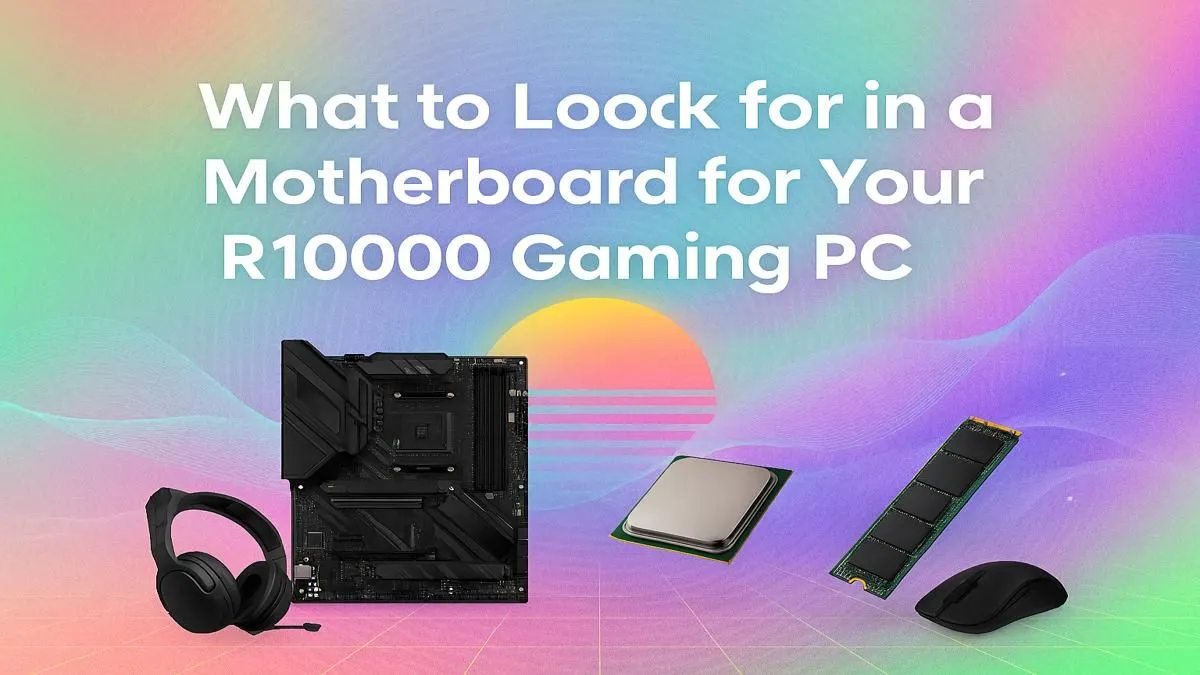
Building a gaming PC in South Africa for around R10,000 is a thrilling challenge. You're hunting for deals, balancing power, and making every rand count. But amidst the excitement over GPUs and CPUs, there's one component that's often overlooked: the motherboard. Choosing the right motherboard for your R10000 gaming PC isn't just a technical step; it's the foundation that holds your entire rig together and determines its future potential. Let's get it right. ✨
Why Your Motherboard Choice Matters for a R10k PC
Think of a motherboard as the central nervous system of your computer. It’s the main circuit board that connects all your expensive components—the CPU, graphics card, RAM, and storage—and allows them to communicate. For a budget-focused build, getting this choice right is critical. A poor choice can bottleneck your performance, limit future upgrades, or even be incompatible with the parts you’ve already bought.
The perfect motherboard for a R10000 gaming PC ensures every rand you've spent on other parts is put to good use. It provides stable power, sufficient connectivity, and a clear upgrade path, saving you from having to buy a whole new board in a year or two. It’s the unsung hero that makes our budget gaming PCs so reliable.
Key Features for Your R10000 Gaming PC Motherboard 🔧
When you're comparing options, it's easy to get lost in technical jargon. Let's break down the essentials you actually need to focus on for a build in this price range.
Chipset and Socket: The Brains of the Operation
The chipset and CPU socket are a team. The socket is the physical slot your processor fits into, and the chipset determines which CPUs are compatible and what features (like USB ports or PCIe lanes) the board supports.
- For AMD: Look for an AM4 socket with a B450 or B550 chipset. They offer fantastic value and support a huge range of popular Ryzen CPUs.
- For Intel: An LGA1700 socket paired with a B660 or B760 chipset is your best bet, supporting 12th, 13th, and 14th-gen Intel Core processors.
Always double-check that your chosen CPU is supported by your motherboard's chipset. A quick search on the manufacturer's website will save you a massive headache.
RAM and Storage: Speed and Space
For a R10,000 build, DDR4 RAM is still the king of value. Look for a motherboard with four RAM slots. While you might only start with two sticks (e.g., 2x8GB for 16GB total), having two empty slots makes upgrading down the line a breeze.
For storage, ensure the board has at least one M.2 slot. This allows you to install a super-fast NVMe SSD for your operating system and favourite games, dramatically cutting down on loading times. Most budget boards also come with four SATA ports for adding more traditional SSDs or hard drives later. These features are standard on most builds you'll find in our PCs under R20k category, showing just how essential they've become.
Pro Tip: Check the QVL! ⚡
Before you buy RAM, check your motherboard's support page for its QVL (Qualified Vendor List). This is a list of all the specific RAM kits the manufacturer has tested and guaranteed to work at their advertised speeds. Matching your RAM to the QVL is the easiest way to avoid frustrating stability issues and ensure you're getting the performance you paid for.
Finding the Sweet Spot for Your Build
So, what's the perfect motherboard for a R10000 gaming PC? It's all about balance. You don't need a top-of-the-line board with RGB lighting everywhere and advanced overclocking features. Those are fantastic, but the money is better spent on your graphics card in a budget build.
Instead, focus on reliable brands and models known for their stability. A solid B550 board for a Ryzen 5 5500 CPU, for example, is a legendary value combination. It provides all the essential features, including a fast PCIe 4.0 slot for your graphics card, without breaking the bank. Finding these balanced pairings is the secret behind many of the best gaming PC deals available. Sometimes, if component-matching feels overwhelming, exploring pre-built PC deals can give you a professionally balanced system without the guesswork.
When Should You Spend a Little More?
While a budget board is perfect for a R10k rig, there are times when stretching your budget makes sense. If you plan on significant overclocking, or if you know you'll need lots of high-speed USB ports for streaming gear, stepping up to a more premium motherboard is a wise investment. These higher-tier boards, often found in PCs above R20k, offer better power delivery (VRMs), more robust cooling, and enhanced connectivity that power users will appreciate. 🚀
For most gamers aiming for that R10,000 sweet spot, however, a well-chosen, feature-rich budget motherboard is the smartest play. It delivers the performance you need today and the flexibility you want for tomorrow.
Ready to Lay the Foundation for Your Dream Rig?
Choosing the right motherboard is the first step to PC gaming glory. For the best value and widest selection in South Africa, Evetech has you covered. Explore our massive range of custom and pre-built gaming PCs and find the perfect machine to conquer your world.