

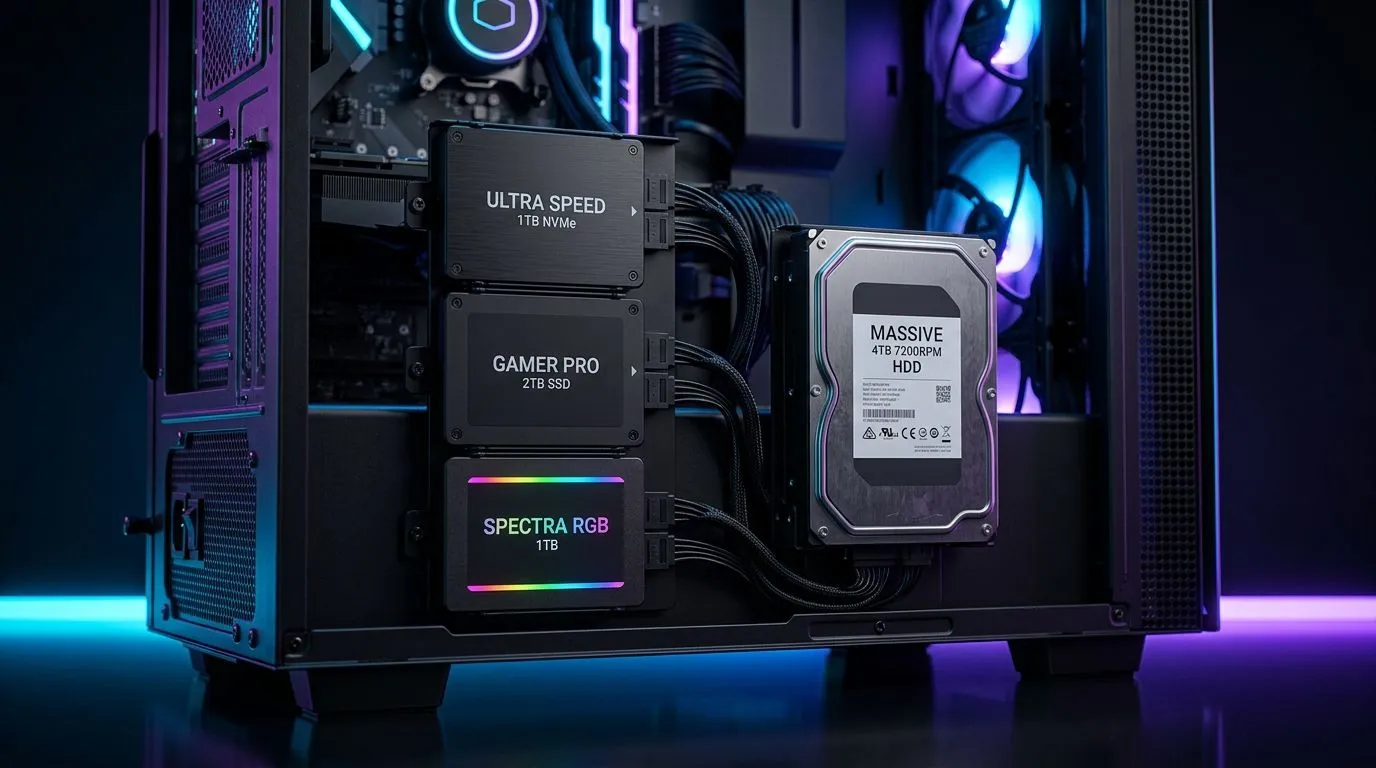
Expanding Your Storage Capacity
Is your Steam library outgrowing your current rig? We have all been there... staring at a "Disk Full" notification right when a new 100GB patch drops. If you are looking to mount multiple SSDs and an HDD in a mid-tower gaming case, you are likely hitting that sweet spot between high-speed performance and massive bulk storage. Building a balanced system isn't just about the GPU; it is about ensuring your OS, games, and media archives have a dedicated home. ⚡
Selecting the Right Chassis
Before you start swapping drives, you need a home for them. Not every chassis is built with multiple drive bays in mind. When you browse our premium computer cases, look for dedicated 2.5-inch mounting points behind the motherboard tray for your SSDs. This keeps your airflow clean and your cables hidden from view. 🔧
If you prefer a sleek, Scandinavian aesthetic that prioritises modularity, Fractal Design PC cases are the gold standard. They often feature versatile drive sleds that can be moved or removed to accommodate longer GPUs while still housing your primary HDD.
Cable Management Pro Tip ⚡
When mounting multiple drives, use SATA power cables with right-angle connectors. This reduces the strain on your drives and makes it significantly easier to close your side panel without squashing your cables against the chassis wall.
Budget-Friendly Storage Builds
You don’t need to break the bank to get a case that supports a multi-drive setup. Even if you are working with a tighter budget, you can find Gamdias gaming cases that offer exceptional value. Many of these models under R1,500 provide enough space to mount multiple SSDs and an HDD, ensuring you can keep your system snappy without overspending. 🚀
For those who want to keep costs down while maintaining a high-performance build, check out our budget-friendly Gamdias options. These cases often include clever HDD cages that sit in the basement of the chassis, keeping them away from your main components to improve thermal management. ✨
Final Assembly Thoughts
Once you have your drives mounted, remember to initialise them in Windows Disk Management. If you are moving from a single drive setup, consider migrating your OS to your fastest NVMe SSD while keeping your HDD for bulk storage like game captures and large assets. It is a simple upgrade that keeps your system running smoothly for years to come.
Ready to Find Your Perfect Match? Whether you need more space for your games or a fresh chassis to house your dream build, we have the hardware you need. Explore our massive range of PC components and find the perfect case to conquer your world.











