


So, you’re eyeing up AMD's beastly new Ryzen 9000 series CPUs? Lekker! But before you drop one into your rig, hold up... your old motherboard might not handle the heat. Taming these new chips requires a solid foundation, and that’s where the MSI MAG X870E power delivery and cooling optimization becomes absolutely critical. Get it right, and you’ll unlock flawless performance. Get it wrong, and you’re just building a very expensive heater. ⚡
Unpacking the X870E's Power Delivery System
At the heart of any high-performance build is the motherboard's ability to supply clean, stable power to the CPU. This is handled by the Voltage Regulator Modules, or VRMs. Think of them as the CPU's personal power plant. For the demanding Ryzen 9000 series, a weak VRM setup will lead to instability and performance throttling, no matter how good your CPU cooler is. This is where the engineering behind the MAG X870E's power delivery truly shines.
MSI has equipped boards like the MSI MAG X870E TOMAHAWK MAX WIFI with a robust power phase design specifically to handle the transient loads of next-gen processors. This means more stability when boosting to high clock speeds and a longer lifespan for your components. Proper MSI MAG X870E power delivery isn't just a feature; it's the core of a reliable gaming machine.
Mastering X870E Thermal Management and Cooling Optimisation
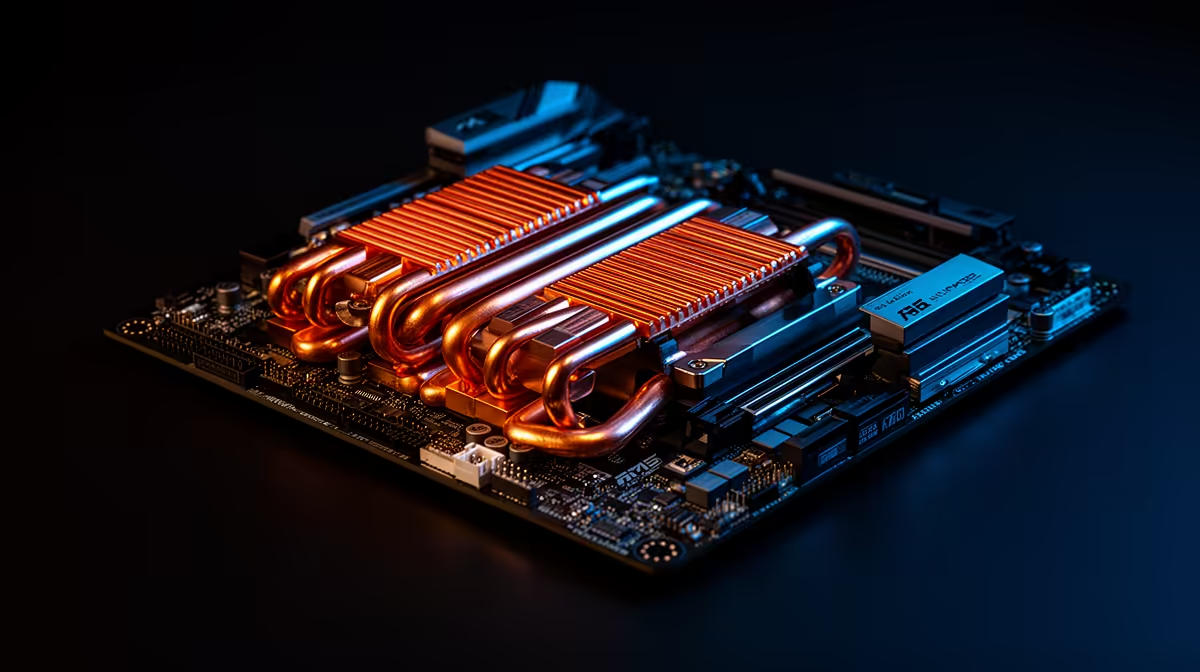
All that power generates heat, and heat is the enemy of performance. Effective cooling is non-negotiable. The best MSI MAG X870E cooling optimization strategy starts with understanding the board's own features. MSI has included an extended heatsink that covers the VRMs, ensuring they stay cool under heavy gaming or rendering loads. This massive piece of aluminium is designed to maximise surface area for heat dissipation.
Furthermore, with Gen5 NVMe SSDs becoming standard, M.2 cooling is also crucial. The onboard M.2 Shield Frozr prevents your super-fast storage from thermal throttling, which can drastically slow down game loading times and file transfers. When planning your build, ensuring your case has excellent airflow to complement these features is key. This synergy is what separates a good build from a great one, and it's a core principle across all the latest AMD motherboards.
BIOS Pro Tip 🔧
Before you even install Windows, jump into your BIOS. Look for the 'CPU Fan Control' settings and switch from 'Auto' to 'PWM' mode if you're using a 4-pin fan. This gives you much finer control over your fan curves, allowing you to ramp up cooling precisely when the CPU is under load, keeping temperatures and noise levels perfectly optimised.
Is the MAG X870E the Right Foundation for You?
So, should you invest in an X870E board? If you're building a new PC with a Ryzen 9000 series CPU and want to extract every drop of performance without worrying about stability, the answer is a resounding yes. This platform is for the serious gamer and creator who values future-proofing and reliability. It's an investment in a system that won't hold you back. ✨
While there are many great motherboard options across different price points, pairing a top-tier CPU with a motherboard that can't keep up is a recipe for disappointment. The focus on MSI MAG X870E power delivery and cooling optimization ensures your powerful new processor has the rock-solid foundation it needs to truly fly. 🚀
Ready to Build Your Next-Gen Foundation? The right motherboard is the heart of a stable, high-performance PC. For the new era of AMD processors, a board with robust power and cooling isn't a luxury... it's a necessity. Explore our full range of AMD motherboards and find the perfect platform to build your dream rig.











