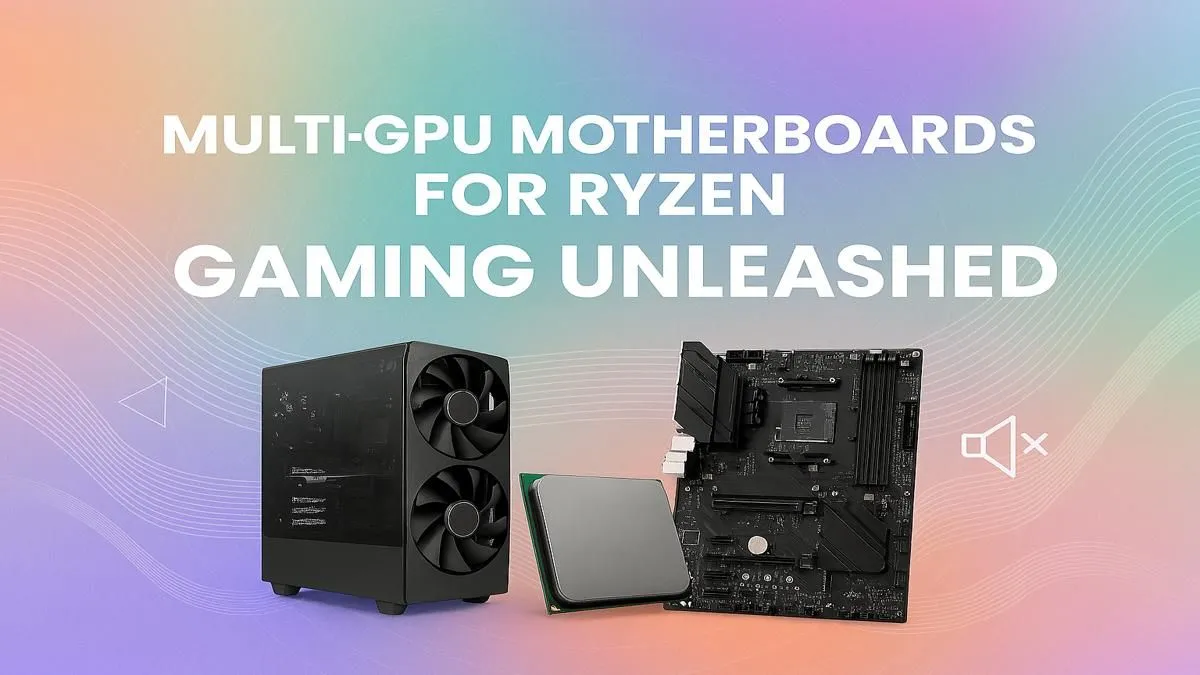
So, you're dreaming big. We're talking 4K gaming at silky-smooth frame rates, rendering complex 3D scenes while you sip your coffee, or training an AI model without your PC breaking a sweat. For these powerhouse tasks, a single GPU sometimes just won't cut it. That's where the ultimate combo comes in: a beefy Ryzen CPU paired with a top-tier multi-GPU motherboard. This guide is for you, the South African builder ready to push the limits. 🚀
Why a Multi-GPU Ryzen Setup Still Makes Sense
Let's be clear: for pure gaming, the days of NVIDIA's SLI and AMD's CrossFire are mostly behind us. Game developers have largely shifted focus to optimising for a single, powerful graphics card.
So, why even consider a multi-GPU motherboard for your Ryzen system? The answer lies in professional and creative workloads. Applications for 3D rendering (like Blender and V-Ray), video editing (DaVinci Resolve), and machine learning can leverage every bit of graphical horsepower you throw at them. By splitting the workload across two or more GPUs, you can slash render times and boost productivity dramatically. It's about building a rig that doesn't just play games… it creates worlds.
Core Features of a Multi-GPU Motherboard 🔧
Not all motherboards are created equal. When you're planning a multi-GPU Ryzen build, a few key technical specs become non-negotiable. Getting this right is the foundation of a stable and powerful machine.
PCIe Lanes: The Data Superhighway
Think of PCIe lanes as the highways that allow your GPUs to talk to your CPU. More lanes mean more data can travel simultaneously without causing a traffic jam. A modern Ryzen CPU provides a certain number of lanes directly, and the motherboard's chipset adds more.
For a dual-GPU setup, you'll want a board that can run its primary PCIe slots in at least an "x8/x8" configuration. This means each card gets eight dedicated lanes, ensuring they have enough bandwidth to perform optimally. Cheaper boards might offer an "x16/x4" split, which can seriously bottleneck your second GPU.
Chipset and Slot Spacing
The motherboard's chipset determines many of its features, including how many PCIe lanes it supports. While older platforms offered great value, like the still-capable AMD B550 motherboards, modern builders should look to the latest tech for future-proofing.
Physical spacing is also critical. Today's high-end graphics cards are chunky, often taking up three or even four expansion slots. A good multi-GPU motherboard will have enough space between its PCIe x16 slots to allow your cards to breathe, preventing them from overheating and throttling performance.
Check the Manual! ⚡
Before you buy, always download the motherboard's manual from the manufacturer's website. It will have a detailed diagram showing exactly how the PCIe lanes are distributed. This will confirm if you can run two cards at x8 x8 speeds, and how installing M.2 SSDs might affect that configuration. It's a five-minute check that can save you hours of frustration.
Choosing the Right Ryzen Chipset for Your Build
Your choice of chipset is central to unlocking the potential of a multi-GPU motherboard Ryzen system. It dictates connectivity, overclocking potential, and overall performance.
The Enthusiast's Choice: X-Series
For those who accept no compromises, AMD's X-series chipsets are the way to go. Boards like the upcoming AMD X870 motherboards are engineered for maximum performance. They typically offer the highest number of PCIe 5.0 lanes, the most robust power delivery systems (VRMs) for stable overclocking, and a plethora of connectivity options. If you're building a rig with two top-tier GPUs and a flagship Ryzen 9 CPU, an X-series board is the only logical choice.
The Smart Sweet Spot: B-Series
Don't have a blank-cheque budget? No problem. AMD's B-series chipsets offer a fantastic balance of price and performance. The next-generation AMD B850 motherboards are poised to bring many high-end features to a more accessible price point. Many B-series boards still provide the necessary x8/x8 PCIe lane configuration for a viable dual-GPU setup, making them a smart choice for content creators and semi-professional users who need extra power without the "enthusiast" price tag. ✨
Beyond the Board: Essential Components
A powerful multi-GPU setup requires a strong supporting cast. Skimping on these components is a recipe for instability and disappointment.
- Power Supply (PSU): Two hungry GPUs plus a Ryzen CPU demand a lot of power. You should be looking at a high-quality, 80+ Gold rated PSU of at least 1000W, and possibly more depending on your specific cards.
- Chassis (Case): You'll need a large case with excellent airflow to keep your components from cooking. Look for full-tower or large mid-tower cases designed for enthusiast builds.
- Cooling: With two major heat sources, your case cooling needs to be on point. A combination of high-static-pressure intake fans and high-airflow exhaust fans is essential.
Building a multi-GPU PC is a rewarding challenge. By carefully selecting from the wide range of available AMD motherboards, you can create a machine that crushes any task you throw at it.
Ready to Build Your Ryzen Powerhouse?
Choosing the right multi-GPU motherboard for your Ryzen build is the first step towards ultimate performance. Don't let the options overwhelm you. Explore our complete range of AMD motherboards and find the perfect foundation for your dream machine today.