

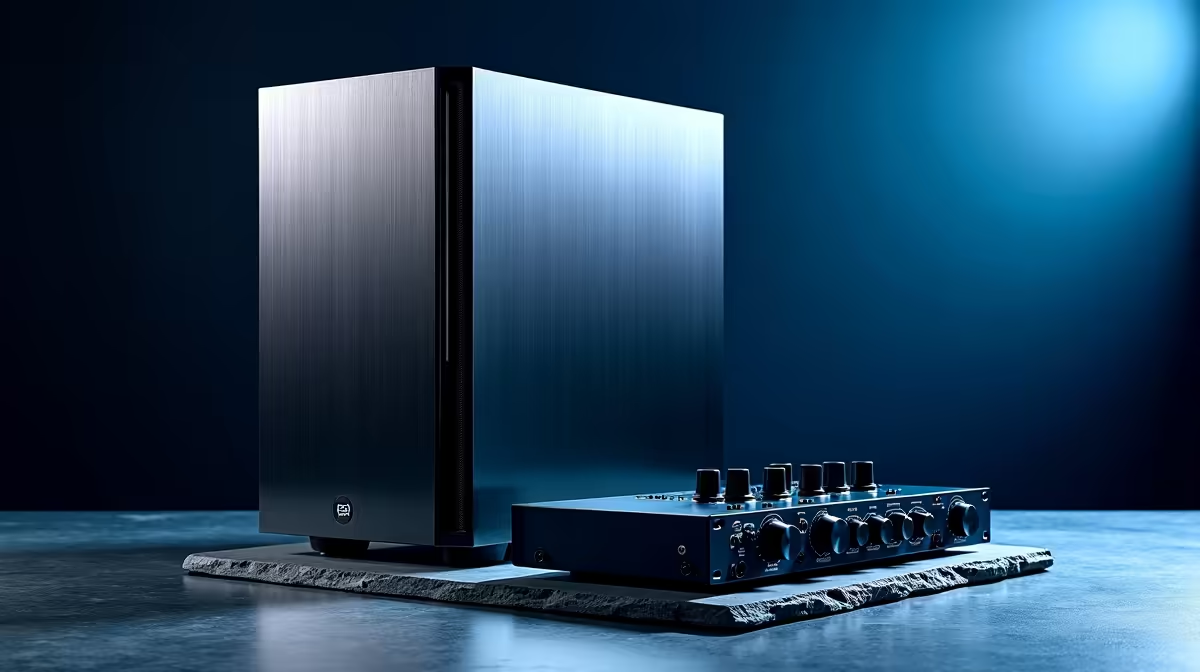
That killer beat in your head… the one with the earth-shaking bassline and crisp hi-hats? It deserves to exist outside your imagination. But if your current computer groans, crackles, and lags every time you load a new plugin, your creative flow grinds to a halt. For South African producers, a purpose-built music production PC setup isn't a luxury; it's the essential instrument that turns ideas into professional-sounding tracks. Let's build your sonic foundation.
CPU: The Heartbeat of Your Digital Audio Workstation (DAW)
Your Central Processing Unit (CPU) is the single most critical component for music production. While gaming PCs often prioritise multi-core performance for handling complex graphics, Digital Audio Workstations (DAWs) like FL Studio, Ableton Live, or Cubase rely heavily on powerful single-core speed. This is what processes your audio tracks, virtual instruments (VSTs), and effects in real-time without causing those dreaded pops and clicks.
A high clock speed ensures low latency, meaning the sound plays instantly when you press a key. For demanding projects, a CPU with a good balance of high single-core speed and multiple cores is ideal. Intel's Core i7 and i9 series are legendary for their raw processing power, making them a top choice for a professional music production PC setup. You can explore some powerful Intel PC deals that deliver excellent performance per rand. On the other side, AMD offers incredible value with its Ryzen series, where you often get more cores for your money, perfect for multitasking. Check out these excellent AMD Ryzen PC deals to see how they stack up.
RAM: Giving Your Samples and Plugins Room to Breathe
Think of RAM (Random Access Memory) as your studio's short-term workspace. Every sample library, VST instrument, and plugin you load consumes RAM. If you run out, your PC starts using your slower storage drive, leading to stuttering and system instability. 😬
For a modern music production PC setup, 16GB is the absolute minimum. However, if you work with large orchestral libraries or heavy sample-based instruments, 32GB is the sweet spot. For professionals running massive templates, 64GB or more is not overkill. Many of our well-configured pre-built PC deals come with 16GB or 32GB of fast RAM, providing a solid starting point.
Storage: Speed and Silence for Flawless Recording
The whirring and clicking of an old mechanical hard drive (HDD) has no place in a recording environment. Beyond the noise, they are also significantly slower than modern alternatives. Your choice of storage directly impacts how quickly your projects load, samples are streamed, and audio is recorded.
The gold standard today is the NVMe M.2 Solid State Drive (SSD). These drives are blazingly fast and completely silent. ⚡ Your ideal setup includes:
- A Primary NVMe SSD: For your operating system and core applications (your DAW).
- A Secondary SSD (NVMe or SATA): Dedicated to your sample libraries and active projects.
- An optional larger HDD: For long-term archiving and backups.
Even our budget gaming PCs now feature SSDs as standard, highlighting how essential they've become. For top-tier speed and capacity, the storage configurations in our best gaming PC deals are often perfect for a high-end production rig.
DAW Performance Pro Tip 🎧
In your DAW's audio settings, find the "buffer size." A lower buffer size (e.g., 128 samples) reduces latency, which is great for recording vocals or MIDI keyboards. A higher buffer size (e.g., 1024 samples) gives your CPU more time to process, preventing cracks and pops during mixing and playback with many plugins. Adjust it based on your current task!
The Graphics Card: A Supporting Role in Your Setup
Does a music producer need a high-end graphics card (GPU)? The short answer is… probably not. Unlike gaming or video editing, music production isn't graphically intensive. However, that doesn't mean it plays no role. A decent, modern GPU will ensure that your plugin interfaces are snappy and responsive, especially on high-resolution 4K monitors.
You don't need to break the bank here. A dedicated graphics card will almost always outperform integrated graphics. Whether you're looking at NVIDIA GeForce gaming PCs or cost-effective AMD Radeon gaming PCs, the included GPU will be more than sufficient. Even the newer Intel Arc gaming PCs offer great performance for ensuring a smooth visual experience in your DAW.
Assembling Your Pro-Level Music Production PC
Building the perfect music production PC setup is about creating a balanced, quiet, and powerful system that gets out of your way and lets you create. By focusing on a fast CPU, plenty of RAM, and silent, speedy storage, you eliminate the technical roadblocks to your creativity. The final piece is ensuring it's all housed in a well-ventilated case with a reliable power supply to keep it stable during long sessions.
For those who want a no-compromise, professionally built machine optimised for creative workloads, our purpose-built Workstation PCs are the ultimate solution, configured for maximum performance and stability right out of the box. ✨
Ready to Build Your Dream Studio? A powerful PC is the centrepiece of any modern studio. Stop letting lag and latency kill your vibe. Explore our range of Workstation PCs and find the perfect machine to bring your music to life.











