


Best RTX 5090 Under R12000 in South Africa 2026
Top RTX 5090 Under R12000 picks evaluated on performance, value & SA availability with current Rand pricing from Evetech.
Read moreN-Key Rollover Test: Learn quick steps to verify if your keyboard supports true NKRO on Windows, macOS, or hardware — includes online and manual methods. 🔍⌨️
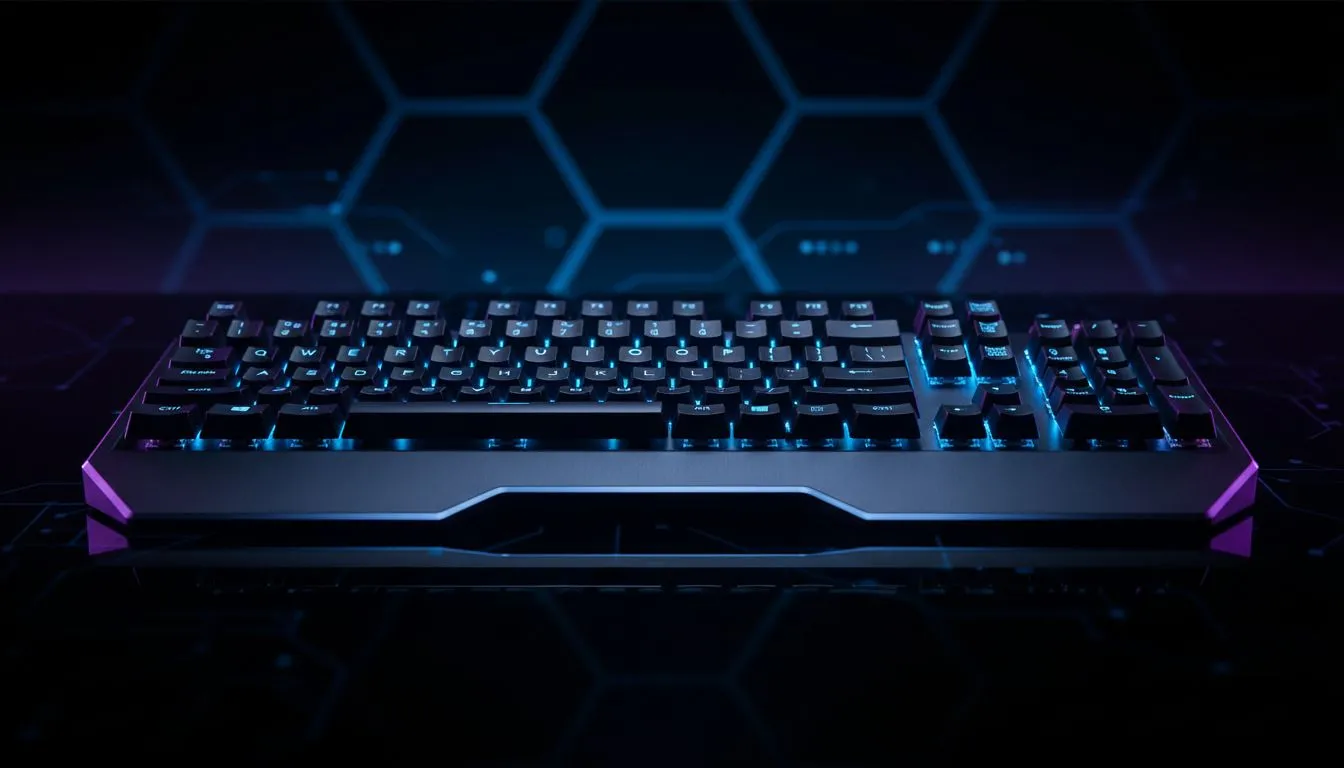
Ever missed a clutch ultimate because your keyboard ignored your inputs? It is incredibly frustrating when your hardware lets you down mid-match. To ensure every press registers, you need a reliable N-Key Rollover Test to verify your keyboard's true NKRO capabilities. Don't let ghosting ruin your rank... especially when precision is the difference between a win and a loss in South Africa's competitive local servers.
Most budget office boards only support 2-key or 6-key rollover. If you want to buy the cheapest gaming keyboard in South Africa that still offers high performance, looking for NKRO is vital. Premium brands like a Razer Gaming Keyboard often feature full N-Key rollover as standard. This ensures that no matter how many keys you mash, every single one sends a signal to your PC. 🔧
Ghosting occurs when you press multiple keys and the keyboard fails to register one or more of them. In some cases, it might even register a key you didn't press at all. For those who love customisation, Glorious Keyboards provide hot-swappable options with excellent rollover stats to prevent this.
You also need to decide on your connection type. While many purists stick to wired keyboards for peace of mind, modern wireless keyboards now offer latency-free NKRO performance that rivals their cabled counterparts. A proper N-Key Rollover Test will confirm if your wireless signal is keeping up with your fingers. ⚡
Most USB keyboards are limited to 6-key rollover (6KRO) by default. This means they can only register six simultaneous key presses plus modifiers like Shift or Ctrl. If you are a high-APM player, look for "Full NKRO" to ensure unlimited simultaneous inputs during intense gaming sessions.
To perform an N-Key Rollover Test, open a text editor or a web-based tester. Hold down both Shift keys and type a common sentence. If letters are missing, your board is "ghosting". True NKRO boards will display every character perfectly, regardless of how many keys are held down.
A great keyboard is only half the battle... you should pair it with a high-quality gaming mouse to complete your setup. Checking out the latest best gaming mouse deals can save you a few hundred Rand while boosting your accuracy. 🚀
Whether you prefer the freedom of a wireless mouse or the reliability of a wired mouse, ensuring your peripherals don't conflict is key. Don't forget to grab mouse accessories like skates or grips to keep your aim smooth. If your current keyboard fails the N-Key Rollover Test, it might be time for an upgrade. High-end mechanical switches offer better tactile feedback and more reliable circuitry for competitive play. ✨
Ready to Upgrade Your Inputs? Don't let a ghosting keyboard hold back your performance in the server. Whether you need a mechanical powerhouse or a sleek wireless setup, we have the gear to help you dominate. Browse our full range of gaming keyboards and find your perfect match today.
An n-key rollover test checks if a keyboard registers every simultaneous key press (true NKRO), preventing missed inputs during heavy typing or gaming.
Use an online NKRO tester or a diagnostic utility, press many keys at once, and confirm each key registers. Try wired and wireless modes to compare.
Yes—online NKRO testers show live key registration as you press multiple keys, making it fast to spot ghosting or rollover limits.
NKRO registers unlimited simultaneous keys; 6-key rollover limits you to six keys at once. NKRO avoids missed inputs in complex key combos.
True NKRO should register all simultaneous keys you can physically press. Practically, test with 10–20 keys to ensure reliable performance.
NKRO architecture prevents ghosting for reported keys, but matrix design and firmware also matter. Run a keyboard ghosting test to confirm.
Some wireless keyboards support NKRO, especially via 2.4 GHz dongles or advanced Bluetooth profiles. Check specs and run a gaming keyboard NKRO test.
Top RTX 5090 Under R12000 picks evaluated on performance, value & SA availability with current Rand pricing from Evetech.
Read more
When Will the RTX 6090 Launch in South Africa Detailed answer with SA data, expert analysis & practical recommendations for local buyers.

Top Valorant Settings for RTX 5070: FPS Optimisation picks evaluated on performance, value & SA availability with current Rand pricing from Evetech.

RDNA 3.5 Graphics in Ryzen AI 400? Can You Game. Plain-English explanation of what it means, why it matters & how it affects your buying decisions in SA.

GPU Price Index : December Report. Current stock data & price tracking for SA buyers. See what is available and where prices are heading.

Core i5-14600K + B760 + RTX 5060 Build Under. Full parts list, Rand pricing & expected performance. Build confidently with SA-available components.

RX 7600 Apex Legends at 4K: FPS Benchmark. Real-world benchmark data, FPS numbers & performance analysis. What SA gamers can actually expect.

RX 7900 XTX GTA 6 at 4K: FPS Benchmark & Optimal. Real-world benchmark data, FPS numbers & performance analysis. What SA gamers can actually expect.

Head-to-head comparison of RTX 5070 vs RX 9070 XT: Gaming Performance for SA gamers. Performance benchmarks, Rand pricing & which delivers better value.

GPU Setup Guide Gamers. Clear setup instructions with SA-specific considerations, troubleshooting tips & recommended components.
Top RTX 5090 Under R12000 picks evaluated on performance, value & SA availability with current Rand pricing from Evetech.

Call of Duty Warzone 2 Settings on RX 7600. Real-world benchmark data, FPS numbers & performance analysis. What SA gamers can actually expect.

GTA 6 Settings on RTX 5070 Ti: Performance. Real-world benchmark data, FPS numbers & performance analysis. What SA gamers can actually expect.