

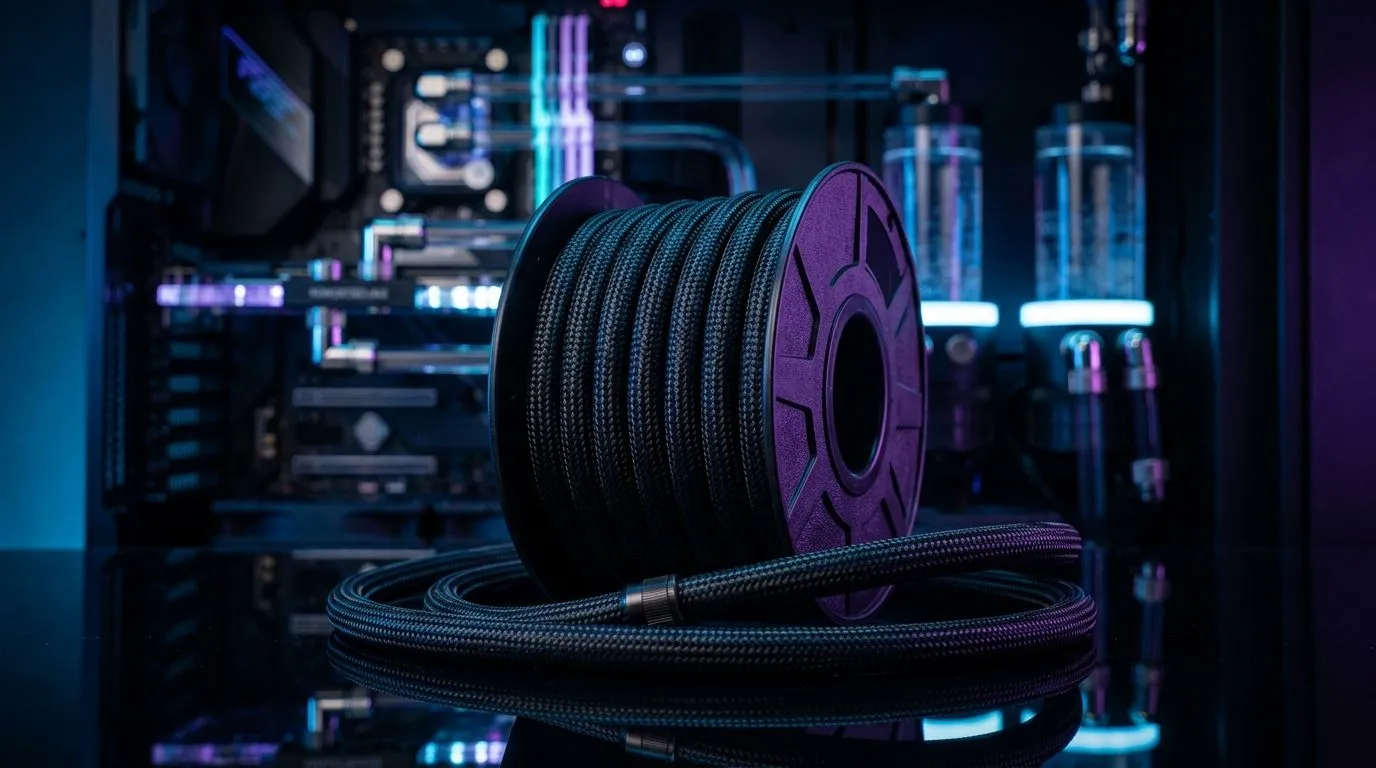
Nylon-Fiber Cooler Tubing Routing in Tight PC Cases: Quick Hook
Tired of kinked tubes and cramped builds? Nylon-fiber cooler tubing routing in tight PC cases can be the difference between a tidy Cape Town LAN-ready rig and a hot mess that throttles in Pretoria summers. This step-by-step guide shows practical moves, simple tools and one or two local tricks to avoid crushed hoses, keep airflow clean and make cable management feel like a pro job 🔧⚡
Nylon-fibre cooler tubing routing: plan and prep
Before you cut or bend, plan your path. Measure the clearance behind the motherboard tray and note where the pump and radiator will sit. Choose tubing that matches your fittings and leaves 40–80mm extra for gentle curves. If you’re reconsidering airflow at the same time, check Evetech’s selection of case fans to match radiator placement and static pressure needs: Evetech case fans.
When planning, consider brand compatibility. Some AIOs and custom loops pair better with specific fan profiles; Corsair setups often favour PWM control and closed-loop installs — see Corsair options on Evetech for compatible fans and controllers.
Nylon-Fiber cooler tubing routing: step-by-step
- Dry-fit everything first. Lay your radiator and pump in place without clamps. Work out the most natural tube exit that avoids sharp bends.
- Use the shortest, smoothest route behind trays; loop the excess at the bottom rather than cramming it near the GPU. I once saved a client from redoing a build by rerouting the loop under the PSU shroud — saved time and ZAR on new fittings.
- Secure tubing with soft Velcro straps or zip ties with rubber sleeves. Avoid overtightening.
For compact builds that still need strong airflow, compare radiator push/pull options with respected brands like Deepcool for compact radiators and fan combos.
Routing Pro Tip 🚀
When space is tiny, rotate the radiator 90 degrees and run tubing out the top or bottom. It often creates a smoother curve and frees up GPU space. Use soft ties to avoid pinching the nylon-fibre tubing.
Nylon-fibre cooler tubing routing: fittings, fans and lighting choices
Pick fittings that allow a little swivel — they lower stress on the nylon-fiber cooler tubing routing and reduce leaks. If you want lighting, plan where RGB controllers will sit so cables don’t crowd tubing. Evetech lists RGB and non‑RGB fan options so you can decide if you want style or stealth: RGB fans and no-light fans.
If you're short on intake area, shifting to 120mm or 140mm fans can change cooling dynamics. For narrow builds, 120mm fans are compact and common, while 140mm fans move more air quietly — see Evetech’s 120mm selection and 140mm selection to compare sizes and noise levels.
Final checks and real-world tips
Pressure-test your loop, check for micro-kinks and run the pump outside the system for an hour if possible. Use clear tubing or a dye to spot air bubbles quickly. Keep tools nearby: angled pliers, a heat gun for gentle shaping and a few spare clamps.
If you need parts or want to test fan setups before committing, Evetech’s full fan categories and brand pages make it easy to match your radiator size and airflow targets.
Ready to Find Your Perfect Match? The Mac vs Windows debate is complex, but for maximum power, choice, and value in South Africa, Windows is hard to beat. Explore our massive range of laptop specials and find the perfect machine to conquer your world.











