

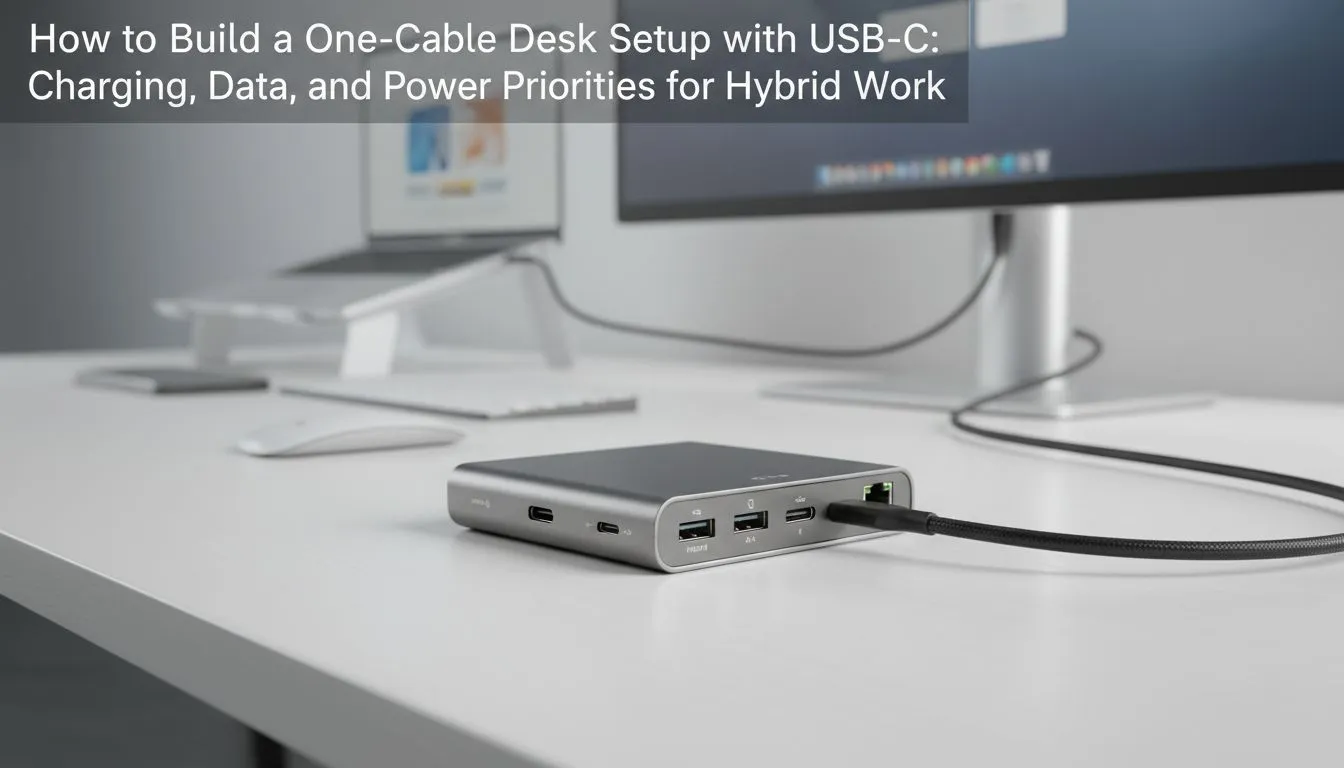
Understanding the One-Cable USB-C Desk Setup
Tired of the spaghetti junction behind your monitor? A one-cable USB-C desk setup is the ultimate dream for South African gamers and professionals. It clears the clutter while keeping your laptop charged and your peripherals connected. No more fumbling for chargers when the power goes out or you need to move fast... just one plug and you are ready to go. ⚡
The magic lies in a technology called DisplayPort Alt-Mode and Power Delivery. This allows a single cable to carry high-speed data, a 4K video signal, and up to 100W of power simultaneously. When you are building your workspace, choosing the right hub or monitor is vital. If you need reliable mobile power to complement your clean desk, check out Promate power banks for your gear bag.
Balancing Data Speeds and Power Delivery
Not every cable is up to the task. To maintain a true one-cable USB-C desk setup, you must ensure your cable supports the wattage your laptop requires. Most high-end gaming laptops need a significant amount of juice to stay topped up during intense sessions. If you are starting your setup on a budget, you can find affordable power solutions under R500 to keep your smaller peripherals running during a quick move.
USB-C Cable Pro Tip ⚡
Not all USB-C cables are created equal. Ensure your cable is rated for at least 60W or 100W Power Delivery (PD) and supports DisplayPort Alt-Mode. Using a standard phone charging cable will often result in no video signal or extremely slow charging for your laptop.
Essential Gear for a Clean Workspace
A clean desk isn't just about aesthetics... it is about mental clarity. By routing your keyboard, mouse, and external drive through a single dock, you reduce the wear and tear on your laptop ports. For a full range of backup options to keep your mobile workstation alive, browse our complete power bank collection to stay online when the grid fails.
High-capacity users who run multiple screens and external GPUs need to be even more careful with power management. If you are often on the move between the office and home, premium power banks under R1200 offer the perfect balance of capacity and portability for extended runtime. 🔧
Final Priorities for Your Build
Prioritise your monitor first. Many modern displays now act as the central hub, offering built-in USB ports and Ethernet. This makes the one-cable USB-C desk setup even easier to achieve. Just remember to check the "Power Delivery" spec on the monitor... if it only offers 15W, it won't charge your laptop. Aim for at least 65W for most ultrabooks or 90W+ for workstations. ✨
Ready to Find Your Perfect Match? A clean desk setup is only as good as the machine at its heart. For maximum power, choice, and value in South Africa, our range of modern laptops is hard to beat. Explore our massive range of laptop specials and find the perfect machine to conquer your world.











