

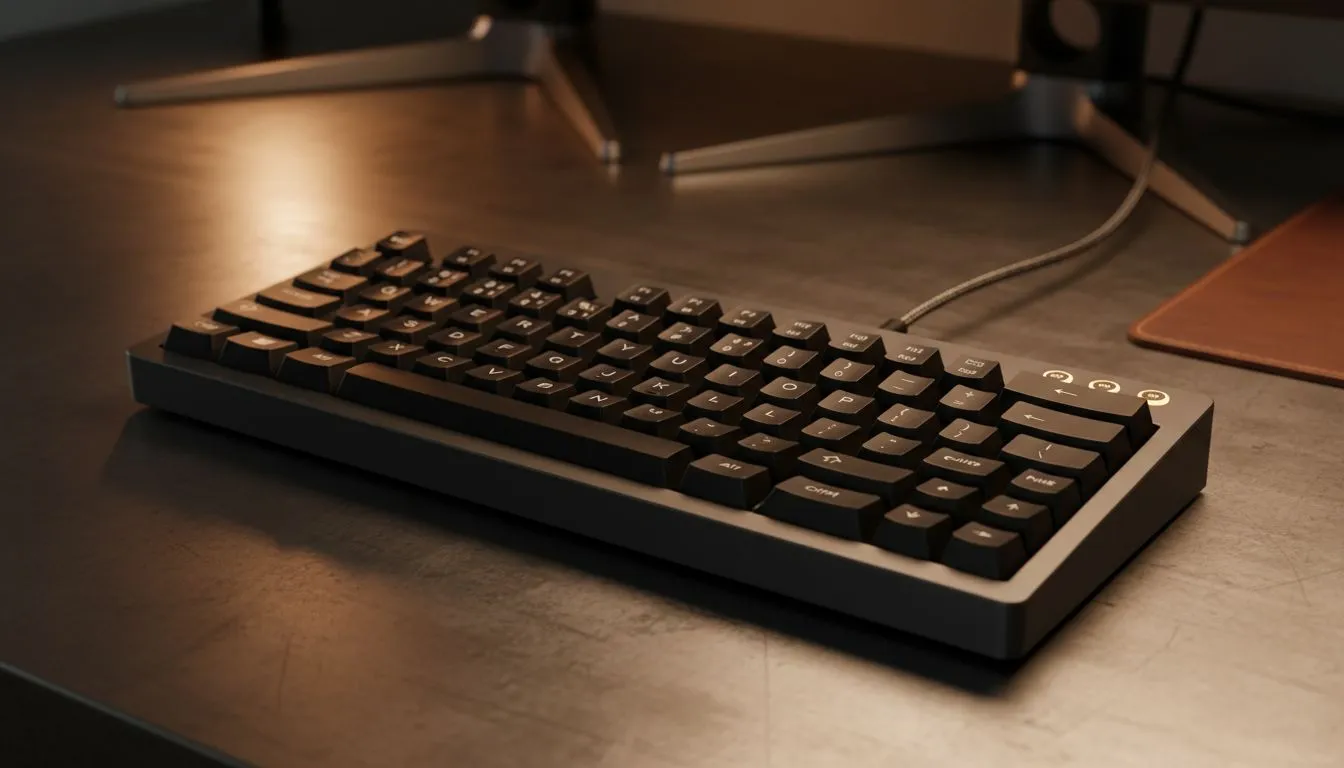
The Secret to a Unified Cross-Platform Workspace
Switching between your MacBook for work and your Windows rig for gaming shouldn't feel like a chore. In South Africa, many of us juggle multiple operating systems daily. Whether you are coding on Linux or grinding in CS2, using one keyboard across Windows macOS Linux is the ultimate desk upgrade. Let's look at how to achieve a setup without frustration and save some Rand in the process.
Choosing the Right Hardware for Multiple Systems
The foundation of a frustration-free setup is the hardware itself. You need a device that understands different input languages. While many high-end boards offer this, you can find excellent best wired gaming keyboards that work instantly via USB plug-and-play. Wired options are great because they don't require battery management or complex pairing.
If you are trying to keep your desk clean, look for boards with a physical toggle. Some models have a small switch on the back to swap between Mac and Windows modes. This ensures your "Command" and "Option" keys are exactly where your fingers expect them to be. If you are on a strict budget, you can still find the cheapest gaming keyboard in South Africa that supports standard HID profiles. HID stands for Human Interface Device... it is the universal language that tells your computer a key has been pressed.
Productivity Pro Tip ⚡
Use a software KVM like Barrier or Synergy to share one keyboard and mouse across different machines over your local network. It allows your mouse to glide from a Windows monitor to a Linux laptop as if they were one single desktop. It is a massive time saver for developers and content creators who need to monitor different systems simultaneously.
Streamlining Your Peripheral Setup
For those who want a complete desk overhaul without the clutter, a keyboard and mouse combo is often the smartest choice. Many of these combos use a single 2.4GHz receiver. This means you only occupy one USB port to control two devices. It simplifies the transition when moving your peripherals from a desktop PC to a laptop dock.
Don't forget to keep an eye on the latest gaming keyboard deals at Evetech. You can often find premium mechanical boards that feature on-board memory. This allows you to save your custom lighting and macros directly to the keyboard hardware. When you move from Windows to Linux, your settings stay exactly the same without needing to install software on every machine.
Wireless Freedom and Stability
If you hate cables, wireless gaming keyboards provide the most flexibility. Look for models that offer "Tri-Mode" connectivity... this includes wired, 2.4GHz wireless, and Bluetooth. You can connect the dongle to your main gaming PC and use Bluetooth to quickly pair with your MacBook or tablet.
Setting up one keyboard across Windows macOS Linux doesn't have to be a headache. By choosing hardware that supports multiple profiles and using the right software tools, you can create a seamless workflow. This setup lets you focus on what matters... whether that is winning a match or finishing a project.
Ready to Find Your Perfect Match? The Mac vs Windows debate is complex, but for maximum power, choice, and value in South Africa, Windows is hard to beat. Explore our massive range of keyboard specials and find the perfect machine to conquer your world.











