

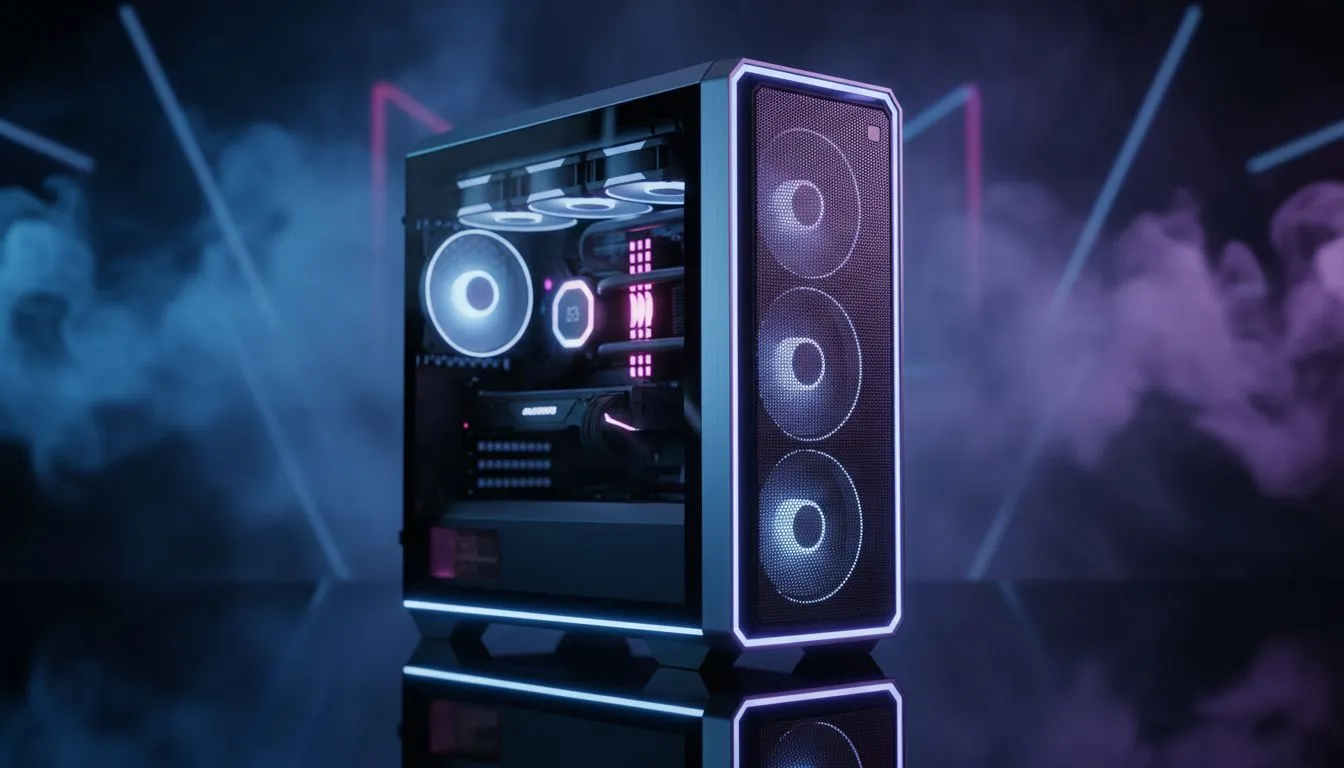
Is your PC getting a bit too toasty during those intense gaming sessions? You know the feeling... the fans spin up, your room gets warmer, and you start worrying about performance throttling. It’s a common issue for South African gamers, but the fix is often simpler than you think. It all comes down to one crucial factor: achieving optimized airflow in your PC case. Let's break down what that means and how you can get your rig breathing easy. 🌬️
What is Optimized PC Case Airflow, Really?
At its core, optimized airflow in a PC case is about creating a clear, efficient path for air to travel through your computer. The goal is simple: pull cool, fresh air in from the outside, direct it over your hottest components (like the CPU and GPU), and then exhaust the hot air out of the case as quickly as possible.
Think of it like ventilation in a house. A single open window doesn't do much. But opening a window at the front and another at the back creates a cross-breeze that cools the whole space. A PC works the same way. Without a proper path, hot air gets trapped, creating hotspots that force your components to slow down (thermal throttle) to protect themselves. This is why a well-designed chassis is the foundation of any high-performance build.
The Three Types of Air Pressure
How you configure your fans creates air pressure inside the case. There are three main setups:
Positive Pressure
This happens when you have more intake fans pulling air in than exhaust fans pushing it out.
- Pro: Dust is less of a problem, as air is actively being pushed out of every unfiltered crack and crevice.
- Con: Can sometimes lead to pockets of stagnant hot air if the exhaust isn't efficient enough.
Negative Pressure
The opposite of positive pressure—more exhaust fans than intake fans.
- Pro: Can be slightly better at removing heat directly from components.
- Con: It’s a dust magnet! The vacuum effect pulls air (and dust) in through every unfiltered opening.
Balanced Airflow
An equal amount of intake and exhaust power. This is a great middle-ground, offering good cooling and reasonable dust management. For most builds, aiming for a slightly positive pressure is the sweet spot.
Quick Fan Check 🔧
Not sure which way your fans are blowing? Look at the fan's frame. Air almost always flows towards the side with the plastic bracing that holds the motor. The clean, open side is the intake. Get this right, and you've won half the battle for good PC case airflow!
How to Check and Improve Your PC's Airflow
So, how can you tell if your airflow is up to scratch? Here’s a quick checklist to diagnose and fix common issues.
- Check Your Temps: First, get some data. Use free software like HWMonitor or MSI Afterburner to check your CPU and GPU temperatures while your PC is idle and then again while gaming. If your temps are regularly spiking above 85-90°C under load, your airflow likely needs attention.
- Clean Your Filters (and PC!): Dust is the number one enemy of good airflow. It clogs filters, coats heatsinks, and suffocates your components. Power down, unplug, and give your PC a thorough cleaning with compressed air. You’d be amazed at the difference this makes.
- Cable Management Tidy-Up: Are loose cables blocking your fans or obstructing the main air path? Messy cables create turbulence and block air from reaching critical components. Taking 20 minutes to route cables behind the motherboard tray can significantly improve your temperatures. ✨
- Evaluate Your Case: Sometimes, the case itself is the problem. Older designs or very cheap cases often have restrictive front panels and poor ventilation. If you've tried everything else, it might be time for an upgrade. Modern cases from premium brands like Fractal Design are engineered specifically for maximum airflow. Even stylish options from Gamdias often feature mesh fronts to let your components breathe. You don't have to break the bank either; there are plenty of great budget-friendly cases under R1500 that offer fantastic cooling potential.
By understanding and improving your PC's airflow, you ensure your components run cooler, last longer, and deliver the peak performance you paid for.
Ready for a Breath of Fresh Air? A stuffy case is a performance killer. If your PC is struggling to stay cool, upgrading your chassis is one of the most effective fixes. Explore our huge range of high-airflow PC cases and give your components the chill environment they deserve.











