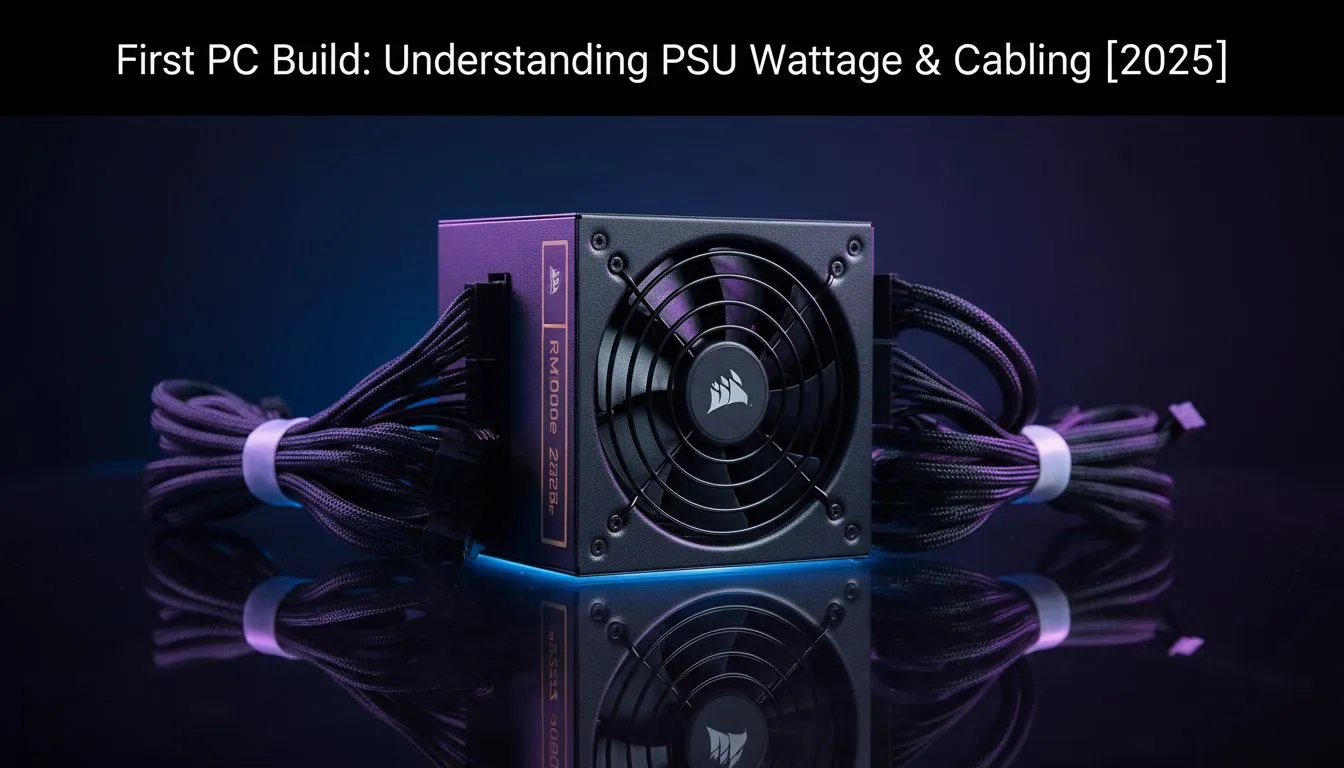
Building your first gaming PC in South Africa is an absolute thrill. You've picked your CPU, obsessed over the GPU... and now you're staring at a box called a PSU. What on earth is a "Gold rating"? Is 750W enough? It’s confusing, we get it. But choosing the right Power Supply Unit is the single most important step for a stable rig. This PC build PSU guide will make sure you get it right.
Why Your PSU Choice is Your PC's Foundation ⚡
Think of your PSU as the heart of your PC. It takes the unpredictable power from your wall socket (especially during an unexpected outage) and transforms it into stable, clean energy for your expensive components. A cheap, low-quality PSU can cause random crashes, poor performance, and even permanently damage your graphics card or motherboard.
Skimping on the power supply is a classic rookie mistake. A good one, however, provides peace of mind, system stability, and room for future upgrades. It’s not just about wattage; it’s about quality and reliability.
Your PC Build PSU Guide to Wattage
So, how much power do you actually need? The biggest power consumers in your rig are the CPU and the graphics card (GPU).
A simple rule of thumb for your first rig is:
- Find the manufacturer's recommended PSU wattage for your specific GPU (e.g., NVIDIA often suggests a 650W PSU for an RTX 4060 Ti).
- Add about 100-150W on top of that number.
This extra capacity, or "headroom," ensures your PSU isn't constantly running at its maximum limit. This makes it run cooler, quieter, and more efficiently. It also gives you the freedom to upgrade your components later without needing a whole new power supply. For a modern mid-range build, a quality 750W-850W unit from high-quality brands like Corsair is a fantastic and future-proof starting point.
Making Sense of 80 PLUS Efficiency Ratings
You'll see labels like "80 PLUS Bronze," "Gold," or "Platinum" on PSU boxes. This isn't just marketing fluff. It’s a certification for energy efficiency. An 80 PLUS Gold PSU, for example, is guaranteed to be at least 87% efficient at converting AC power from the wall to DC power for your PC.
What does this mean for you in South Africa?
- Lower Electricity Bills: A more efficient PSU wastes less energy as heat, saving you money on your monthly bill.
- A Cooler, Quieter PC: Less wasted energy means less heat generated, so your PSU fan doesn't have to work as hard.
For most gamers, a Gold-rated PSU hits the sweet spot between price and performance. You can easily check out our 80 PLUS certified units to see the difference.
What's the ZAR Difference? 💰
An 80 PLUS Gold PSU might cost a few hundred Rand more than a Bronze one upfront. But over its 5-10 year lifespan, the electricity savings in South Africa can easily pay back that initial difference, especially with rising energy costs. Think of it as a long-term investment in a lower power bill.
The Cable Conundrum: Modular vs. The Rest 🔧
PSU cabling determines how easy your build process will be. There are three main types:
- Non-Modular: All the cables are permanently attached to the PSU. It's the cheapest option, but you'll have a bundle of unused cables to tuck away, which can be a nightmare for clean cable management.
- Semi-Modular: The essential motherboard and CPU cables are attached, but peripheral cables (for your GPU, drives, etc.) are detachable. It's a great middle-ground.
- Fully-Modular: Every single cable is detachable. This offers the best building experience, allowing you to use only the cables you need for a super clean look and optimal airflow.
For a first-time builder, a semi-modular or fully-modular PSU is highly recommended. The easier building experience is worth the small price premium. Many modern power supplies, including options from brands like GAMDIAS that often provide great value, come in modular variants.
Choosing the right PSU isn't scary when you know what to look for. Focus on getting enough wattage with some headroom, aim for an 80 PLUS Gold rating for efficiency, and pick a modular design for an easier build. Get this one component right, and your first PC rig will be set for years of epic gaming. 🚀
Ready to Power Up Your Dream Rig?
Choosing the right PSU is the first step to a stable, powerful PC. We've got the perfect power supply to bring your build to life, with options for every budget and performance goal.
Explore our massive range of PC power supplies and find the perfect heart for your machine.