

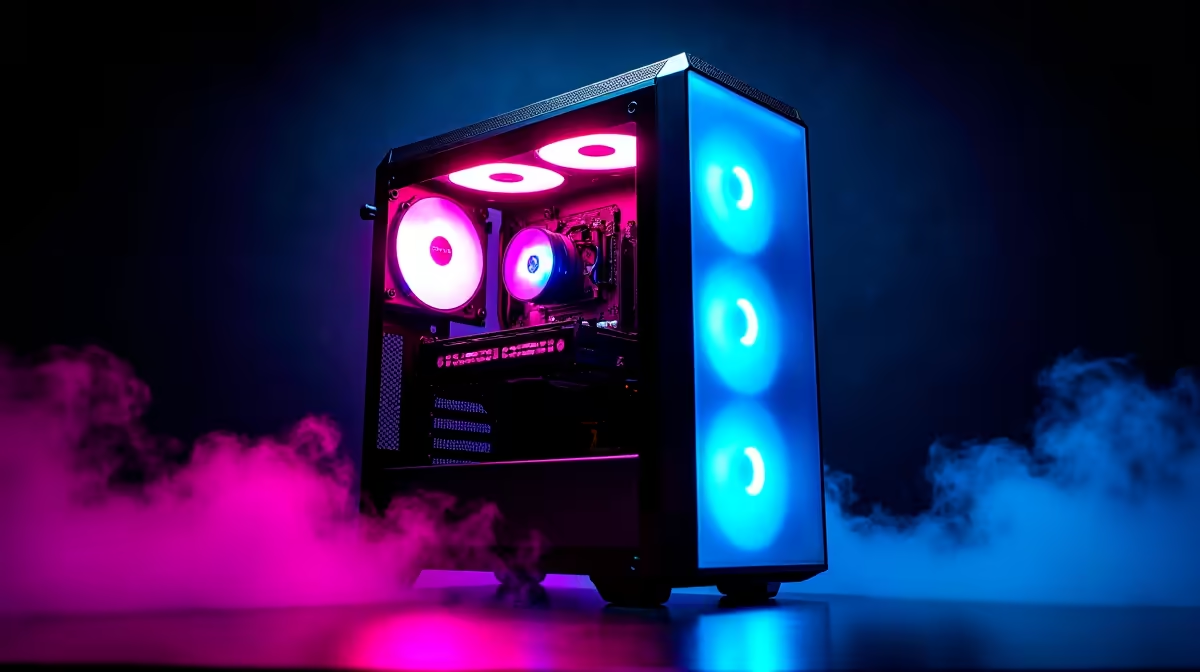
So, you’ve got the parts. The boxes are stacked up, smelling of fresh anti-static bags and possibility. The dream of building your own gaming PC is almost a reality. But there’s that tiny voice asking, “What if I mess it up?” Don’t stress. A good PC building guide is your best friend on this journey. This isn't just about plugging things in; it’s about finding the right online tutorial to guide you through your first build in South Africa.
Navigating the World of PC Building Tutorials
A quick search for a "PC building guide" throws millions of videos at you. It's a lot. The key is to find one that not only shows you the 'how' but also explains the 'why'. A great tutorial empowers you to understand your machine, not just assemble it. Many guides showcase extreme builds with parts that cost a fortune, but the principles often apply even if you're aiming for performance similar to our professionally built powerhouse PCs over R20k.
Look for tutorials that are recent (published within the last year) to ensure the information on sockets, chipsets, and connections is current. An older PC building guide for South Africa might not cover modern M.2 SSD installation or the specific power needs of the latest graphics cards.
What to Look For in a Great PC Building Guide
Not all tutorials are created equal. A truly helpful guide focuses on the details that trip up beginners. Here’s what to zero in on. 🔧
Clarity and Pace
The best guides are methodical. They don't use jarring jump-cuts that skip crucial steps like applying thermal paste or installing the CPU retention arm. Look for content creators who speak clearly, show close-ups of small connectors, and move at a pace you can follow along with. Pause, rewind, and re-watch as much as you need. A good build takes patience, not speed.
Component Compatibility Explanations
A top-tier tutorial doesn't just say "install the RAM." It explains why you're using specific slots for dual-channel memory to get the best performance. This knowledge is gold, especially when building a balanced rig. Understanding these concepts will help you create a machine that performs like one of our popular solid gaming rigs under R20k, even if you're sourcing parts yourself.
Beginner's Blunder Alert ⚡
Always, always, always install the motherboard's I O shield into the case before you screw the motherboard in. It's the single most common mistake new builders make. Forgetting it means you'll have to take everything apart again just to pop in a small piece of metal. Trust us, you don't want that frustration!
Cable Management and Troubleshooting
The final 10% of a build—making it look clean and tidy—is what separates a good build from a great one. A quality tutorial will dedicate time to cable management, showing you how to route cables for optimal airflow and aesthetics. Bonus points if the guide includes a "what to do if it doesn't turn on" section. This is where you'll be most grateful for expert advice, especially when trying to build one of our affordable budget gaming PCs on your own.
The DIY Route vs. a Professional Build 🚀
There’s an unmatched feeling of accomplishment when you press the power button and your self-built PC whirs to life for the first time. Following an excellent South African PC build guide can get you there. It’s a rewarding experience that teaches you invaluable skills about the tech you use every day.
However, it's not without its risks… bent CPU pins, static discharge, or a component that's dead on arrival can turn a fun project into a massive headache. If you'd rather skip the stress and jump straight into the action, browsing the best gaming PC deals is a fantastic alternative. For total peace of mind, our expertly assembled pre-built PC deals offer warrantied performance, perfect cable management, and are ready for battle right out of the box.
Ready to Build Your Dream Rig? Whether you're taking the rewarding DIY plunge or want a professionally built powerhouse, the journey starts here. For maximum choice, local warranties, and expert advice, Evetech is your ultimate destination. Explore our massive range of PC components and pre-built systems and start building your legacy today.











