That new GPU smell... the crisp click of a CPU socket lever. Building a new PC in South Africa is a rite of passage for any true enthusiast. But one wrong move, one tiny zap of static, and your dream rig can become a very expensive paperweight. Don't let that be you. Following a few key PC building safety precautions is non-negotiable for protecting your investment and, more importantly, yourself. This guide has your back.
Essential PC Building Safety Precautions Before You Start
Preparation is everything. Before you even unbox that motherboard, you need to set the stage for a safe and successful build. Rushing this step is a recipe for disaster, and it's a critical safety precaution many first-timers overlook.
Start by choosing your workspace. A large, sturdy wooden or laminate desk is ideal. Avoid building on carpet at all costs, as it's a massive generator of static electricity. You need a clean, well-lit, and organised area where you won't lose tiny screws. Gather your tools: a set of Phillips head screwdrivers (including a smaller one), cable ties, and a clear plan. Even when assembling affordable budget gaming PCs, taking these initial steps seriously sets you up for success.
Taming the Silent Killer: Electrostatic Discharge (ESD) ⚡
The number one enemy of your delicate PC components is something you can't even see: electrostatic discharge, or ESD. Your body can build up a static charge that, when released into a component like a RAM stick or CPU, can instantly fry its sensitive micro-circuitry. This is arguably the most important PC building safety precaution to master.
The best defence is an anti-static wrist strap. You clip one end to a large, unpainted metal part of your PC case and wear the other end snugly on your wrist. This continuously and safely equalises the electrical charge between you and the chassis, a process known as grounding. Protecting your investment this way is vital, especially when you're building with components for PCs under R20,000 where every rand counts.
Quick Grounding Tip 🔧
No wrist strap? No problem. Before you touch any component, make it a habit to touch a large, unpainted metal part of your plugged-in (but switched off) PC case with your bare hand. This will discharge any static buildup from your body. Do this frequently throughout the build, especially if you move around.
Power Supply and Component Handling Safety
While ESD is a threat to your parts, the Power Supply Unit (PSU) is a potential threat to you. A PSU contains large capacitors that can hold a dangerous electrical charge long after it's been unplugged. The golden rule: never, ever open the PSU casing itself.
When installing it, ensure the PSU's own power switch is in the 'Off' (O) position and the main power cable is unplugged from the wall. Only connect the wall power cable right at the end, just before your first boot.
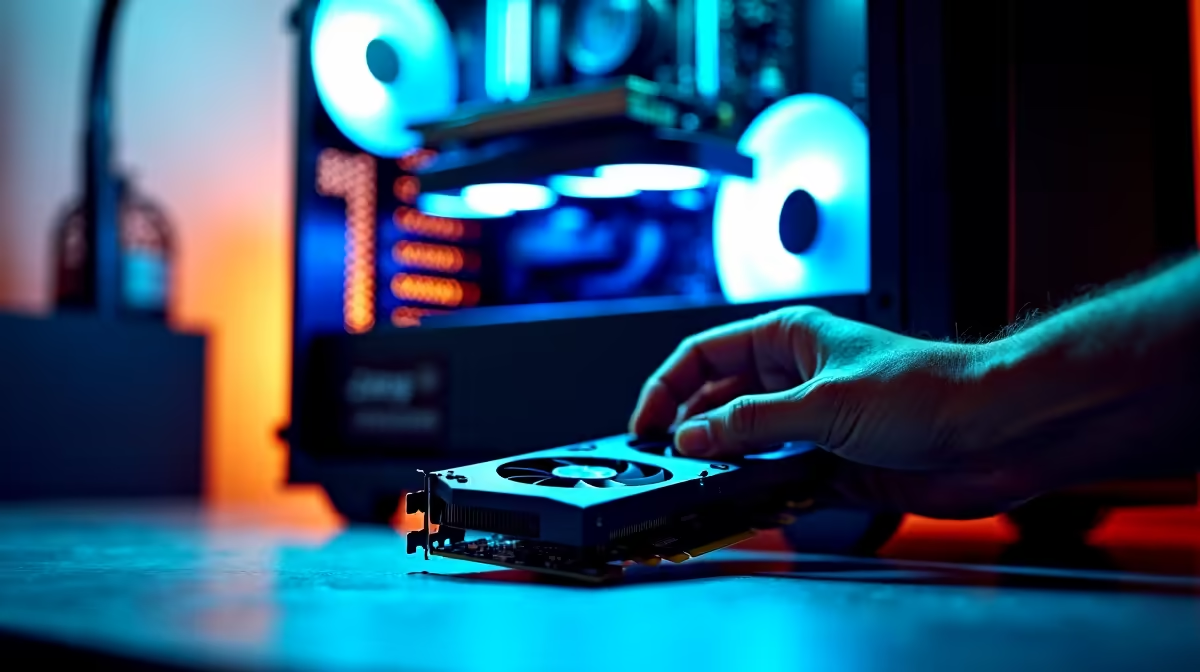
When handling your other expensive parts, like the motherboard or graphics card, always hold them by their edges. Avoid touching the gold contacts, pins, or the intricate circuitry on the surface. This minimises the risk of both ESD and damage from skin oils. This level of care is non-negotiable for powerful rigs over R20,000 where a single component can be worth a small fortune.
The Final Check: Your Pre-Flight Safety List 🚀
You've done it. The last cable is plugged in, the side panel is ready to go on... but wait. The final PC building safety precaution is a thorough double-check. Go over every single power connection on the motherboard, GPU, and drives. Is the CPU fan plugged into the correct header? Are the RAM sticks fully seated and have they clicked into place?
A loose connection can prevent your PC from booting or, in a worst-case scenario, cause a short circuit. Take five extra minutes to be absolutely sure.
If this all sounds a bit stressful, you're not alone. The joy of building a PC is immense, but it comes with real risks. For many South African gamers, the peace of mind that comes with a warranty and expert assembly is worth it. Exploring the best gaming PC deals can give you all the performance without any of the building anxiety. Ultimately, choosing one of our professionally assembled pre-built PCs means you can just plug in and play, knowing all the safety checks have been handled by pros.
Ready to Skip the Stress and Start Gaming?
Mastering PC building safety is rewarding, but sometimes you just want a powerful rig that works perfectly out of the box. Explore our massive range of pre-built gaming PCs and find the perfect, professionally assembled machine to conquer your world.