

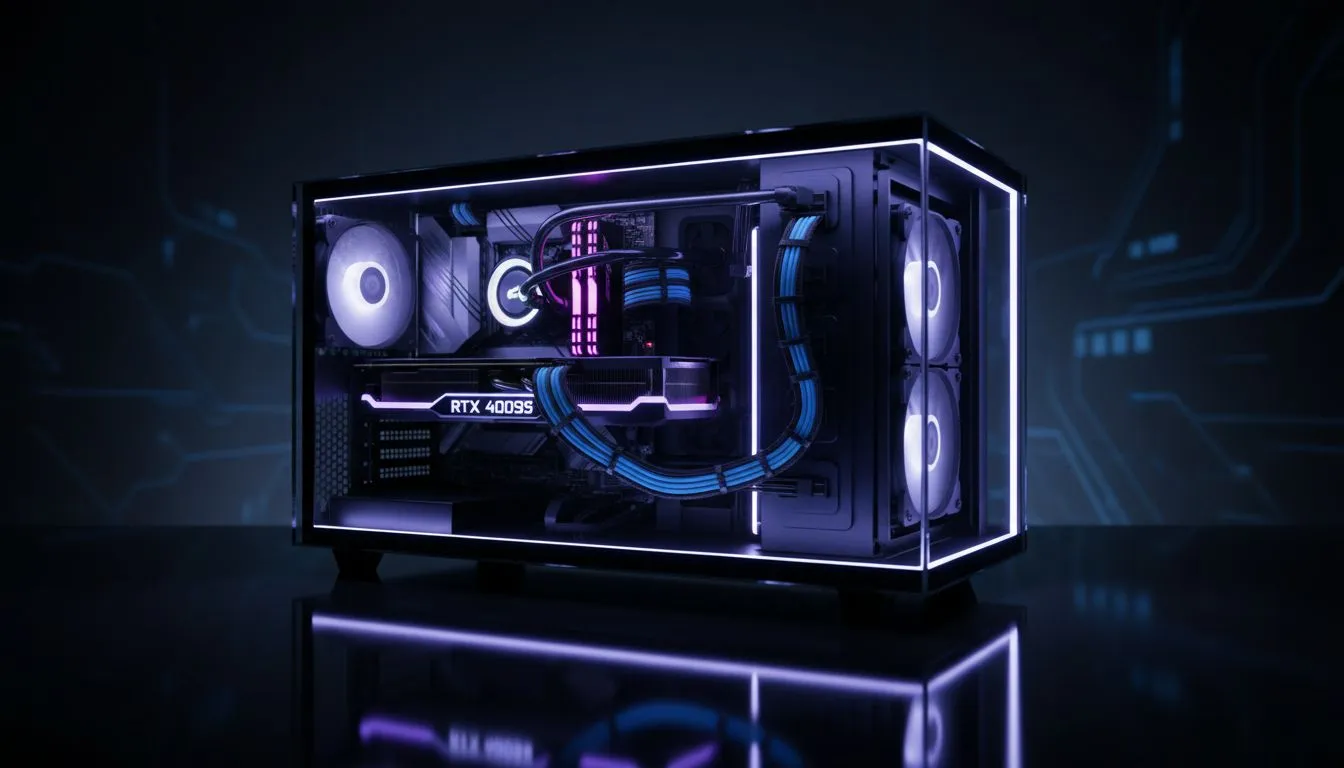
There is nothing quite like the sleek, fish-tank aesthetic of a modern panoramic PC build. But let’s be honest… that crystal-clear glass is a double-edged sword. While it showcases your high-end GPU and vibrant RGB lighting, it also puts every messy, tangled wire on full display. Mastering PC Cable Management: Tidy Cables in a Panoramic Glass Case ensures your rig looks like a professional showpiece rather than a cluttered bird's nest. 🔧
Why Cable Management Matters for Panoramic Builds
When you choose a chassis from the wide selection of computer cases available today, you are making a statement. Panoramic cases are designed to be the centrepiece of your setup. However, poor cable routing does more than just ruin the "vibes"… it can actually impede airflow and trap heat around your sensitive components.
In South Africa, where summer ambient temperatures can climb quite high, maintaining clear paths for your intake and exhaust fans is vital. A clean build isn't just about vanity… it is about protecting your investment.
Choosing the Right Chassis for a Clean Look
The foundation of a tidy build starts with the case itself. Some manufacturers have mastered the art of hiding the "shame" behind the motherboard tray. For instance, Fractal Design PC cases are renowned for their intuitive cable paths, pre-installed velcro straps, and rubber grommets that mask where cables exit the rear chamber. ⚡
If you are looking for that striking "aquarium" look with plenty of glass, Gamdias gaming cases offer excellent dual-chamber designs. These split the heat and the mess, allowing you to tuck the power supply and bulkier cables into a hidden compartment, leaving only the beautiful parts visible through the glass.
The 'Flat Bundle' Secret ⚡
Avoid crossing cables over one another behind the motherboard tray. Instead, lay them flat and side-by-side before securing them with zip ties or velcro. This prevents the dreaded 'bulge' on your back panel and makes it much easier to slide the side cover back on without force.
Budget-Friendly Aesthetics
You do not need to spend a fortune to get a case that supports high-end cable management. Even if you are working with a tighter budget, you can find affordable gaming cases under R1500 that include dedicated routing holes and basement shrouds to hide excess PSU cables. 🚀
When working in these cases, the trick to PC Cable Management: Tidy Cables in a Panoramic Glass Case is patience. Use the smallest cable ties possible and always route your thinnest cables (like front panel headers and fan wires) first, saving the thick 24-pin motherboard cable for last to pin the smaller ones down.
Final Touches for the Ultimate View
Once the hardware is in place, consider using braided cable extensions. They add a pop of colour and are much easier to "train" into clean curves than the stiff plastic cables that come with most power supplies. By spending an extra thirty minutes on your routing, you transform a standard PC into a work of art that you’ll be proud to show off on your desk. ✨
Ready to Build Your Masterpiece? A panoramic view deserves a pristine interior. Whether you are looking for a premium dual-chamber chassis or a budget-friendly glass tower, we have the hardware to make your vision a reality. Explore our full range of PC cases and start your cleanest build yet.











